لقطات الشاشة
عن التطبيق
Acorn is a new image editor built with one goal in mind – simplicity. Fast, easy, and fluid, Acorn provides the options you’ll need without any overhead. Acorn feels right, and won’t drain your bank account.
Take screenshots using Acorn and edit them right away.
Chain together image filters to create stunning effects.
Layer based image editing, an industry standard.
Make new images and layers using your built-in iSight.
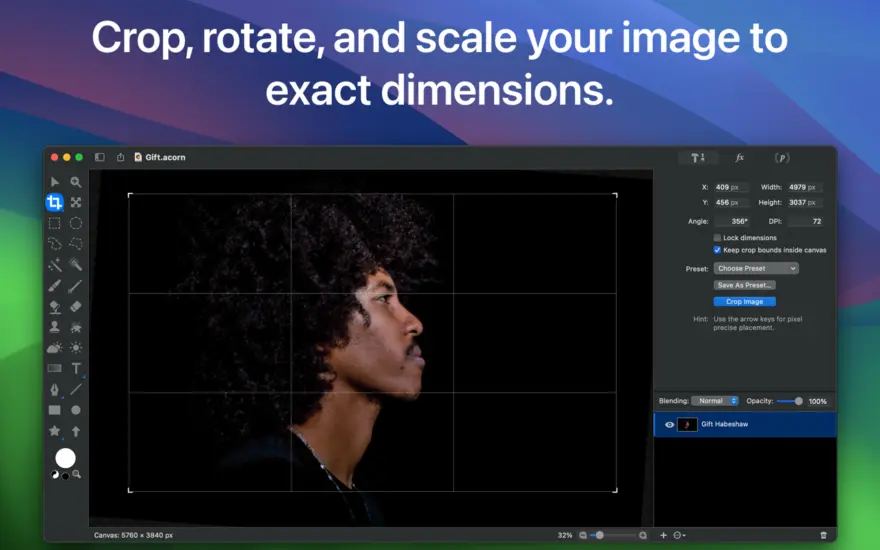
Easy image and canvas resizing, just by changing the size of your window.
Take advantage of every pixel of your monitor with full screen image editing.
Tablet sensitive for pressure strokes and using the tablet’s eraser.
Vector shape and text layers.
Freeform, elliptical, rectangular, and magic wand selections.
Gradients.
Create and apply custom text styles.
Control opacity and blending modes for each layer.
Write plugins using the Python scripting language, as well as in Objective-C.
GPU powered. The same graphics card that makes your gaming experience smooth, helps Acorn fly through the toughest of graphics operations.
ما الجديد
New Stuff
New Synth Fill tool, which you can use to brush away unwanted objects in your photos.
New Repair tool, which you can use to spot heal and touch up photos. It works by looking at the pixels around the area and with the magic of pattern matching, fills in a nice little patch for you.
You can now resize multiple selected bitmap layers at once, even with a selection.
New Expand Selection option in the Selection palette, which lets you non-destructively expand the current selection by a set number of pixels. (Finally.)
A new Temperature and Tint filter, which will help color correct overly warm or cool photos.
A new High Pass filter, which keeps the edge details of your image and flattens everything else to gray. Useful for sharpening when blended with the original using Overlay.
A new Edge Stroke filter, which adds a colored stroke around the transparent edges of your image.
A new Color Overlay filter, which adds a colored overlay on top of your layer, with opacity and blend mode settings.
When opening up a SVG file, you are now given options to set the DPI, width, and height of the resulting image (defaulting of course to what it would be if natively read at 72dpi). This new import window also gives you the option to rasterize the SVG file right away, which will use WebKit to render the SVG instead of converting it into native Acorn shape layer objects.
Other
Photoshop image import improvements: Support for reading 16 bit per channel PSD files, grayscale PSDs, and the Color Overlay layer effect.
Various SVG importing and exporting improvements, including bitmap layers being written out to SVG files.
When exporting as SVG, layer names are now preserved with the id attribute in the layer’s group tag.
There’s a new menu item under the Help menu named What’s New in Acorn that loads up the latest release notes for you. It’ll automatically show once if you’re using the App Store version of Acorn. This also replaces the “Show Release Notes” menu item which would open a the notes in a browser window.
The Flood Fill (paint bucket / color fill) tool has a new blend mode: “Copy (Opaque Only)”, which works like the Copy blend mode, but won’t replace all the pixels in your layer, just the ones that are being filled.
The Paste and Match Style menu item is no longer hidden behind an option key. And you can now use it to make new Shape Layers if you have text on the clipboard.
Moved the option for JPEG 2000 down the list in the Export window, as Apple depreciated it a while back (though it still works for now!).
New Action Bar action “Disable All Snapping” which will turn off all snapping options for the open image. Also, did you know that ⌘⇧⌥; works as a toggle disable all snapping as well? So if you want it all off for a little while, that’s a nice shortcut to remember.
8.7.1 Fixes and Stuff:
When exporting, hitting Cancel (or Escape or ⌘.) will cancel any background encoding operations if there is one going on. Otherwise it’ll close the window (previously it would close the window right away).
Tweaks to how the export window remembers its previous settings.
Added tooltips to the various scaling options in the image resize sheet.
Fixed an issue where scaling text via handles with the Shift key down could cause weird font sizes.
Fixed some printing regressions.
Fixed an issue where previously selected arrow styles are not remembered between restarts of Acorn.
Fixed an issue where the Synth Fill brush might not work on larger images.
General stability improvements.
Support for the latest OS release.
New Stuff
The `acorn` shell tool now has a `-screenshot` argument which tells Acorn to take a layered screenshot of all your open windows. You can pass the `-delay` argument with a number of seconds to wait before taking the screenshot, and you can also pass the `-appname` argument to only include windows from the named app.
Running `acorn -h` will give a full list of available options.
Acorn’s Dock menu now has an option to take a layered screenshot. This is pretty handy because you can have all your windows exactly how you want them, and then control click on Acorn in the Dock to take your screenshot without any windows losing focus.
Changes
Filter presets previously didn’t respect the canvas selection on bitmap layers when they were being used. We’ve changed it so filters are now masked to the selection.
When exporting as PSD images, Acorn doesn’t add any extra pixels to bitmap layers when it’s not necessary now (ie – it keeps the existing pixel bounds instead of matching that of the canvas. This should make file sizes smaller).
Updated the x/y labels in the Crop, Scale Layer, Perspective Transform, and Smart Layer Export palettes so they are consistent with the rest of Acorn.
When loading a new brush preset, Acorn will check and see if the velocity settings have been saved previously (either on or off). If it has not then the new brush preset will inherit the current brush’s velocity changes. This means if you turn on or off “velocity changes width” and switch to an older preset, it will respect the current option.
Fixes
Fixed a little problem where using File ▸ New from Clipboard with a URL would throw up a SVG error (but eventually download the image at the end of the URL!)
Fixed a problem where the clone tool would draw little artifacts when the blending opacity was less than 100%
Fixed a problem where using the Export With Preset menu item would not remember to use the resize options saved in the preset.
Fixed a problem where the mouse location in the vertical ruler wouldn’t update in the correct location.
Fixed a problem where smudge might not be working correctly for folks on a future version of MacOS.
إصلاحات
تم إصلاح مشكلة عدم عمل محرك الفرشاة الجديد بشكل صحيح مع تحديدات اللوحة القماشية.
تم إصلاح مشكلة عدم عمل محرك الفرشاة الجديد بشكل صحيح مع بعض وحدات معالجة الرسومات القديمة من Intel.
تم إصلاح مشكلة احتمال عدم عمل محرك الفرشاة الجديد للأشخاص الذين تم تعيين تفضيل "الدعم:" القديم على "ذاكرة وحدة المعالجة المركزية".
المتطلبات
- Intel, معالج 64-بت
- macOS 14.0 أو أحدث
روابط التحميل
ملحقات موصى بها
روابط تابعة لـ AliExpress — قد نحصل على عمولة عند الشراء عبرها، دون أي تكلفة إضافية عليك.
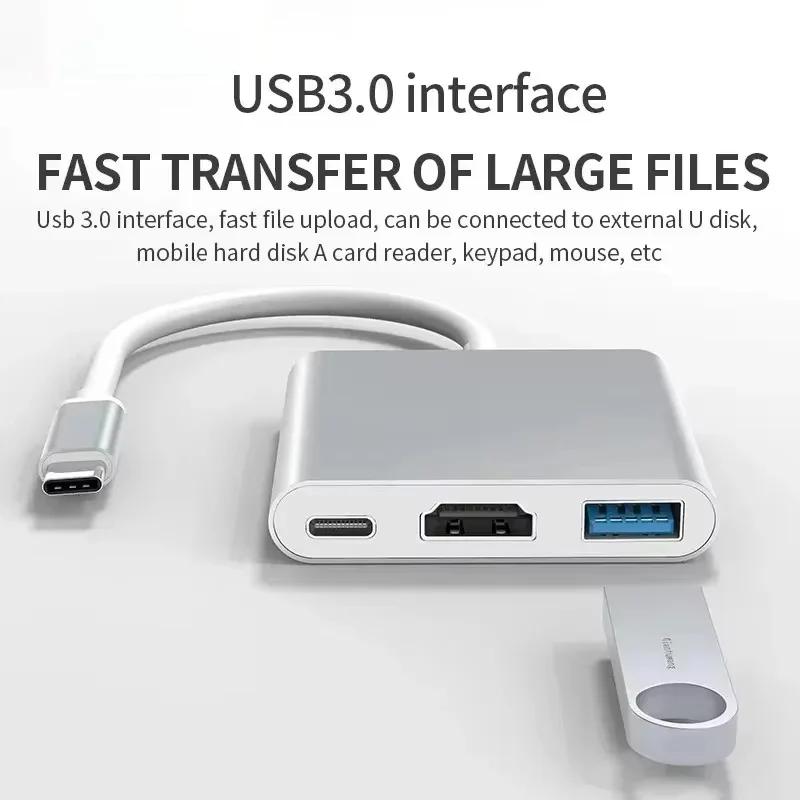 3 In 1 Type C to HDMI-compatible Adapter USB Hub…
7.41 USD
3 In 1 Type C to HDMI-compatible Adapter USB Hub…
7.41 USD
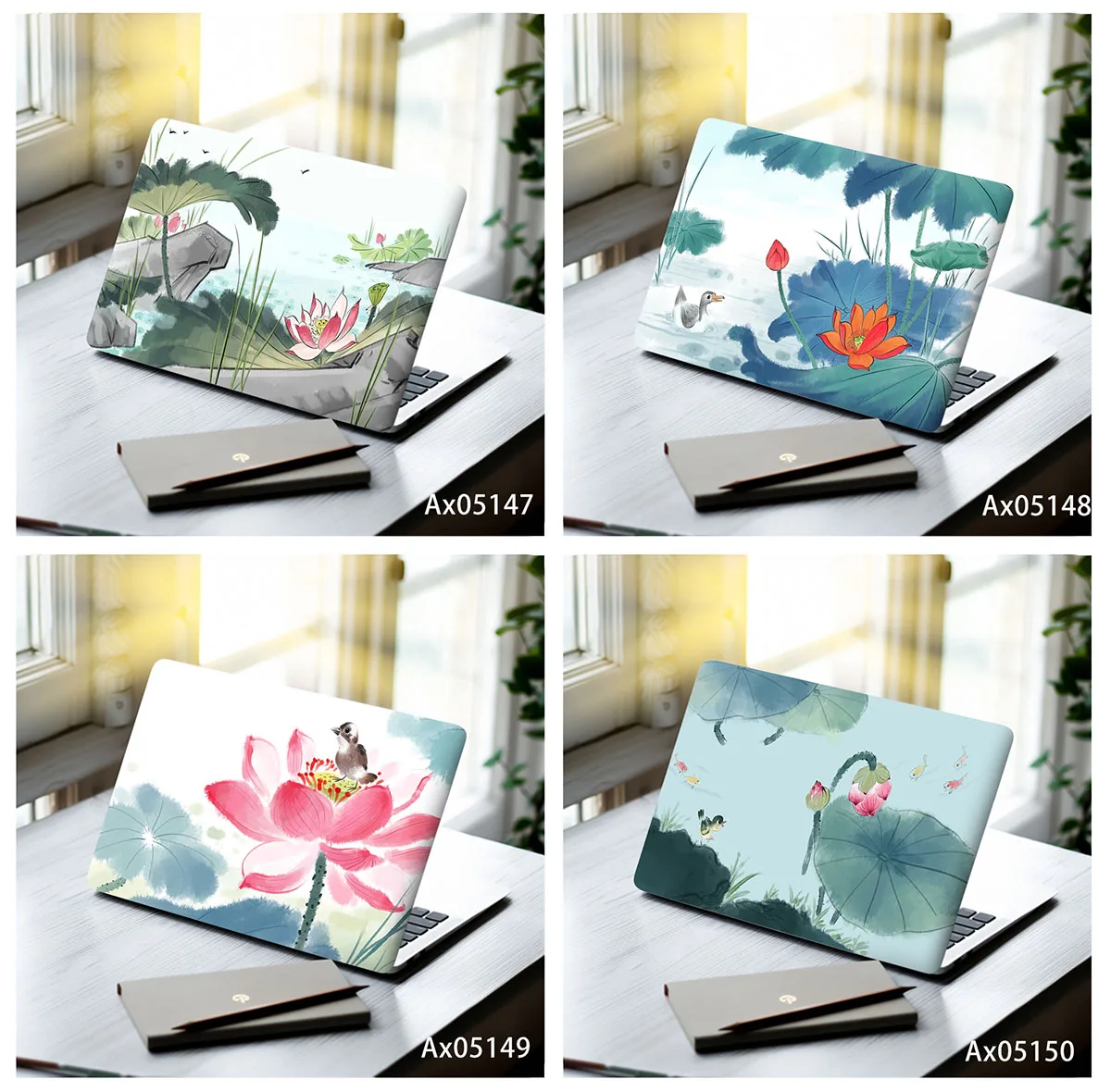 Ink Wash Lotus Pond Laptop Skin Stickers Vinyl Decal MacBook…
7.51 USD
Ink Wash Lotus Pond Laptop Skin Stickers Vinyl Decal MacBook…
7.51 USD
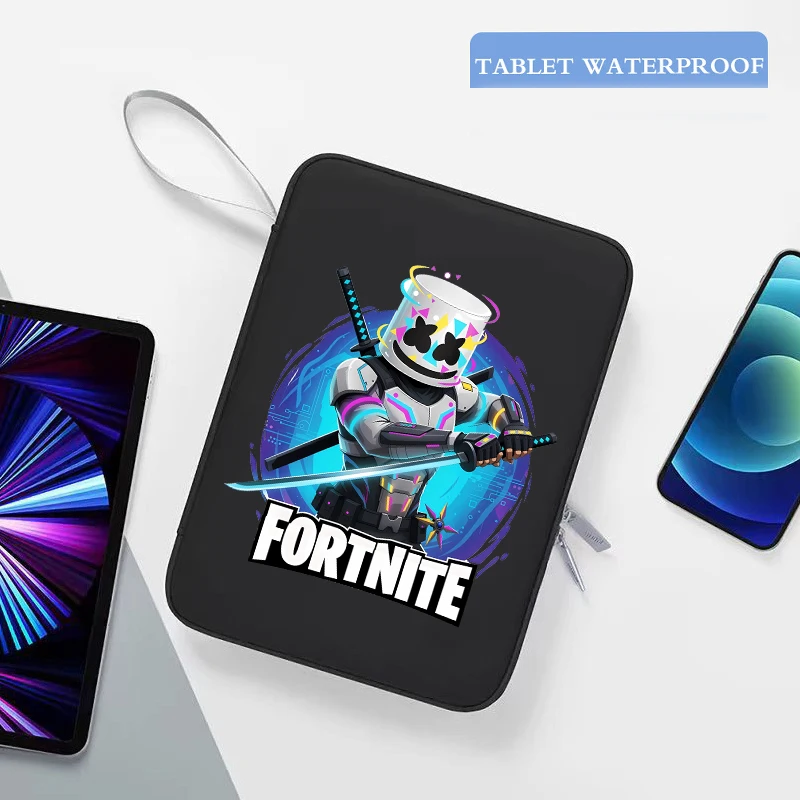 Game Fortnites Laptop Bag Anime Print Protective Tablet Sleeve Case…
4.58 USD
Game Fortnites Laptop Bag Anime Print Protective Tablet Sleeve Case…
4.58 USD
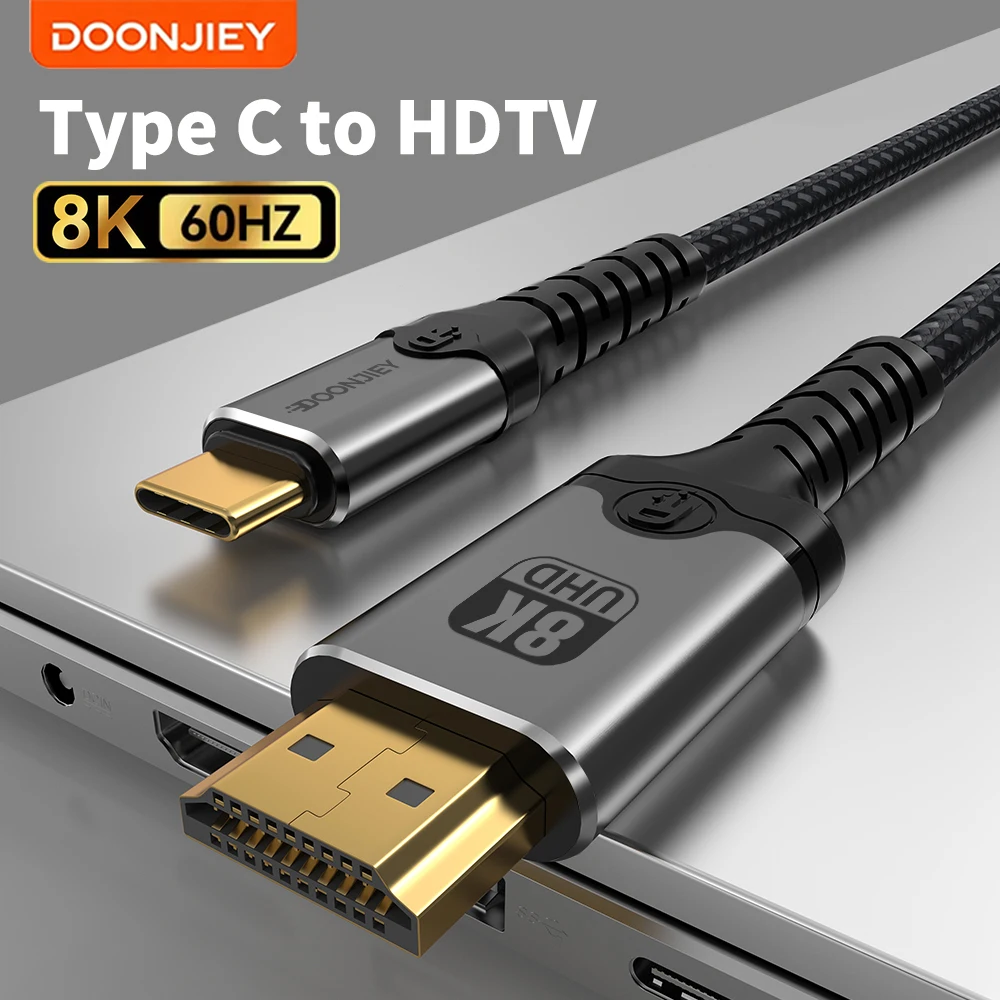 DOONJIEY USB C to HDMI-Compatible Cable 8K@60Hz 4K@120Hz Type C…
22.13 USD
DOONJIEY USB C to HDMI-Compatible Cable 8K@60Hz 4K@120Hz Type C…
22.13 USD
 8 In 2 USB-C Hub With 3.0 SD/TF Card Reader…
5.91 USD
8 In 2 USB-C Hub With 3.0 SD/TF Card Reader…
5.91 USD
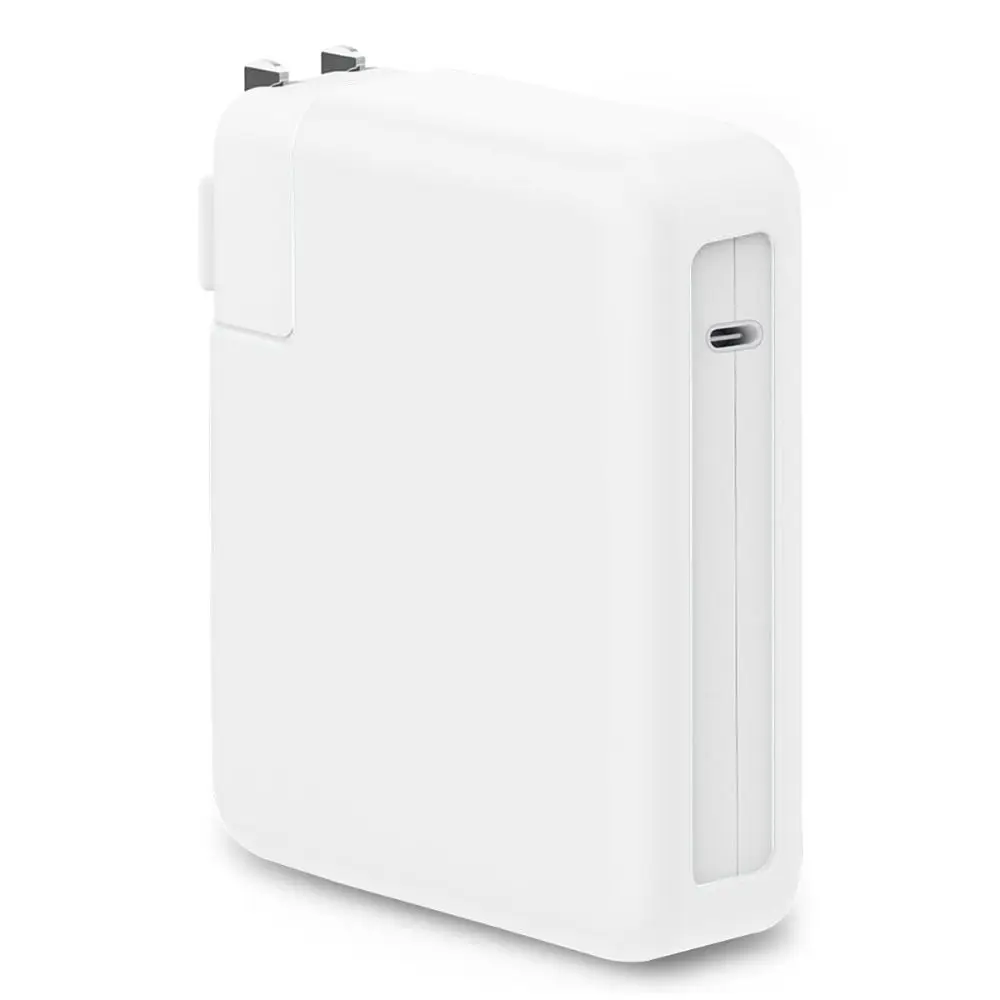 Anti-fall Charger Adapter Case Silicone Anti-collision Battery Charger Sleeve USB-C…
7.17 USD
Anti-fall Charger Adapter Case Silicone Anti-collision Battery Charger Sleeve USB-C…
7.17 USD