
لقطات الشاشة
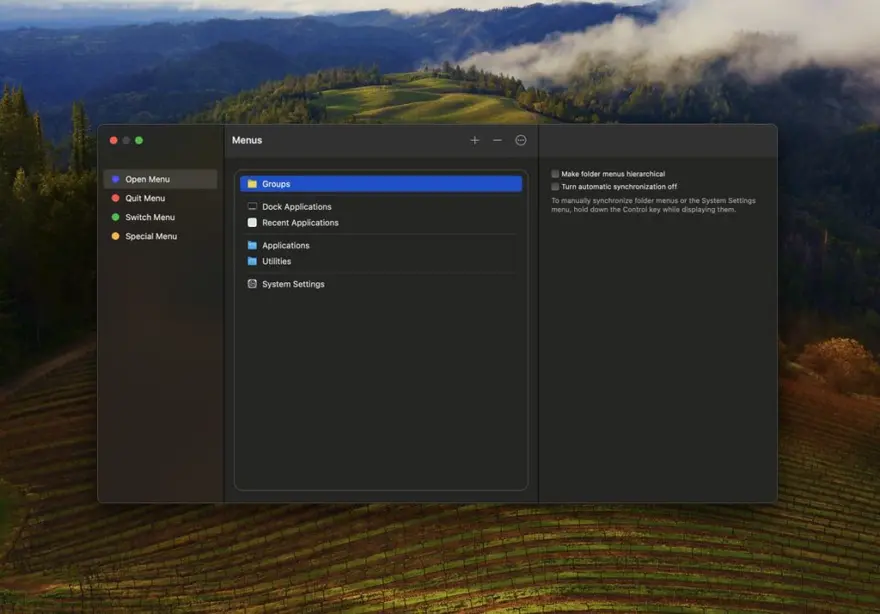
عن التطبيق
Application Wizard provides fast access to applications, documents, folders, and disks. It lets you quickly open, quit, and make applications active, run AppleScripts, and reduce screen clutter by turning on single-application mode.
With Application Wizard you can also browse volumes and favorite folders to quickly open enclosed items, eject and mount disks, check memory usage, and to easily access recent documents and contacts. Finally, Application Wizard lets you preview images, music, movies, and documents, and view file properties and metadata.
ما الجديد
The incompatibilities with macOS 27 Golden Gate have been solved.
Contact lists and cards in the Contacts submenu have been fully revised to match the design of Contacts on macOS 27 and 26. In addition to that, displayed dates (birthdays, lunar birthdays, anniversaries) and URLs are now always correctly formatted.
The Intel badge that appears in the Open menu when you press the Control key to force a Universal application to open using Rosetta on Apple Silicon Macs has a new look and is now displayed to the left of the application icon instead of replacing it. This change also fixes a problem which was affecting the Open menu when icons were not shown: repeatedly pressing Control to add and remove the badge caused the menu item to be indented more and more.
A bug that caused icons to remain visible in the submenus of the System Settings menu despite the “Show icons” option in the Menus pane of Application Wizard Settings (macOS 13 or later) or Application Wizard Preferences (macOS 12) was deselected, has been fixed.
A bug that caused the selection in the “Automatically terminated applications” pop-up menu of the Menus pane of Application Wizard Settings (macOS 13 or later) or Application Wizard Preferences (macOS 12) not to be updated after a backup was imported, has been fixed.
Some other minor improvements and fixes have been introduced.
Minimum required system version is now macOS 12.
إذا قمت بالنقر مع الضغط على مفتاح التحكم على الأزرار الأزرق والأحمر والأخضر والأصفر في لوحة القائمة أو شريط القائمة، فسيتم الآن عرض قائمة مختصرة. يتيح لك أمر تخصيص القائمة في القائمة المختصرة فتح الجزء المقابل من نافذة القوائم بسرعة، بينما يعرض أمر تخصيص المجموعات (الزر الأزرق والأحمر والأخضر) وأمر تخصيص المعاينة (الزر الأصفر) على التوالي جزء المجموعات وجزء المعاينات من إعدادات معالج التطبيق (macOS 13 أو أحدث) أو تفضيلات معالج التطبيق (macOS 12 أو 11).
تم إصلاح الخلل الذي تسبب في استحالة فتح مربعات حوار إضافة ومربع حوار اختيار أيقونة في إعدادات معالج التطبيق (macOS 13 أو الأحدث) أو تفضيلات معالج التطبيق (macOS 12 أو 11) بعد عرض مربعات حوار لوحة التخصيص أو أزرار التخصيص.
تم إدخال العديد من الإصلاحات الطفيفة الأخرى ومراجعات الواجهة والتحسينات.
المتطلبات
- Intel, معالج 64-بت
- macOS 12.0 أو أحدث
روابط التحميل
ملحقات موصى بها
روابط تابعة لـ AliExpress — قد نحصل على عمولة عند الشراء عبرها، دون أي تكلفة إضافية عليك.
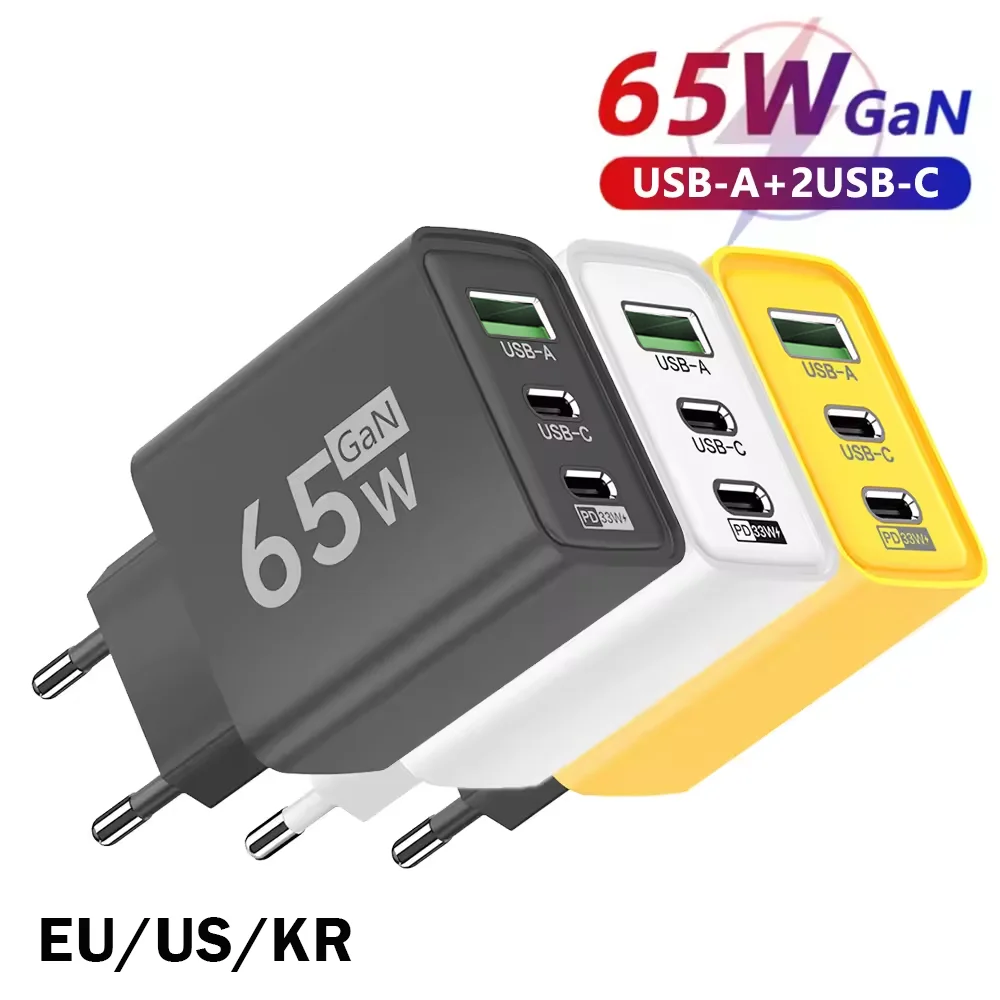 65W GaN USB C Wall Charger 3-Port PD Fast Charging…
4.44 USD
 Adjustable Laptop Holder Computer Monitor Holder Portable Foldable Notebook Stand…
4.15 USD
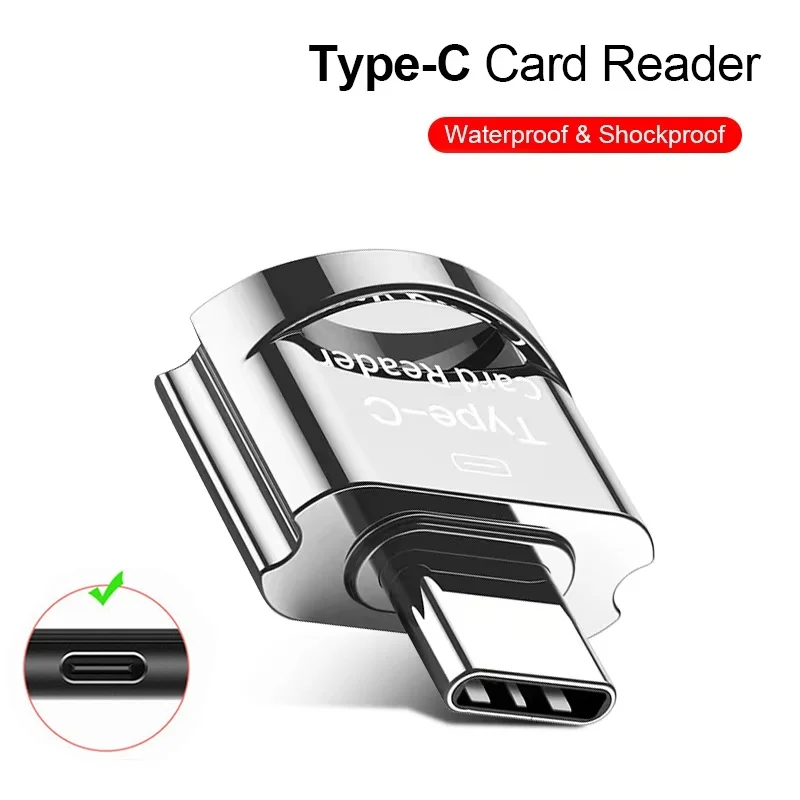 OTG Micro SD TF Card Reader For Macbook Xiaomi Adaptador…
4.12 USD
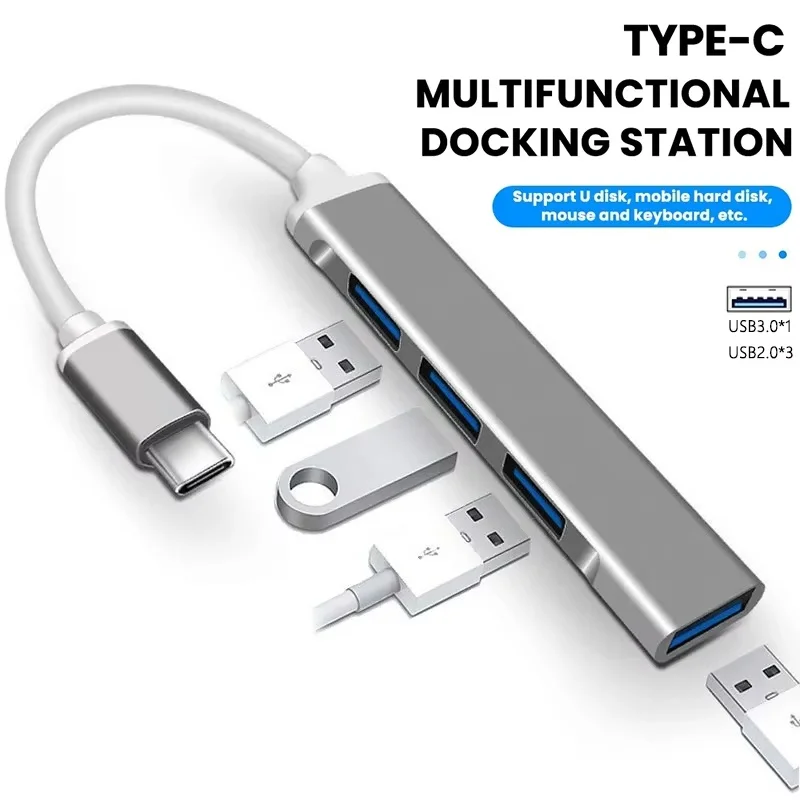 USB C Hub Type C Hub 4 Port USB Multi…
4.04 USD
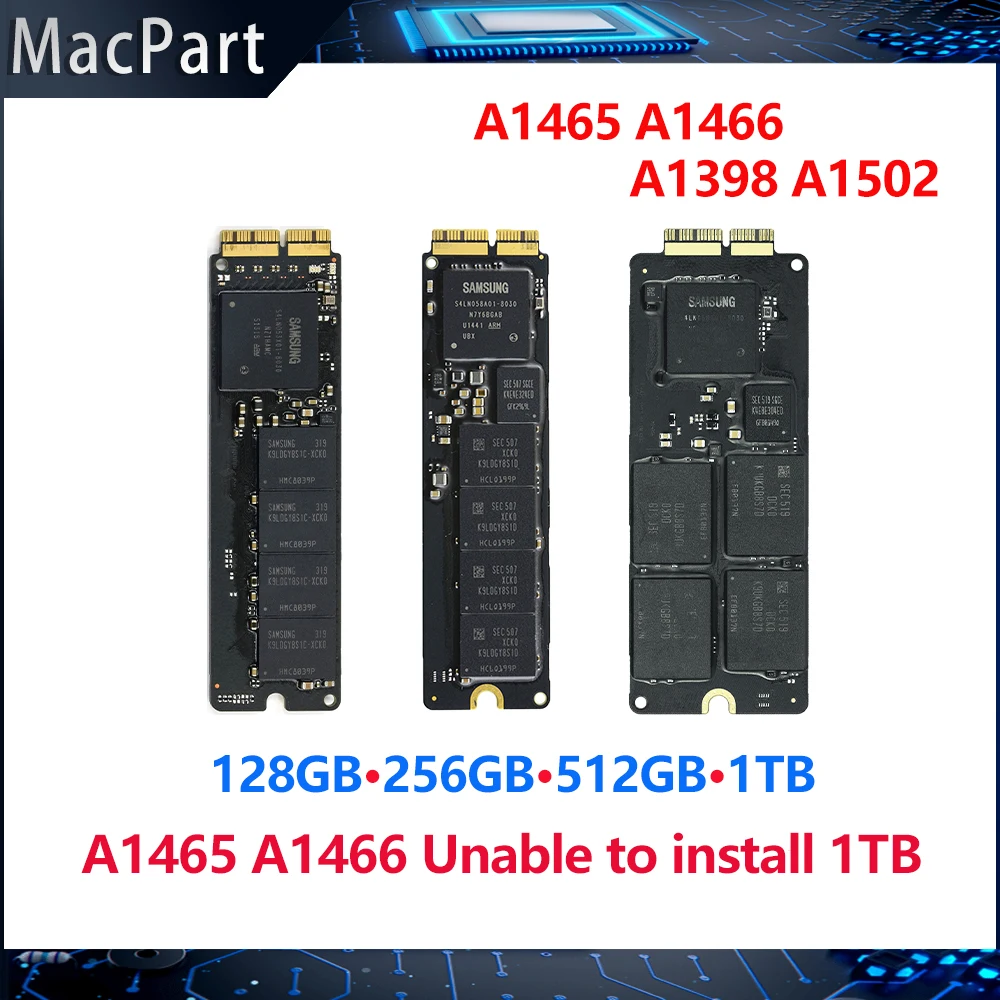 Genuine Original 128GB 256GB 512GB 1TB SSD Solid State Drive…
59.36 USD
 1-5Pcs Polishing Cloth with Box for Apple Iphone Nano-Texture Screen…
6.45 USD