عن التطبيق
Introducing Artstudio Pro, the most powerful painting and photo editing app available for both macOS and iOS . The successor to our famous ArtStudio app has been redesigned bringing many new features and improvements taking full advantage of the latest technologies Metal, iCloud Drive, and optimized for 64-bit multi-core processors to achieve the smoothest possible workflow.
Hundreds of assets are included and users have the ability to import resources in the most popular formats (ABR, TPL, PAT, GRD, ASE, ACO) giving instant access to millions of brushes, patterns, gradients, color swatches and fonts. It will boost your creativity and help you bring your ideas to life quickly and easily.
New engine
The powerful GPU accelerated ArtEngine developed by Lucky Clan is 5-10 times faster than the previous engine. It allows working with multiple documents, supports large canvas sizes and an unlimited number of layers. Incredible optimization ensures smooth work even with large canvases.
Multiple open documents
Canvas size: 256Mpix
Unlimited layers
27 tools: Move, Select, Crop, Eyedropper, Paint, Wet Paint, Eraser, Bucket/Pattern/Gradient Fill, Smudge, Dodge, Burn, Sponge, Text, Heal, Clone, and more
Flexible layer system
Artstudio Pro introduces a new layer system with grouping, non-destructive layer effects, and adjustment layers.
Groups
Masks, clipping masks
13 adjustment layers: Brightness/Contrast, Levels, Curves, Exposure/Gamma, Shadows/Highlights, Vibrance, Hue/Saturation, Color Balance, Temperature/Tint, Black and White and more
9 layer effects: Bevel/Emboss, Stroke, Inner Shadow, Inner Glow, Outer Glow, Color/Gradient/Pattern Overlay, Drop Shadow
27 blending modes
Text layers
Transform multiple layers simultaneously
Advanced Brush engine
Perfectly optimized, lag free mechanism generating smooth, real looking strokes, making the most of the stylus.
Brush size up to 4000×4000
64-bit painting with pattern, double stamp, wet brush, dynamics
Brush editor with 80 customizable settings
Over 100 built-in brushes divided into a few groups: Painting, Sketching, Markers, Inking, Dots & Specks, and more
Symmetric painting with custom symmetry line
Professional photo editor
Photo editing options developed in cooperation with professional photographers. Each feature was tested in several scenarios and light conditions.
13 adjustments available as non-destructive layer or simple adjustment (list above)
4 auto adjustments: Auto Contrast, Levels, Lightness, Saturation
Dozens of filters with realtime preview and the ability to generate seamless patterns
Inpaint function
Retouching tools: Heal, Dodge, Burn, Sponge and more
Image resize with 5 interpolations: Nearest, Linear, Cubic Smooth, Cubic Sharp, and Cubic Sharper
Crop using special tool, crop from selection, trim transparent areas
Import/Export
We have implemented many parsers from the most popular assets/images formats and we are especially proud of our ABR/TPL parser which not only reads brush stamps and patterns, but also most settings which are converted to Artstudio Pro brush engine values.
Import
Images – PNG, JPEG, PSD, HEIC, TIFF
Brushes – ABR, TPL
Color swatches – ASE, ACO
Patterns – PAT
Gradients – GRD
Fonts – TTF, OTF
Export
Images – PNG, JPEG, PSD, TIFF
Other features
Full iCloud integration
Screen recording
All features available on macOS, iPad and iPhone
Selection displayed as marching ants, quick mask or invisible
Snapping to guidelines, dynamic guidelines, grid
Canvas rotation
WHAT’S NEW
Version 5.2.9:
Minor bug fixes
REQUIREMENTS
Intel, 64-bit processor
macOS 11.0 or later
ScreenShots :
ملحقات موصى بها
روابط تابعة لـ AliExpress — قد نحصل على عمولة عند الشراء عبرها، دون أي تكلفة إضافية عليك.
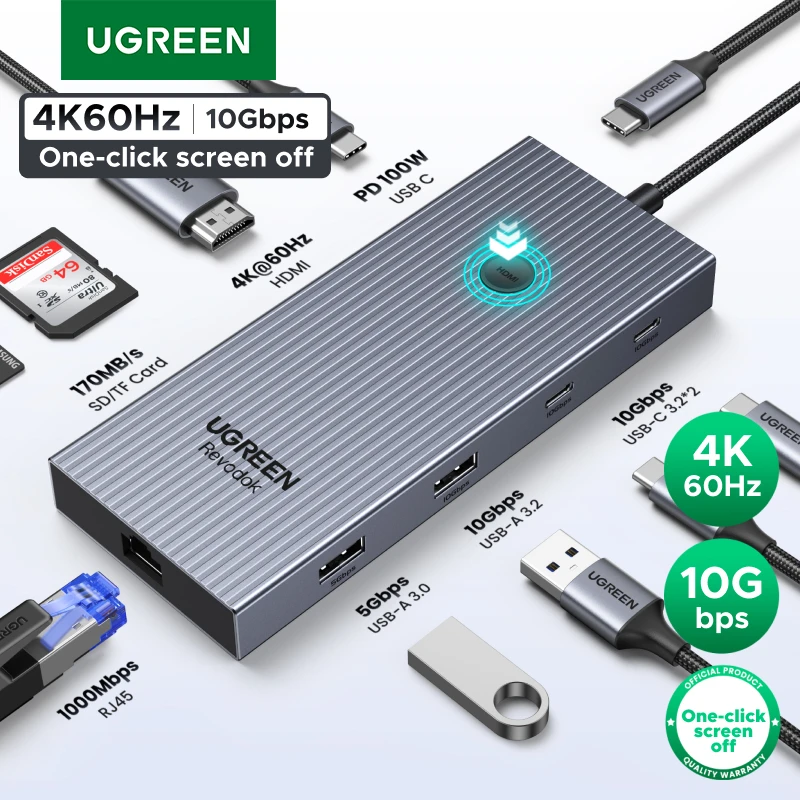 UGREEN 10Gbps USB C HUB 4K60Hz Type-C to HDMI RJ45…
26.39 USD
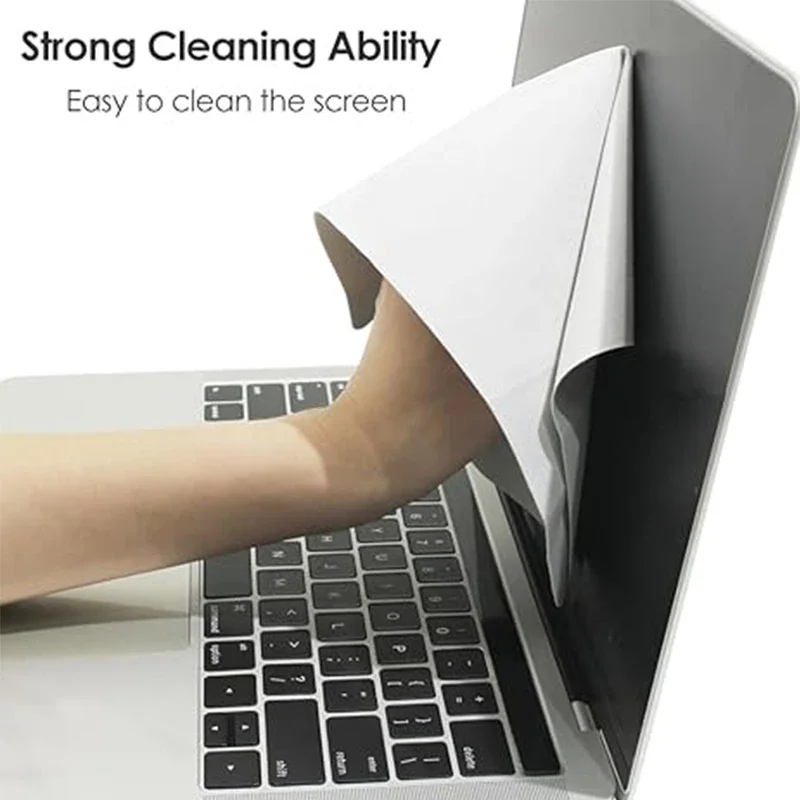 Microfiber Dustproof Cleaning Cloth, Notebook Keyboard Cover & Laptop Screen…
2.42 USD
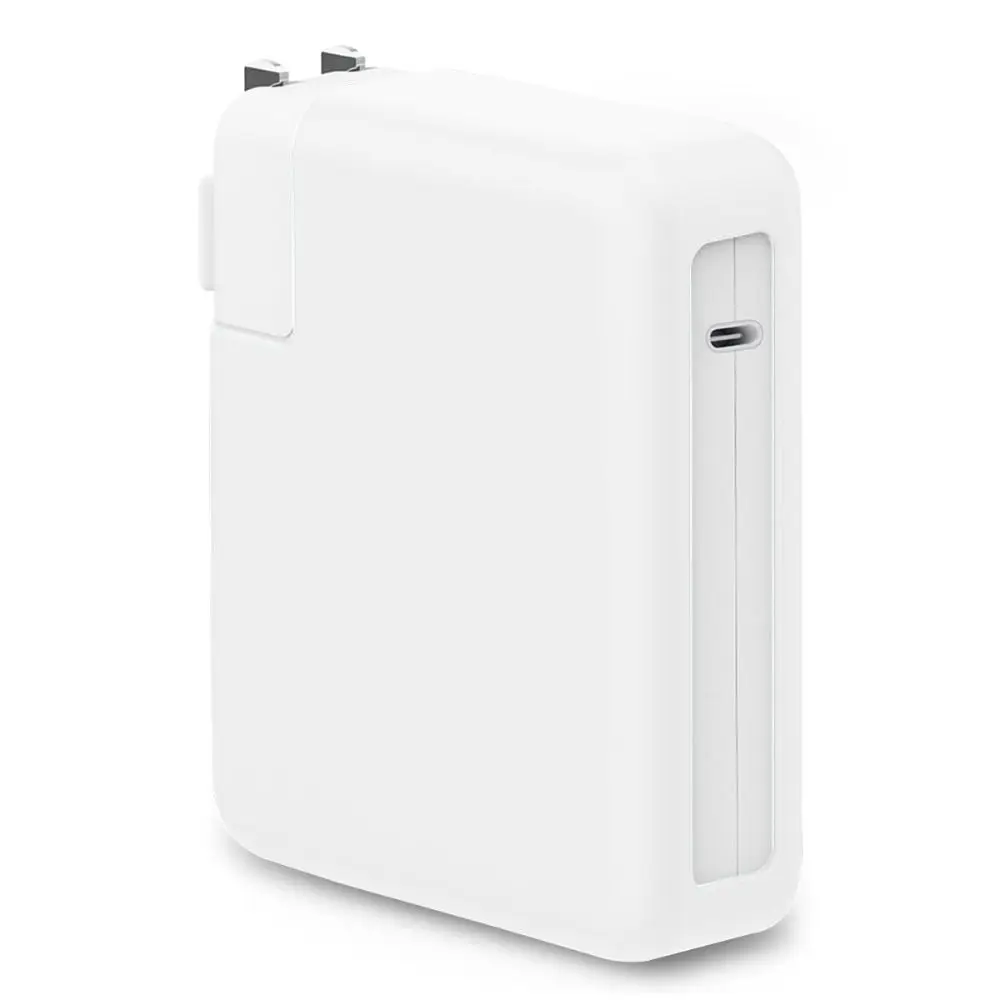 Anti-fall Charger Adapter Case Silicone Anti-collision Battery Charger Sleeve USB-C…
7.17 USD
 Seenda Ergonomic Bluetooth 2.4G Wireless Mouse with Volume knob Quiet…
34.80 USD
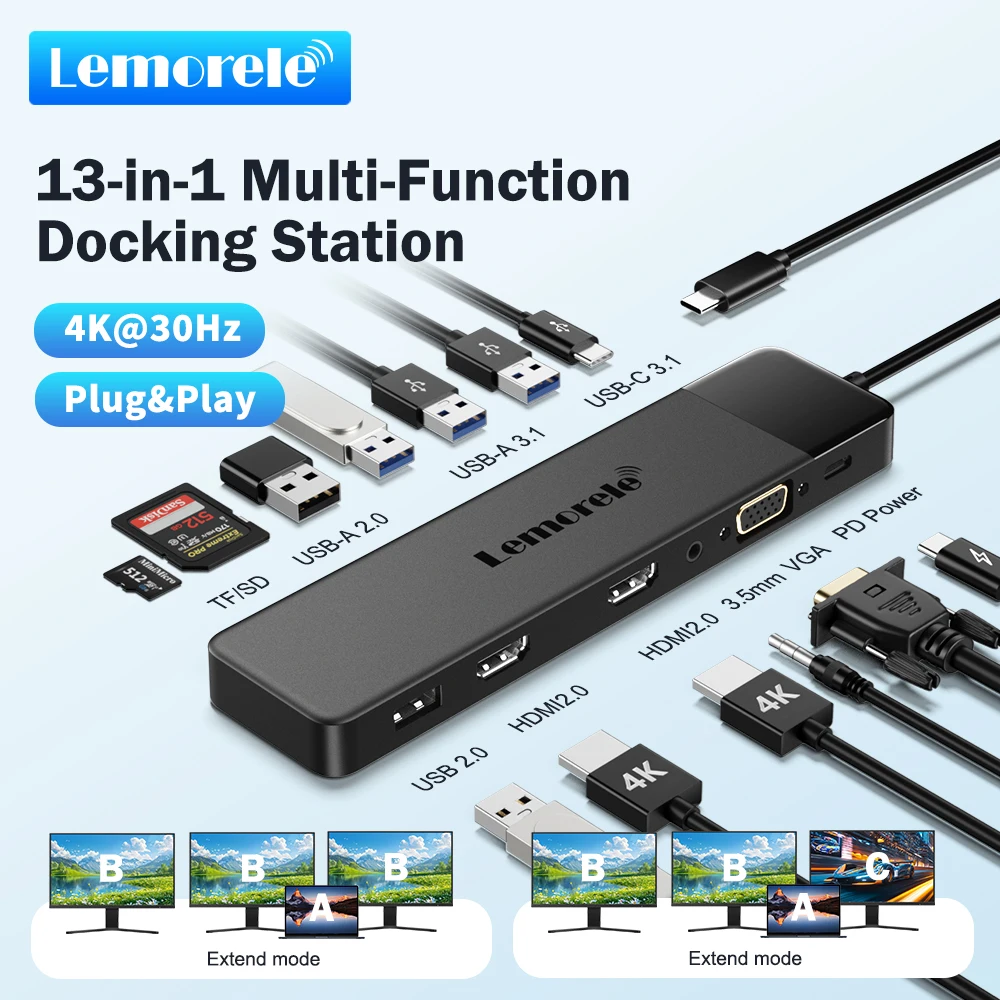 Lemorele 13-in-1 USB C HUB 4K30Hz HDMI USB3.0 PD100W Docking…
31.55 USD
 4 Ports Multi Splitter USB 3.0 Hub Type C HUB…
4.06 USD