DaVinci Resolve Studio 21.1.1 – Professional non-linear editing and color correction
مجاني
تحميل مجانيلقطات الشاشة

عن التطبيق
DaVinci Resolve Studio is the world’s only solution that combines professional editing, color correction, visual effects and audio post production all in one software tool! You can instantly move between editing, color, effects, and audio with a single click. Whether you’re an individual artist, or part of a large team, it’s easy to see why DaVinci Resolve is the standard for high end post production and finishing on more Hollywood feature films, television shows and commercials than any other software.
Blackmagic Cloud
DaVinci Resolve supports Blackmagic Cloud for remote collaboration using cloud based workflows! You can host project libraries using Blackmagic Cloud and collaborate on the same timeline, in real time with multiple users all over the world.
Cut Page Editing
Designed for projects with tight deadlines that need to be turned around quickly, the cut page is designed for editing speed. The sync bin and source overwrite tools are the fastest way to edit multi cam programs. You can work faster than ever with dual timelines, source tape and smart editing tools. The cut page has a new layout for vertical timelines, voice over palette, dedicated keyframe editor, MultiText tool, new live overwrite controls and more!
Professional Editing
Perfect for both offline editorial and online finishing. You get every editing and trimming tool imaginable, stacked and tabbed timelines, multi cam, closed caption and subtitling tools, on screen annotations, faster project loading, 2D and 3D title templates, and dozens of other new features!
Advanced Color Correction
Hollywood’s favorite color corrector keeps getting better! You get advanced HDR primary color grading tools with unlimited secondary corrections, power windows and tracking. The new AI Magic Mask gives you even more refined tracking and AI depth map 2 enables faster scene analysis and mattes, plus there’s new chroma warp grading and more.
Fusion Visual Effects
Fusion gives you a true 3D workspace with over 250 tools for creating feature film quality visual effects and stunning motion graphics! DaVinci Resolve 20 has a new deep image compositing toolset as well as a multi-layer pipeline for OpenXR, and psd files. There’s a new vector warp toolset, support for 180 VR, 3D scene dome light and support for native Cryptomatte workflows.
Fairlight Audio Post
Fairlight is a full blown digital audio workstation with high performance multi track sample level editing and mixing! You get ADR tools, support for sound libraries, audio and video scrollers for quickly syncing sound, a scrolling timeline, normalization and Fairlight FX plugins including a hum remover, de-esser, reverb and more. DaVinci Resolve 20 features AI Audio Assistant which automatically creates a final mix.
Upgrade to the paid version of DaVinci Resolve Studio 20 and you also get IntelliScript to create a timeline from script text, dialogue matcher, music editor to adjust track length automatically, animated subtitles, beat detector and MultiCam SmartSwitch for automatic camera angle switching. New Fusion toolsets include deep image compositing, multi layer pipelining and vector warping plus there’s support for VR 180. Studio v20 also includes major updates to Magic Mask and depth map. IntelliCut to remove silence and checkerboard speakers and audio assistant for a mastered final mix.
DaVinci Resolve 20 App Store Limitations
The Mac App store version of DaVinci Resolve Studio 20 does not support some external control panels, and may not be compatible with all 3rd party OpenFX or VST plugins. If you need these features, please download DaVinci Resolve Studio 20 from the Blackmagic Design support website.
System Requirements
Current model Mac with Apple silicon. 8GB of system memory, 16GB when using Fusion, Mac OS X 14 or higher, at least a 1440 x 900 resolution display.
ما الجديد
Support for OGraf HTML graphics.
Trim editor viewer actions affect all selected edit points.
Trim editor mouse based edit actions now include audio previews.
Trim editor viewer now supports audio only clip editing.
Support for CR3 RAW decodes for EOS R8 Mark II.
Data burn options to show source feet and frames.
Addressed inspector combining multiple Fusion effects for a clip.
Addressed transitions on clips with foreground composite mode.
Addressed looped play around selection issues in dynamic trim.
Addressed auto captions sometimes cropping in vertical timelines.
Addressed original media aspect ratio not honoring orientation.
Addressed issue adding plain Text+ or MultiText to a subtitle track.
Sync bin multi angle view now displays record timecode and frame.
Multicam actions are now available in single viewer mode.
Addressed occasional Magic Mask slow downs in Fusion page.
Addressed issue with Halation controls in Film Look Creator.
Addressed multi-user collaboration connectivity issues.
General performance and stability improvements.
عرض قائمة تجمع الوسائط القابلة للتحرير وحقول النص ومربعات الاختيار.
يتضمن بحث الوسائط صناديق فرعية ويدعم مطابقة النص تمامًا.
خيار أدوات الذكاء الاصطناعي لاستخدام الوسائط الوكيلة إذا كانت النسخ الأصلية غير متصلة بالإنترنت.
يدعم عارض المصدر نسب العرض إلى الارتفاع الأصلية ومعاينات الوسائط المتداخلة.
معاينة الأصول الهندسية.
أعد تسمية الوجوه في نافذة IntelliSearch Manage Faces.
تغيير الرمز الزمني للبدء لعدة مقاطع محددة.
حذف علامات عرض قائمة تجمع الوسائط المحددة.
التواريخ التي تم إنشاؤها/تعديلها للكاميرات المتعددة والمقاطع المركبة والجداول الزمنية.
حذف المسارات الصوتية لسمة القصاصة عن طريق السحب بالماوس.
VR180 متعددة وتحسينات مجسمة.
التحكم في الكاميرا لكاميرات Fujifilm وLeica وSony Alpha 7R VI.
قم بتغيير إعدادات مفتش الصور من لوحات الألوان.
تحسين وضوح ما بعد فك التشفير لصور RAW.
دعم ملف DNG لتشويه العدسة وانحرافها وتظليلها.
حل FX Sky استبدال يدعم الصور.
دعم الإعدادات المسبقة للمفتش.
أصبح وضع تحرير الكاميرات المتعددة الآن إحدى خصائص عارض المخطط الزمني.
خيار لتقسيم الكاميرات المتعددة عند الفجوات عند استخدام مزامنة الرمز الزمني.
يؤدي تبديل حجم الشبكة متعددة الكاميرات إلى الاحتفاظ بالصفحة بالزاوية المحددة.
تعمل الآن اختصارات مفاتيح Multicam مع التركيز على المخطط الزمني أو المصدر.
تحرير خصائص الانصهار لمقاطع متعددة محددة في المفتش.
كل ما هو جديد هو مقارنة سير عمل الجدول الزمني مع تحكم أكبر.
يمكن لـ Data Burn عرض بيانات تعريف المقطع من مسار فيديو محدد.
تدعم علامات العرض التقديمي التعليقات التوضيحية والردود والحالة.
دعم التعليقات التوضيحية للعلامة لرسم علامات الحذف.
تكبير إجراءات الشكل الموجي الصوتي في الجدول الزمني للتحرير.
مؤشر رأس التشغيل للمقطع الحالي في المفتش والعارض.
سير عمل محرر القطع والقص الديناميكي الجديد مع وضع القطع وإجراءات الماوس والتكرار.
قم بقص الفجوات ونسخها ولصقها في الجدول الزمني للتعديل.
خيارات عرض الخط الزمني لقياس الأشكال الموجية ومدد العرض.
خياران لمؤقت الصفحة المقطوعة للشريط المصدر والعرض المتعدد.
تطبيق التحولات على مقاطع التعديل.
تصدير قائمة العلامات من فهرس التحرير كملف PDF.
تحتفظ النسخ الاحتياطية للمخطط الزمني المستعادة بسجل النسخ الاحتياطي.
خيارات لإيقاف التشغيل عند الفرك وتشغيل الصوت أثناء الحركة وتحديد المقطع الصحيح بعد النصل.
دعم منتقي الألوان بتأثير الانصهار في العارض.
خيار متصفح الخط لعرض معاينة النص من العنوان.
يحتفظ محرر الموسيقى AI بمزيد من المحتوى ويتجنب التكرار ويقدم خيارات مزج أفضل.
شكل جديد من Fusion Krokodove وأدوات ثلاثية الأبعاد.
دعم تظليل المواد OpenPBR.
تحسين سلوك محاذاة طبقة MultiText.
معايرة تشويه العدسة من الخطوط التي رسمها المستخدم على العارض.
تحسينات متعددة لمحرر الماكرو.
Fairlight Animator مرشحات تمرير منخفضة وعالية قابلة للتعديل.
استيراد نتائج المسار في Camera Tracker.
عناصر تحكم المتعقب لقص المسارات وعرض الإطار المرجعي وتغييره.
دعم وضع المزج الصعب في أدوات Fusion.
أسرع Deep Renderer3D مع دعم للكائنات غير اللامعة وطمس الحركة العميقة.
لكل طراز MultiMaster لـ Dolby Vision وHDR10+ وHDR Vivid.
لكل ذاكرة تخزين مؤقت وخيار تجاوز حجم الإخراج.
دعم حل FX Panomap.
احتفظ برأس التشغيل عند التنقل بين المسارات.
تظهر سجلات DCTL المفقودة كتراكب عارض، ويمكن ربطها من مدير LUT.
دعم DJI D-Gamut2 وD-Log2 وGoPro Log وLeica L-Log IDT وLUT وVivo Wide Gamut وLog.
عناصر تحكم جديدة في Resolve FX Beauty وCineFocus وFilm Grain.
تحسين حجم التأثير لـ Resolve FX مع التمويه Gaussian.
إضافات دعم حزمة مدير التحميل دون اتصال.
تقديم EXR مع ضغط HTJ2K.
فك تشفير الصوت USAC.
خيار تصدير العرض التقديمي ليشمل الترجمة.
تدعم عروض QuickTime وMXF التسميات التوضيحية المضمنة المتعددة.
تحسينات متزايدة على الملفات لتنسيقات TS وQuickTime وMXF.
تحسين معالجة الأخطاء في إدارة الوسائط والإبلاغ عنها.
خيارات Apple Immersive لمزج الحواف وتقديم الإعدادات المسبقة.
يمكن الآن تعيين اختصارات رئيسية للإجراءات المتعددة.
تحسينات عامة في الأداء والاستقرار.
يمكن الآن لإعادة ربط المقاطع إعادة ربط الوكلاء بتنسيقات مختلفة.
يتم إعادة ربط عمليات استيراد DRT تلقائيًا بالمقاطع المتداخلة الموجودة إذا كانت موجودة.
يظل المقطع المحدد معروضًا مع تغييرات مرشح المقطع في صفحة الألوان.
دعم لاستيراد تنسيقات الملفات القديمة Affinity.
دعم مقاطع Sony FX-5 X-OCN.
تمت معالجة مشكلات التشغيل في الوقت الفعلي على المخططات الزمنية الكبيرة المخزنة مؤقتًا.
تمت معالجة مشكلة شريط التنقل في حاوية الطاقة في نوافذ تجمع الوسائط.
معالجة مقطع المقطع اللاحق في إدارة الوسائط.
تمت معالجة المشكلة المتعلقة بتحرير ترتيب الفهرس.
تمت معالجة مشكلة صوت عارض المصدر عند لصق رمز الوقت.
تمت معالجة مشكلات تحرير منحنى سرعة إعادة الوقت المتعددة.
تمت معالجة علامة ملاحظات العلامة المفقودة لنسخ البيانات.
تمت معالجة المشكلة المتعلقة بفك تشفير بعض ملفات DPX.
تمت معالجة المشكلة المتعلقة بفك تشفير بعض الصور الثابتة لـ CR2.
تحسينات عامة في الأداء والاستقرار.
المتطلبات
- Intel, معالج 64-بت
- macOS 15.0 أو أحدث
روابط التحميل
ملحقات موصى بها
روابط تابعة لـ AliExpress — قد نحصل على عمولة عند الشراء عبرها، دون أي تكلفة إضافية عليك.
 Screen Protector for MacBook HD Soft Film for Air 13…
3.79 USD
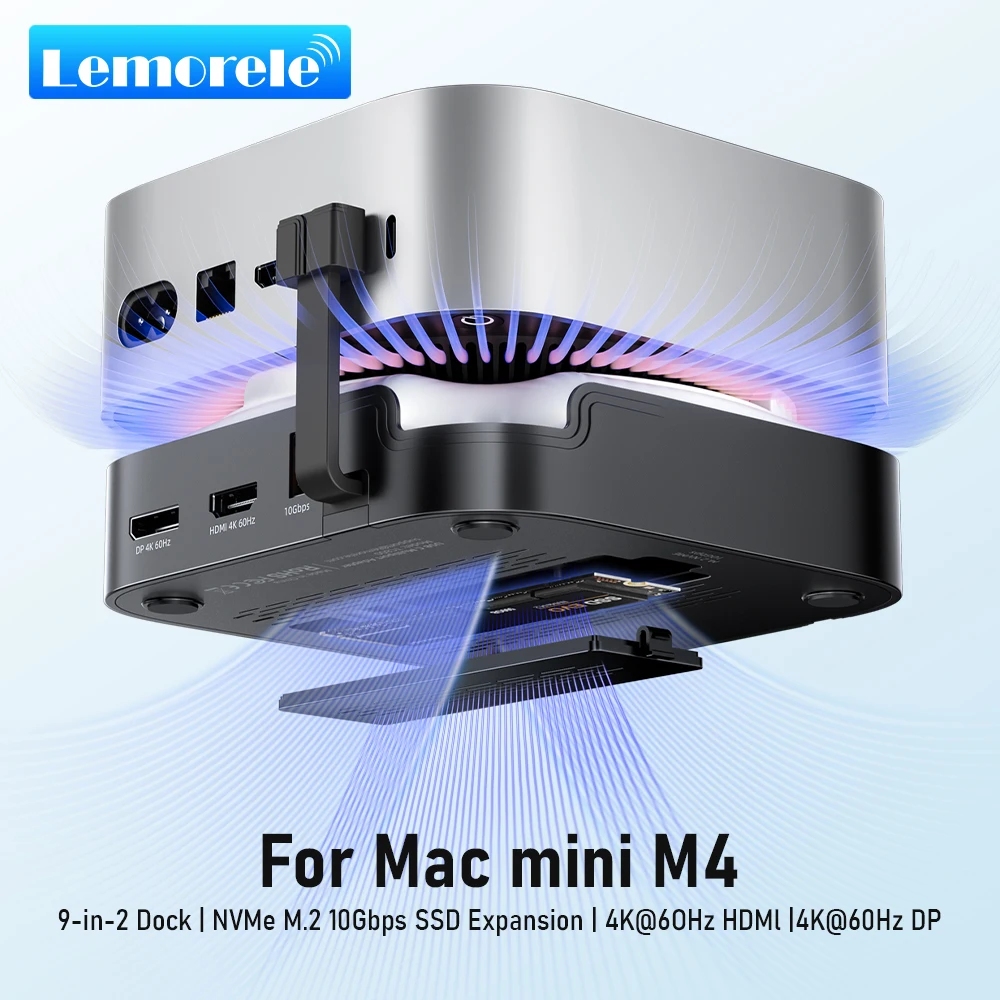 Lemorele Macmini M4 DocK USB HUB 4K@60Hz HDMI DP Docking…
55.88 USD
 USB C HUB 3in1 Type C 3.0 to HDMI-compatible Docking…
6.15 USD
 Laptop Protective Case For MacBook Air 11.6 Air 13.3 Air…
9.91 USD
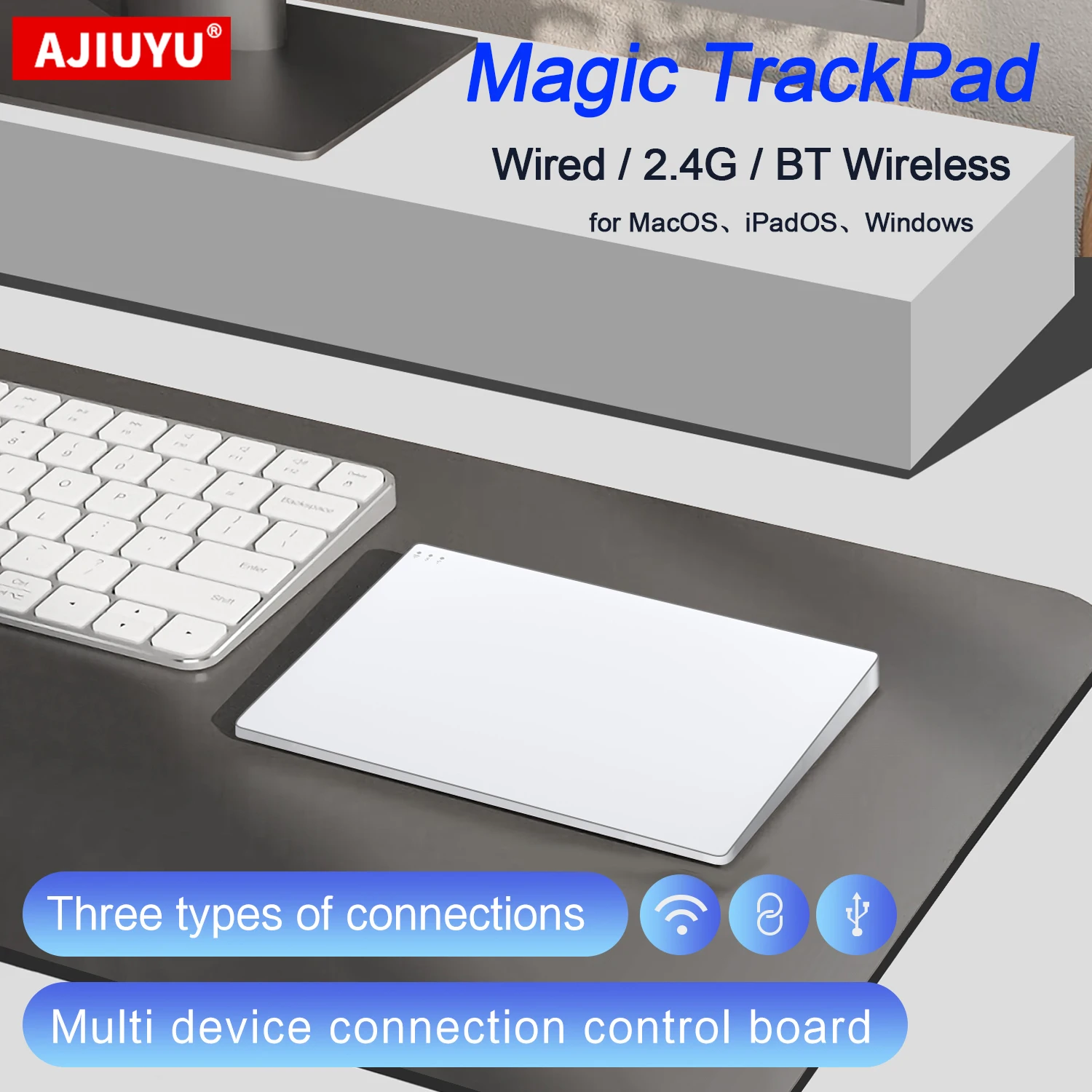 Wireless Trackpad Touchpad for iPad Mac OS MacBook iMac Magic…
35.00 USD
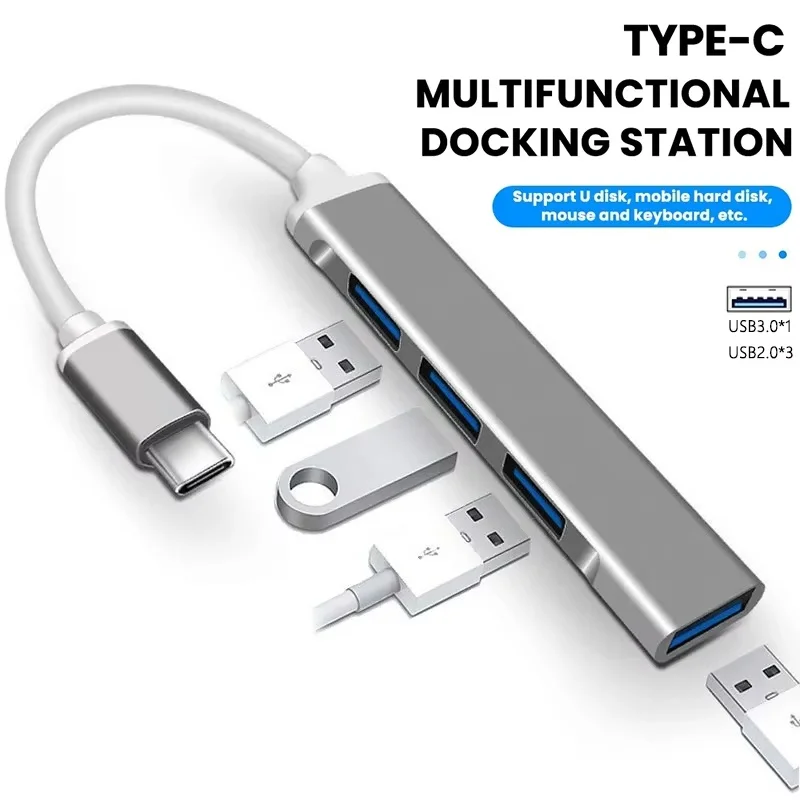 USB C Hub Type C Hub 4 Port USB Multi…
4.04 USD