لقطات الشاشة
عن التطبيق
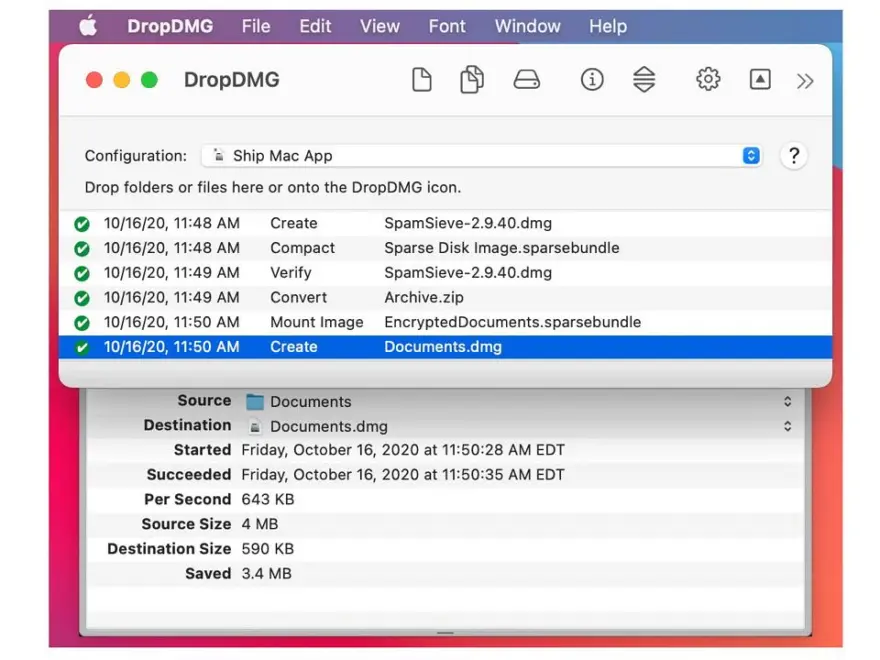
DropDMG allows users to quickly create .dmg archives.
Disk images pack entire folders or disks into a single compressed file, either for transport across the Internet or simply for backup. They are Apple’s preferred format for distributing Mac software. Disk images are also the only archive format whose contents you can directly access in the Finder.
DropDMG is the easiest way to create Mac OS X disk images, as well as cross-platform archives. Just drag and drop a folder or file and you’re done. Or, you can drag an existing disk image or archive onto DropDMG to convert it to any of the other supported formats or to burn it to CD or DVD.
DropDMG supports advanced options such as encrypted and segmented disk images, WYSIWYG layout with background pictures and custom volume icons, and rich-text license agreements in multiple languages. There are many time-saving features, and it can also be automated via AppleScript, the command-line, and Automator.
ما الجديد
The disk image’s Finder window size is now optimized for display on the version of macOS where DropDMG is running. The most visible effect of this is that creating a disk image on a modern version of macOS will now show the entire background picture, rather than having some of the bottom scrolled out of view. If you would like to use a modern version of macOS to create a disk image optimized for macOS 10.15 or earlier, or vice-versa, you can specify that using LayoutTitleBarHeight in the esoteric preferences.
Made various updates for Xcode 27 and macOS 27.
Improved the following sections of the manual:
Format
Troubleshooting Privacy Access
Help links once again open in the system help viewer on recent versions of macOS.
The Help menu commands and the Quit menu command are now available when the trial period is over, rather than only making those commands available as buttons within the modal window.
Worked around a macOS bug that could cause license agreement names to be truncated in the outline view.
Worked around a bug in macOS 27 that could cause a crash when editing an Arabic license agreement.
Worked around a bug in macOS 27 that could cause text to be deleted when building a disk image with an Arabic license agreement.
Updated the crash reporter layout.
Fixed a bug where DropDMG might incorrectly report that the window’s size didn’t match the layout when it was only off by a fraction of a pixel.
Fixed a bug where creating a disk image with a layout could fail on macOS 10.13 or 10.14.
Fixed a bug where replacing an old diagnostic report with a new one didn’t work.
المتطلبات
- Intel, معالج 64-بت
- macOS 10.13 أو أحدث
روابط التحميل
ملحقات موصى بها
روابط تابعة لـ AliExpress — قد نحصل على عمولة عند الشراء عبرها، دون أي تكلفة إضافية عليك.
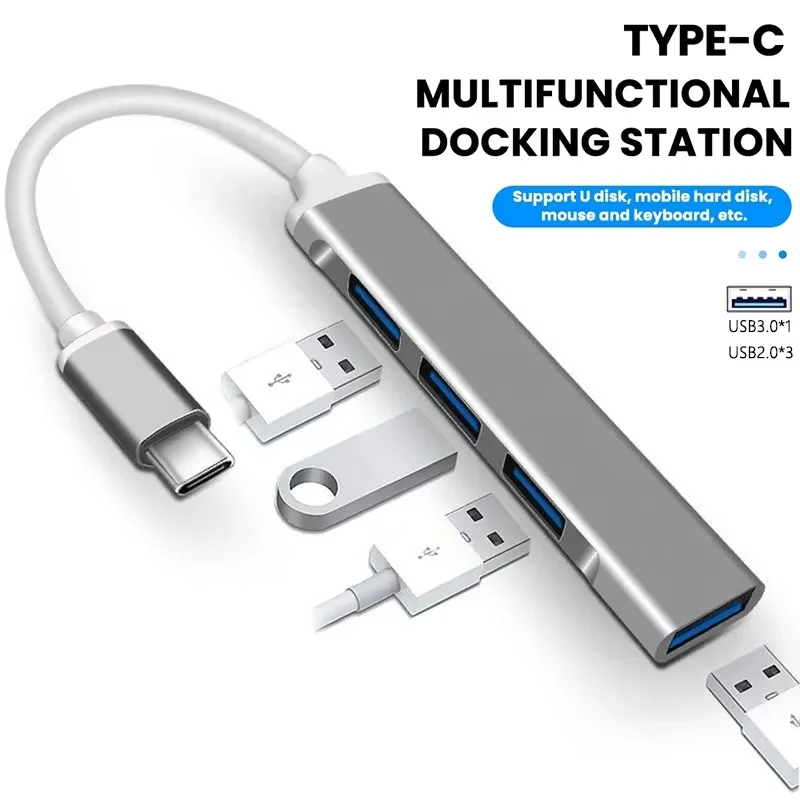 USB C Hub Type C Hub 4 Port USB Multi…
4.04 USD
USB C Hub Type C Hub 4 Port USB Multi…
4.04 USD
 Attack Shark X3 PixArt PAW3395 Wireless Mouse, 26K DPI Lightweight…
38.62 USD
Attack Shark X3 PixArt PAW3395 Wireless Mouse, 26K DPI Lightweight…
38.62 USD
 Protective Hard Case for 2024 Mac Mini M4 and Accesserios…
38.98 USD
Protective Hard Case for 2024 Mac Mini M4 and Accesserios…
38.98 USD
 8 In 2 USB-C Hub With 3.0 SD/TF Card Reader…
5.91 USD
8 In 2 USB-C Hub With 3.0 SD/TF Card Reader…
5.91 USD
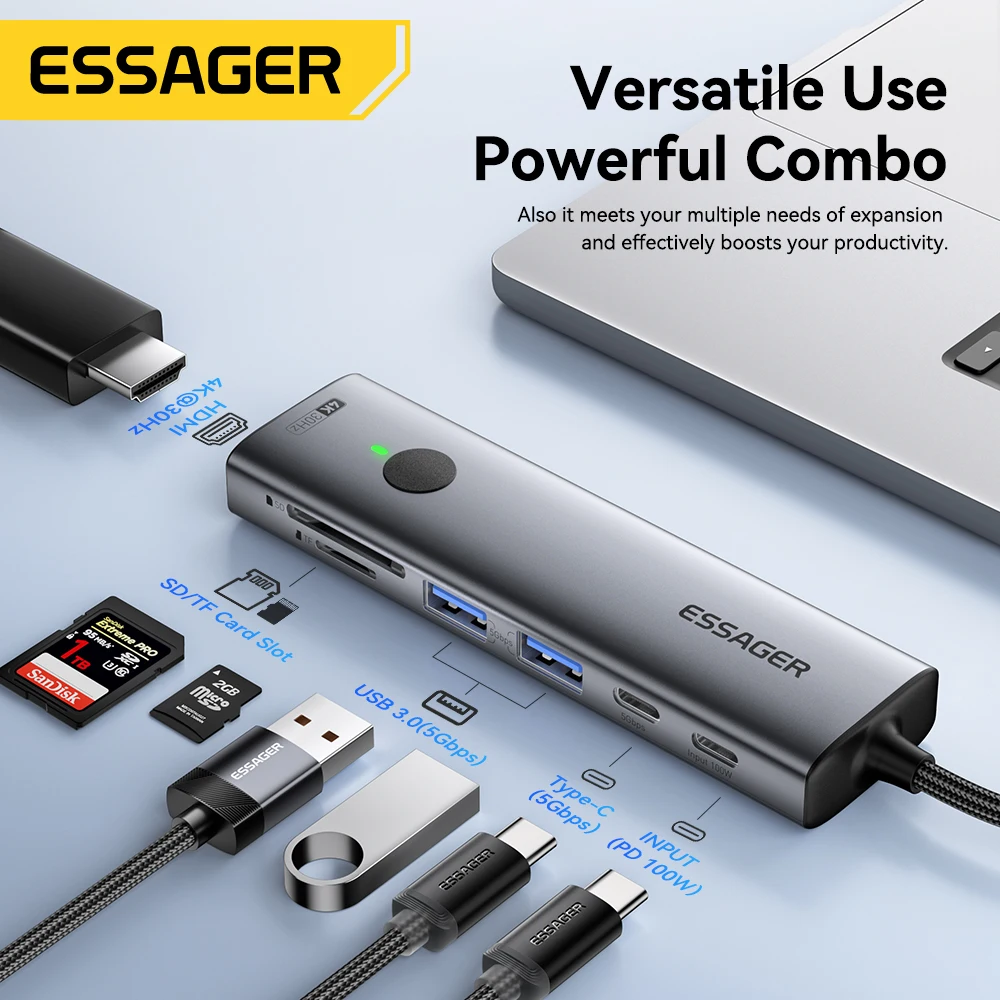 Essager USB C HUB 4K 7-in-1 Type C to HDMI…
29.57 USD
Essager USB C HUB 4K 7-in-1 Type C to HDMI…
29.57 USD
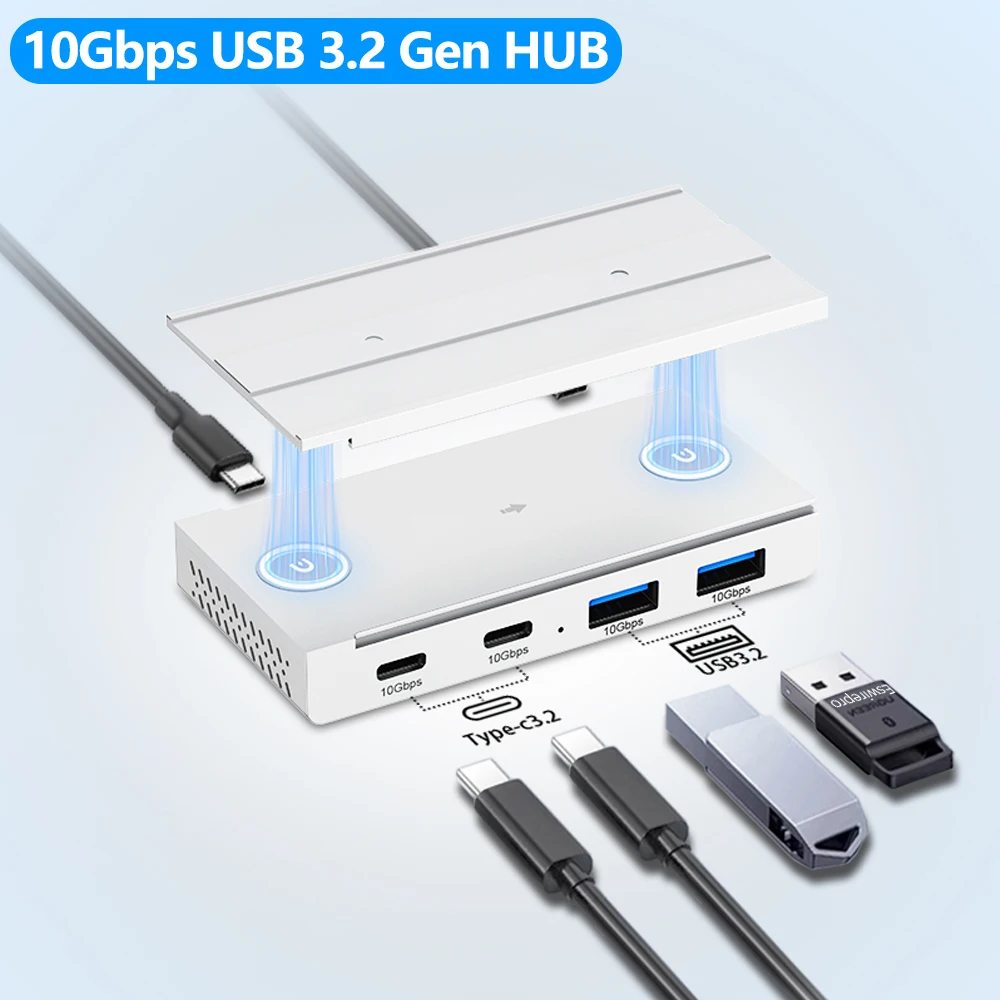 10Gbps USB3.2 Gen2 HUB Desk Magnetic USB Splitter High Speed…
23.84 USD
10Gbps USB3.2 Gen2 HUB Desk Magnetic USB Splitter High Speed…
23.84 USD