لقطات الشاشة

عن التطبيق
Dropover is a drag and drop utility that makes it simple to collect, organize, share, and process files with floating shelves.
Elegantly designed with a clean and intuitive interface, Dropover feels natural on macOS and boosts your productivity effortlessly. Loved by hundreds of thousands of users worldwide, it’s the perfect companion for an efficient workflow.
Start a shelf with a quick shake gesture – Dropover’s signature and intuitive way to activate a floating shelf. Alternatively, use a customizable keyboard shortcut or access it from the menu bar. For added convenience, you can also drop items onto the notch, making it even easier to gather and organize content.
Works with Any Content
Drag and drop files, folders, documents, images, URLs, and text snippets onto the floating shelf. Dropover handles any draggable content on macOS.
File Management
Easily view, manage, and organize individual files. Arrange, rename, and
delete items directly from the shelf, keeping your workspace clutter-free and organized.
Powerful Shelf
A minimal shelf with powerful tools to collect, organize, share, and process files. Quickly perform actions such as sharing via AirDrop, Mail, or Messages, resizing images, or extracting text – all within a single click.
Cloud Integration
Create shareable links with a simple click. Dropover comes with a built-in Dropover Cloud service but also allows integration with iCloud Drive, Amazon AWS S3, Dropbox, Google Drive, Microsoft OneDrive, and Imgur, giving you the flexibility to use your preferred cloud storage.
Customization
Tailor Dropover to match your workflow. Name and color-code shelves for easy organization, create custom actions for quick tasks, and personalize settings to suit your unique needs.
Pro Features & Advanced Workflow
Ideal for power users who need advanced functionalities. Dropover integrates seamlessly with Shortcuts and supports folder monitoring and Share Extension. For even more efficiency, make use of the Command Bar to streamline your workflow.
Dropover is always there when you need it and stays out of the way when you don’t. Trusted by hundreds of thousands, it enhances your productivity with simplicity and efficiency.
ما الجديد
تمت إضافة خيار لإبقاء الرفوف مفتوحة بعد سحب العناصر للخارج، وهو متاح في الإعدادات ضمن تفاعل الرف.
تمت إضافة تحذير عندما تكون مساحة القرص المتوفرة منخفضة للغاية.
تحسين التعامل مع الملفات المنقولة أو المعاد تسميتها أو المحذوفة خارج Dropover.
تحسين التعليقات والموثوقية عند تحميل العناصر وتنفيذ الإجراءات وإدارة الملفات.
تحسين تنظيف الملفات المؤقتة التي تم إنشاؤها بواسطة Dropover.
تم إصلاح مشكلة احتمالية توقف Drop to Notch عن العمل بعد فصل شاشة العرض أو تنبيه جهاز Mac.
تم إصلاح مشكلة ظهور الرفوف خلف مربعات الحوار "فتح" و"حفظ".
تم إصلاح مشكلة التخطيط التي قد تتسبب في عرض تفاصيل الرف لعدد قليل جدًا من الأعمدة والمسافات الزائدة بين العناصر.
تم إصلاح مشكلة حيث قد تؤدي إعادة تسمية الملف إلى اختفائه من عرض تفاصيل الرف.
تم إصلاح مشكلة احتمال عدم عمل النقر على العناصر في عرض تفاصيل الرف.
تم إصلاح المشكلة المتمثلة في أن النقر على الخيارات داخل الرف قد لا يؤدي إلى فتح قائمة السياق.
تم إصلاح مشكلة حيث يمكن أن يؤثر تحديد العناصر أو التصرف فيها بعد حذف ملف من عرض تفاصيل الرف على الملف الخطأ.
تم إصلاح المشكلة المتمثلة في إمكانية قيام Dropover Cloud بالإبلاغ بشكل غير صحيح عن تجاوز الحد الأقصى لعدد الملفات.
تم إصلاح المشكلة المتمثلة في إمكانية قيام بعض اختصارات Siri بفتح إعدادات Dropover بشكل غير متوقع.
تظهر نافذة الإعدادات الآن عند توفر تحديث جديد للتطبيق.
تحسينات طفيفة أخرى في الإعدادات.
المتطلبات
- Intel, معالج 64-بت
- macOS 13.0 أو أحدث
روابط التحميل
ملحقات موصى بها
روابط تابعة لـ AliExpress — قد نحصل على عمولة عند الشراء عبرها، دون أي تكلفة إضافية عليك.
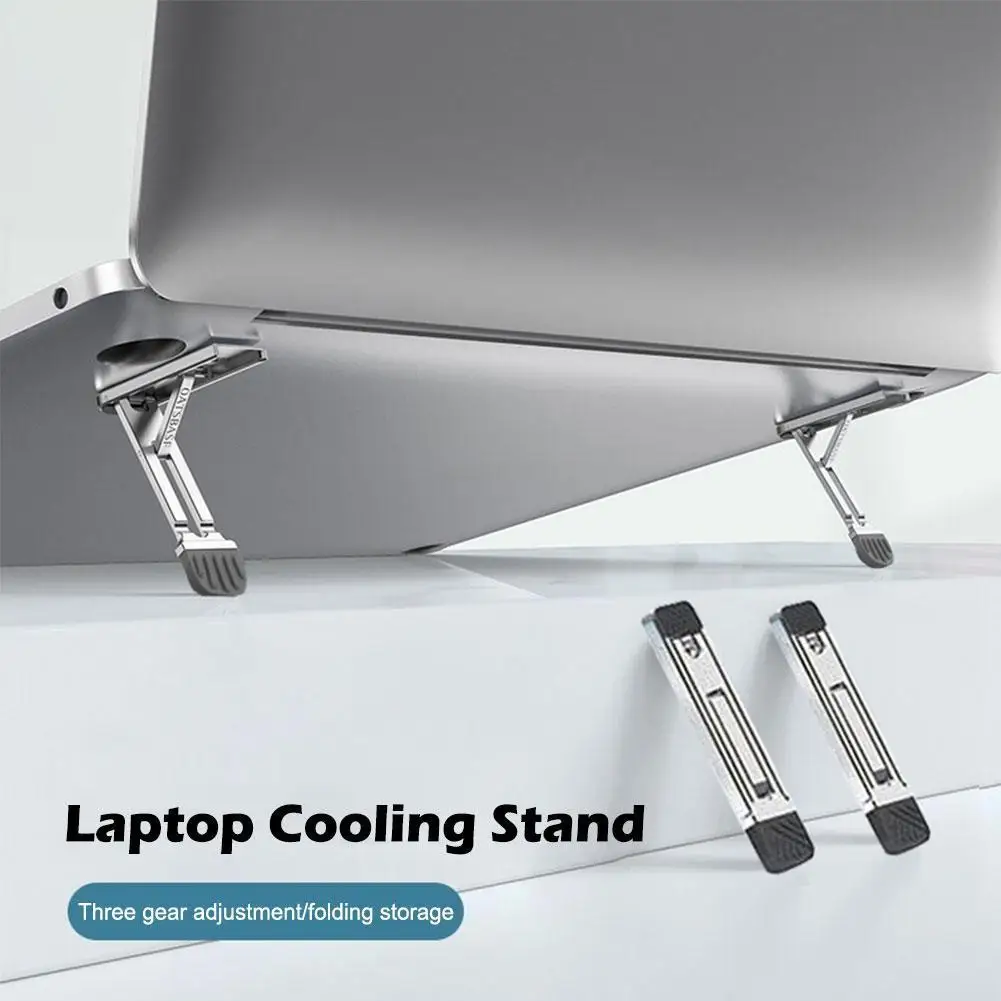 Laptop Stand Aluminum Alloy Mini Folding Holder 3 Height Adjustment…
7.66 USD
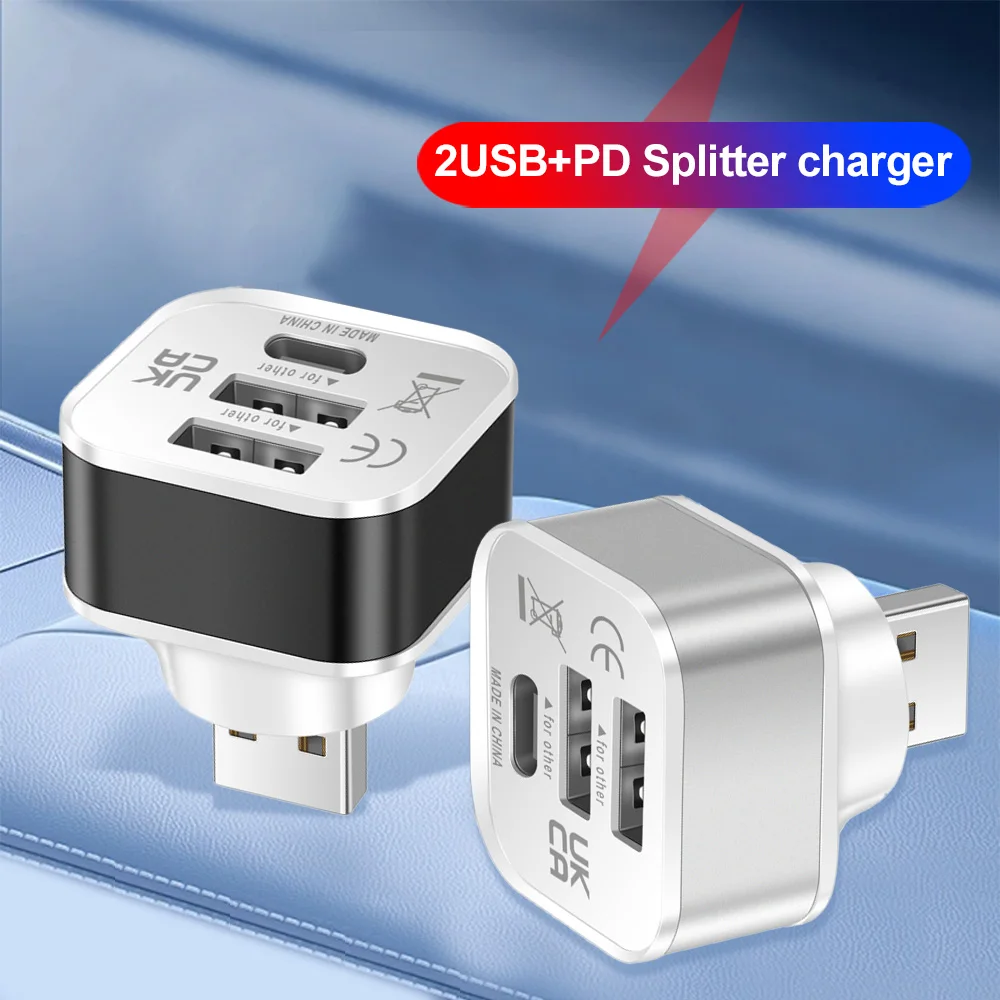 HUB USB 2.0 Adapter 3 Port USB Extender Quick Charge…
3.80 USD
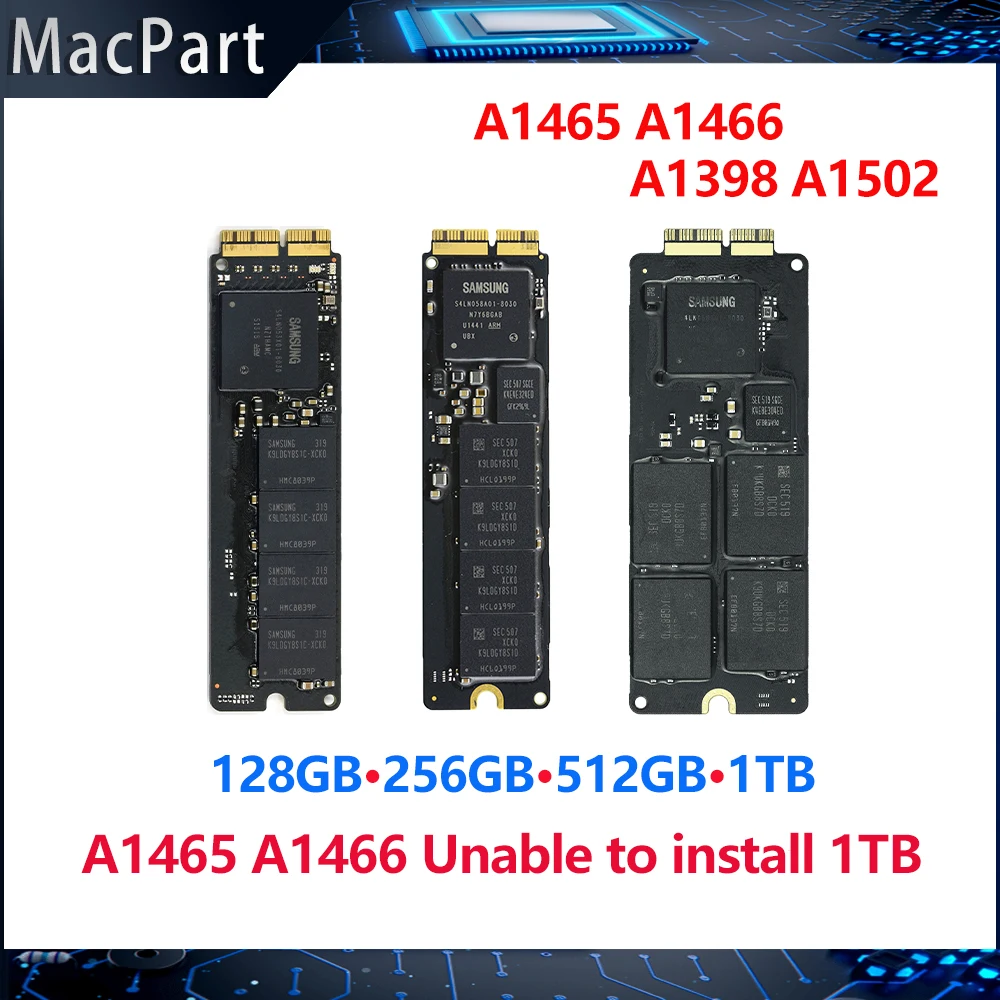 Genuine Original 128GB 256GB 512GB 1TB SSD Solid State Drive…
59.36 USD
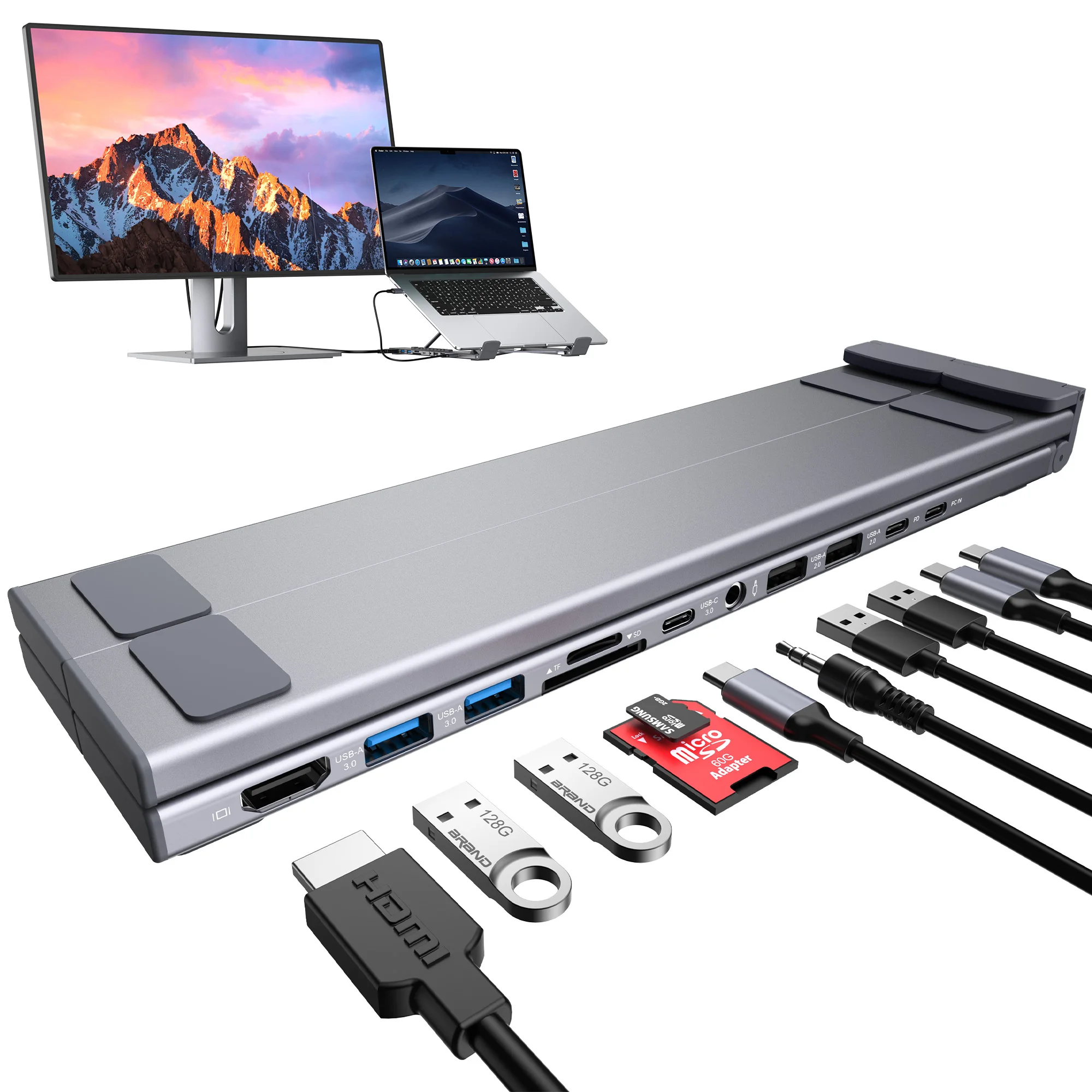 Laptop Docking Station 11 in 1 USB C Hub with…
60.18 USD
 Metal Mount Holder for Mac Mini M4 Desktop Computer Under…
33.24 USD
 OTG Micro SD TF Card Reader For Macbook Xiaomi Adaptador…
4.12 USD