
عن التطبيق
DSync can synchronize your files in only three steps: select the folders, compare them, synchronize them. Can it really be that easy? Sure it can.
After spending years, trying to use tools that are too complicated, which create hidden files, or are just too limited, we developed DSync – the easiest way to synchronize files on Mac. With the advanced algorithms in the latest version of DSync, synchronizing large folders with many files isn’t a problem. You can even fine-tune your synchronization by skipping, deleting, or reversing the copy-direction of the files you choose.
DSync integrates nicely with OS X, allowing you to select cloud folders in addition to local and network folders. Use iCloud? Select the iCloud folder. Use DropBox? Select the DropBox folder. It’s as easy as that. Don’t take our word for it, try it for yourself today! We’ve got a great 7 day, fully featured trial waiting for you.
WHAT’S NEW
Version 2.8.2:
Release notes were unavailable when this listing was updated.
REQUIREMENTS
Intel, 64-bit processor
macOS 10.13 or later
ScreenShots :
ملحقات موصى بها
روابط تابعة لـ AliExpress — قد نحصل على عمولة عند الشراء عبرها، دون أي تكلفة إضافية عليك.
 6 In 1 PD Type C Docking Station MST Multi…
6.72 USD
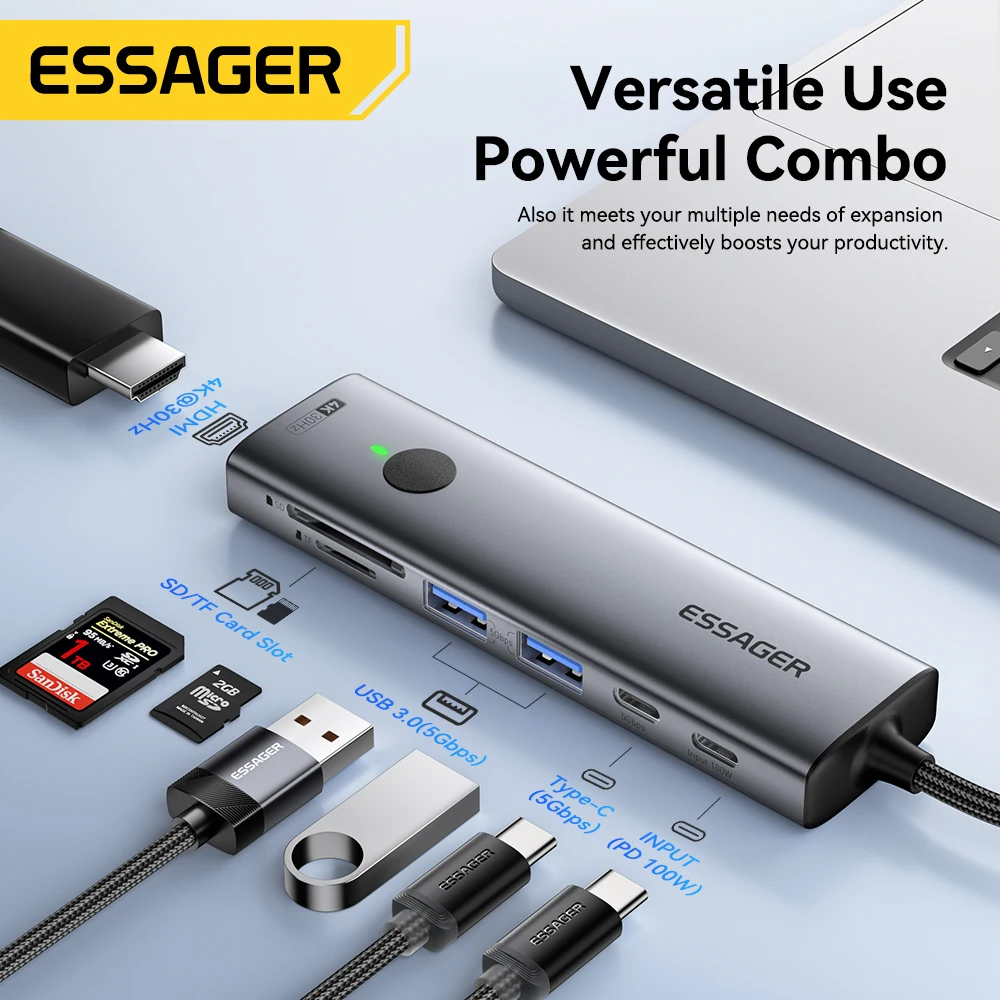 Essager USB C HUB 4K 7-in-1 Type C to HDMI…
29.57 USD
 Attack Shark X3 PixArt PAW3395 Wireless Mouse, 26K DPI Lightweight…
38.62 USD
 8 In 2 USB-C Hub With 3.0 SD/TF Card Reader…
5.91 USD
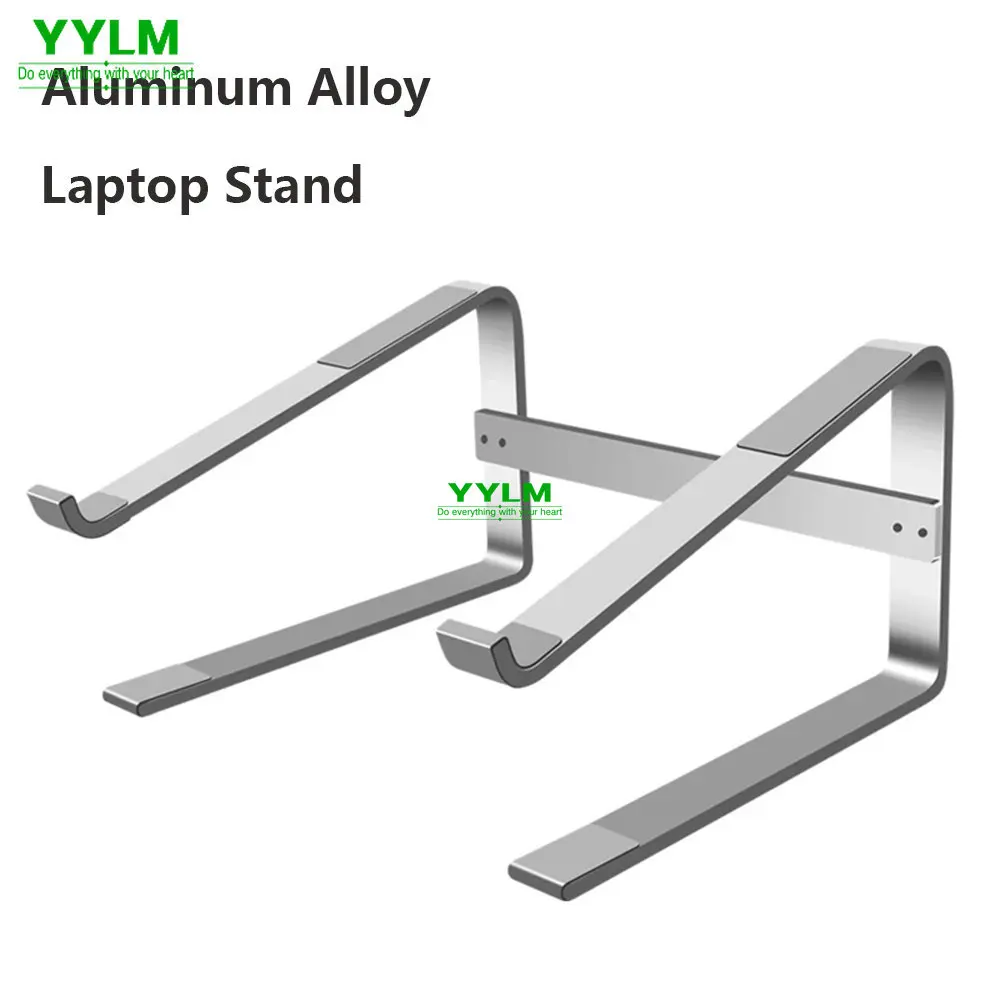 Aluminum Laptop Stand Notebook Riser Holder For Macbook Air 13…
9.08 USD
 Laptop Bag Sleeve Out Of The Comic Inch Notebook Bag…
4.81 USD