
لقطات الشاشة
عن التطبيق
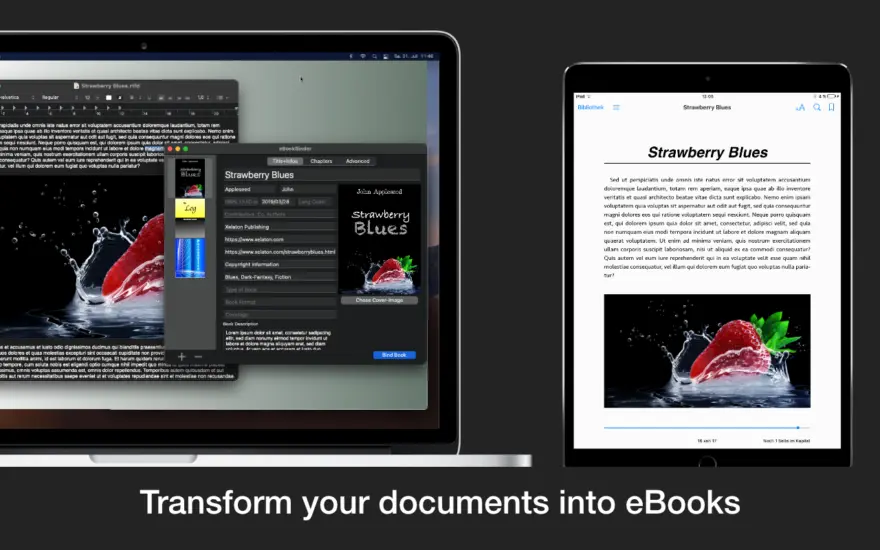
eBookBinder هي الأداة فائقة السهولة لإنشاء كتبك الإلكترونية باستخدام المستندات الموجودة لديك. عند تجميع مشروع كتابك، يقوم eBookBinder بإنشاء ملف epub. هناك ثلاث خطوات رئيسية فقط لكتابك الإلكتروني:
أدخل تفاصيل الكتاب. اسم الكتاب ومؤلفه، وإضافة صورة لغلاف الكتاب، وصفحة الناشر، ويمكن إدخال تفاصيل أخرى. ليست هناك حاجة لملء جميع الحقول، على الأقل يجب عليك إدخال اسم لكتابك.
أضف ملفات نصية كفصول لمشروع كتابك. يتم التعامل مع كل ملف نصي تضيفه إلى eBookBinder كفصل واحد. قم بتسمية الفصول الخاصة بك وترتيبها بالسحب والإفلات حسب التسلسل المطلوب من الفصول.
إنشاء الكتاب الاليكتروني الخاص بك. ما عليك سوى الضغط على زر “ربط الكتاب” وسيقوم eBookBinder بتجميع الكتاب الإلكتروني لك. هذا كل شيء!
ما يمكن إضافته إلى eBookBinder:
يدعم eBookBinder عدة أنواع مختلفة من الملفات النصية. بجانب ملفات النص العادي، يتم أيضًا دعم ملفات DOC وODT وRTF وRTFD وHTML وTextbundle وTextpack وملفات webarchive بواسطة eBookBinder.
دعم لغات الترميز يقبل eBookBinder أيضًا ملفات النص العادي المكتوبة بلغات Markdown وMultiMarkdown وTextile وWikitext وSmark كمدخلات. سيتم تحويلها بسرعة عند إضافتها كفصول إلى عملية كتابك. قم بزيارة تفضيلات eBookBinder لتحديد امتدادات الملفات التي يجب معالجتها للتحويل. سيتم تحويل جميع الملفات ذات امتدادات الملفات المناسبة عند استيرادها.
محرر مدمج – يتميز eBookBinder أيضًا بمحرر مدمج يوفر بعض ميزات التحرير الأساسية مثل تعيين النص غامقًا أو معكوسًا أو مسطرًا ومحاذاة النص. ومع ذلك، فإن أفضل ميزة في المحرر هي ميزة التصغير: حدد النص الذي تريد الاحتفاظ به واضغط على زر التصغير. ستتم إزالة أي شيء لم يتم تحديده. يعد هذا مثاليًا لتحرير مقالات الويب لإزالة جميع عناصر الإعلانات والملاحة بسرعة.
ما الجديد
التحسينات:
تعديلات على شريط الأدوات في الإعدادات للتوافق بشكل أفضل مع الإصدارات الأحدث من نظام التشغيل macOS.
تحسينات وتعديلات داخلية متنوعة لتحسين العمل مع الإصدارات الأحدث من macOS.
تم توسيع صفحة المساعدة لإعداد MMD Terminal Tool للحصول على مساعدة أفضل في الإصدارات الأحدث من macOS
إصلاحات الأخطاء:
يعمل على إصلاح الخلل الذي قد يتسبب في تعطل التطبيق عند استخدام أداة MMD الطرفية
أبيكسماركداون:
تم تحديث ApexMarkdown إلى الإصدار 1.1.21.
محلل داخلي:
تخفيض متعدد:
بالنسبة للقوائم، لم يعد وجود سطر فارغ في البداية ضروريًا وبالتالي يتوافق مع سلوك MultiMarkdown الأصلي.
Bug Fixes:
Fixed a display issue in the Markup settings.
Improvements:
Minor improvements to the Settings toolbar.
Redesigned the Markup settings interface.
ApexMarkdown:
Updated the ApexMarkdown converter to version 1.1.13.
Expanded ApexMarkdown settings:
Added an option for Grid Tables in the Pandoc section.
Added a language option for Quarto Markdown.
Added options for Quarto Markdown–specific features.
Updated the ApexMarkdown settings interface for macOS Tahoe.
جديد:
خيار لغة التوصيف الجديد: ApexMarkdown. باستخدام ApexMarkdown، يمكنك تكوين أو دمج نكهات Markdown المتنوعة (Kramdown وGFM وMultiMarkdown وCommonMark وApexMarkdown) عبر الإعدادات الموجودة في eBookBinder. يتيح لك ذلك تخصيص تحويل Markdown وفقًا لاحتياجاتك المحددة والاستفادة من مجموعة واسعة من الخيارات.
تنفيذ جديد لاستيراد ملفات DOCX وODT، والتي يمكن الآن استيرادها مع الصور
محلل داخلي:
تخفيض متعدد:
لم يعد يتم تطبيق ترميز النص المنخفض على العناصر التي تحتوي على CriticMarkup Replace
يعمل على إصلاح خطأ تقييم البيانات التعريفية الذي قد يتسبب في حدوث عطل
تخفيض السعر إضافي:
لم يعد يتم تطبيق ترميز النص المخطوط على العناصر التي تحتوي على Replace CriticMarkup
المتطلبات
- Intel, معالج 64-بت
- macOS 10.13 أو أحدث
روابط التحميل
ملحقات موصى بها
روابط تابعة لـ AliExpress — قد نحصل على عمولة عند الشراء عبرها، دون أي تكلفة إضافية عليك.
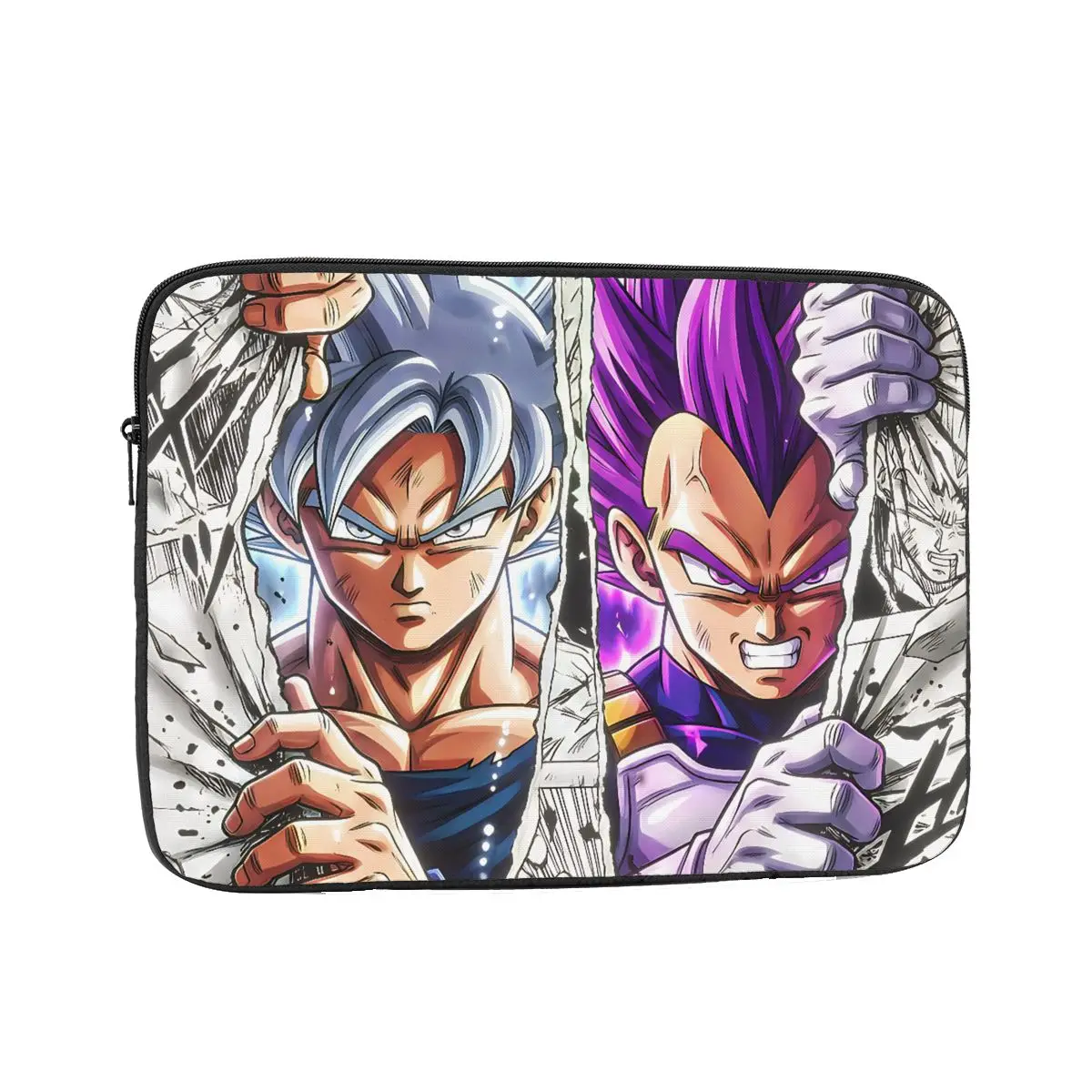 Laptop Bag Sleeve Out Of The Comic Inch Notebook Bag…
4.81 USD
Laptop Bag Sleeve Out Of The Comic Inch Notebook Bag…
4.81 USD
 Baseus EH3 12-in-1 USB C Hub HDMI DP 4K 60Hz…
78.95 USD
Baseus EH3 12-in-1 USB C Hub HDMI DP 4K 60Hz…
78.95 USD
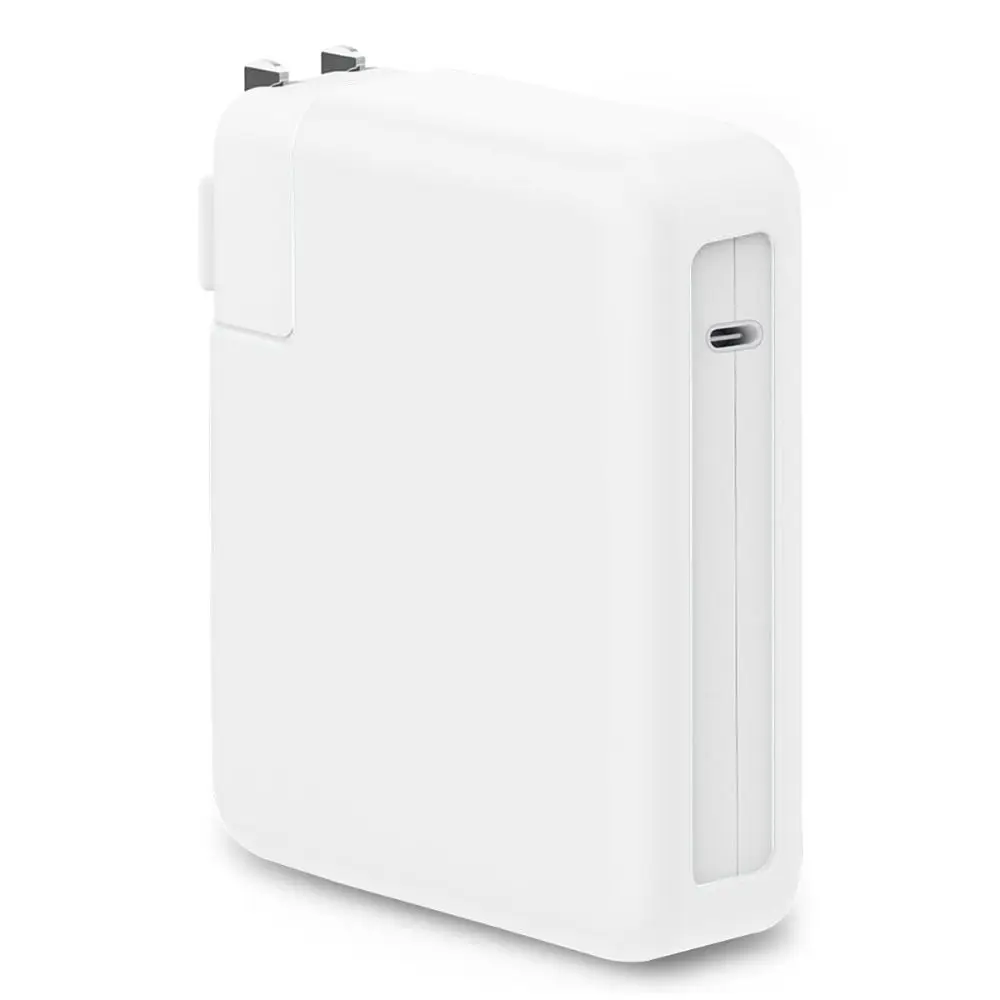 Anti-fall Charger Adapter Case Silicone Anti-collision Battery Charger Sleeve USB-C…
7.17 USD
Anti-fall Charger Adapter Case Silicone Anti-collision Battery Charger Sleeve USB-C…
7.17 USD
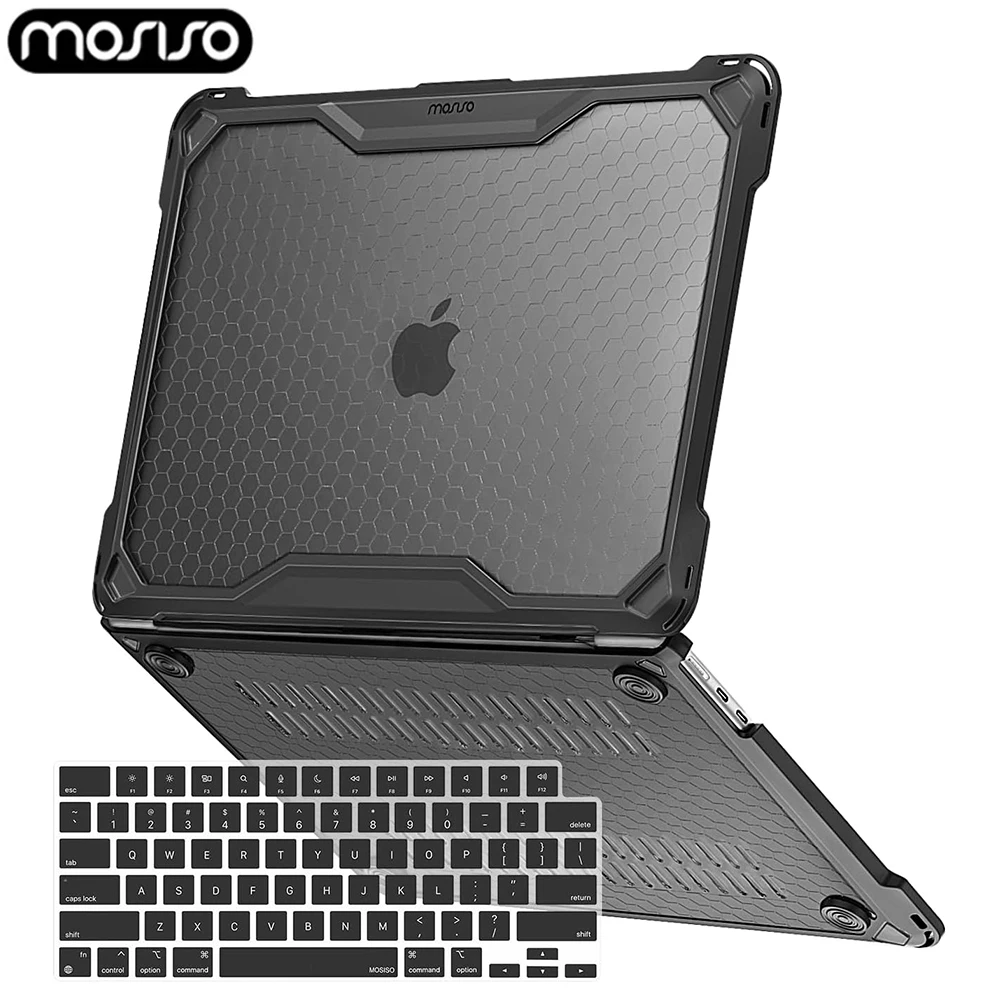 TPU Bumper Laptop Case for 2025 MacBook Air 13 inch…
32.09 USD
TPU Bumper Laptop Case for 2025 MacBook Air 13 inch…
32.09 USD
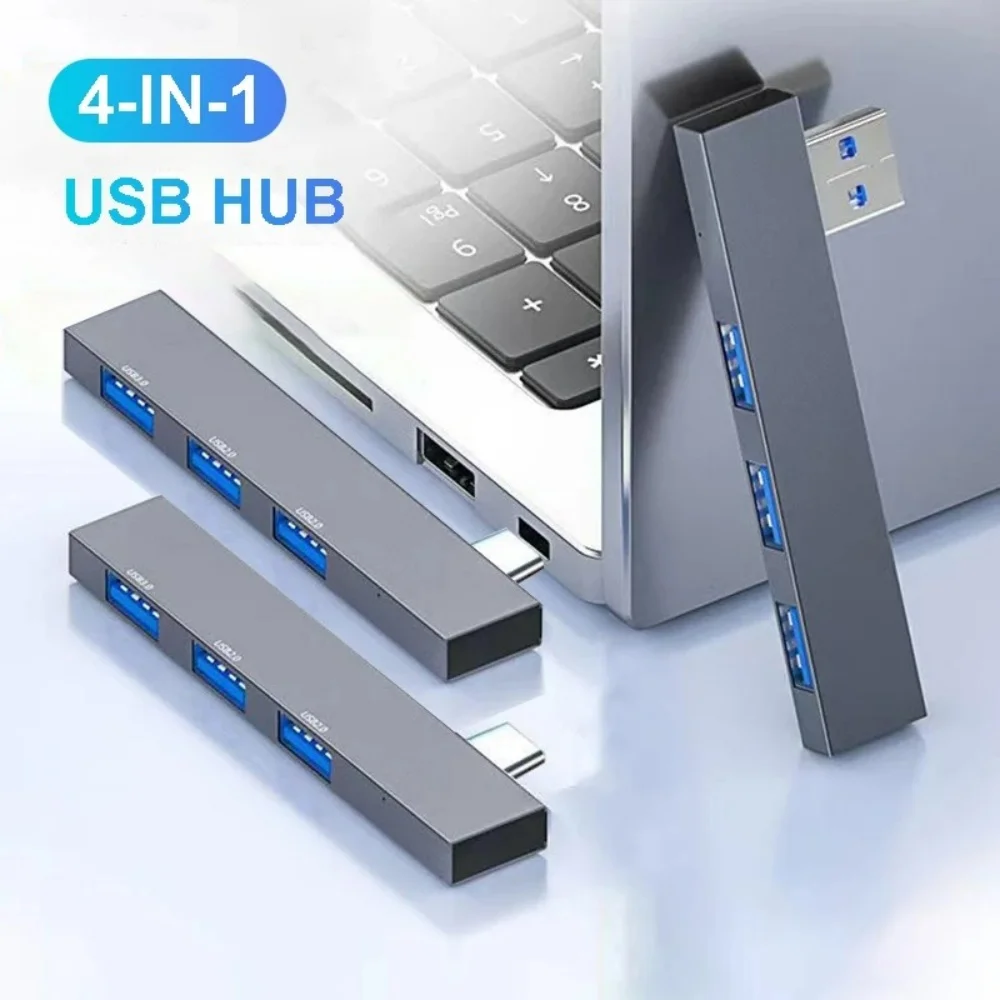 4 in 1 USB 3.0 Hub Type C 3.1 Multi…
5.02 USD
4 in 1 USB 3.0 Hub Type C 3.1 Multi…
5.02 USD
 Attack Shark X3 PixArt PAW3395 Wireless Mouse, 26K DPI Lightweight…
38.62 USD
Attack Shark X3 PixArt PAW3395 Wireless Mouse, 26K DPI Lightweight…
38.62 USD