
لقطات الشاشة
عن التطبيق
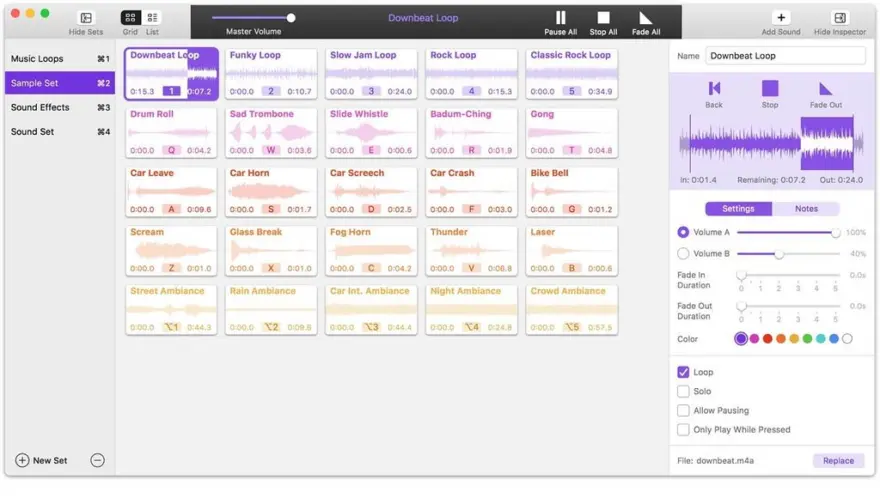
Farrago provides the best way to quickly play sound bites, audio effects, and music clips on your Mac. Podcasters can use Farrago to include musical accompaniment and sound effects during recording sessions, while theater techs can run the audio for live shows. Whether it’s providing quick access to a large library of sounds or running through a defined list of audio, Farrago is ready to assist!
Powerful Tile Interface: Farrago’s tile grid lets you lay out your audio exactly how you want it. Put your sounds at your fingertips and work the way you want.
Customize With the Inspector: Use the inspector to tailor each sound’s settings to your needs. Set the tile name and color, tweak in/out points, alter fade settings and more.
Organize With Sets: Create distinct groups of audio based on mood, show, or any other critera you like. Using sets makes managing audio a breeze.
Sound Sets: Farrago’s default sound set is useful, but you can create your own sets based on show, mood, or anything else you like.
A Thoughtful Interface: Farrago’s tile-based layout provides an easily understood way to play your audio via the keyboard or mouse.
Global Access via Hotkeys: With Farrago’s user-definable Global Hotkey, you can pull the app forward, then use the in-app shortcuts to instantly trigger your desired audio.
ما الجديد
Support for MacOS 27 (Golden Gate)
Farrago no longer warns on launch when run on MacOS 27 (Golden Gate). There are no known issues on Golden Gate at present.
Substantial Enhancements to Shortcuts
Farrago’s Shortcuts support has been greatly enhanced:
A new “Play Sound Set” shortcut has been added. It begins playback on the first un-played sound in the selected sound set, which is particularly useful for sets in List mode
The new “Configure Sound Set” shortcut allows a user to configure many variables for a sound set. Adjustments can be made to the set’s name, notes, display mode, playback mode, crossfade duration, and lock status
The “Play Sound” shortcut adds an option to either wait for playback completion or to continue immediately without waiting
It’s now possible to assign a color to sounds via the “Assign Sound Setting” shortcut
For improved clarity, the “Fade All” shortcut has been renamed to “Fade Out All”
Also for improved clarity, the verb “Set” has been replaced with “Configure” in the names of several shortcuts that deal with sets (noun) within Farrago.
Notable Editor Improvements
Several improvements have been made to Farrago’s editor window:
Selections now feature draggable start and end handles, for adjusting the length of the selection after it has been made.
Selections can also be made via the keyboard, with the “I” key starting a selection and the “O” key ending it.
When a selection exists, playback will be limited to that selection.
Playback in the editor can now be looped, with both an in-window button and a “Loop Playback” option in the “Editor” menu.
The start and end timestamps are now shown when creating a selection in the editor.
Timeline zooming in the editor window is now much more smoother, with no waveform jumping.
The editor window no longer cuts off the display of values on the edge of the timeline.
Smarter Smart Sets
Smart sets are now even more powerful, thanks to improvements made to play counts. A new “Session Play Count” has been added, to go with the now-renamed “Lifetime Play Count”. As you would expect, session play count tallies plays since Farrago was launched, while lifetime play count tallies plays across all time. A tile’s play Counts can even be reset from its contextual menu, by control-clicking the tile then holding the option key and selecting “Reset Play Count”.
Unobtrusive Update Notifications
Farrago’s software update notifications have been modified to be less obtrusive, in the hopes of avoiding disruptions. When the timed automated check detects a newer version, it will no longer pop a dialog in front of your work. Instead, a small “Update Available” indicator will appear in Farrago’s main window. This change makes it easier for you to control when you update to newer versions.
Paused sounds now stop when selecting “Stop All” from the “Playback” menu. As well, individual paused sounds can be stopped by holding the option key, then clicking the Stop button revealed in the sound’s “Now Playing” bubble in the LCD area.
The “Tile Color” rule description in the Inspector now shows the color visually next to the color’s name.
When the “Single click to trigger playback” setting is enabled, command-clicking on a sound in a backgrounded window will now trigger playback without bringing the window forward.
The contrast and sizing of elements in the “Play Tile” Stream Deck action have been improved.
The backend `ffmpeg` component which assists in importing audio has been updated from a very old version 2.6.2 to version 8.1.2, to ensure outstanding flaws and bugs are addressed.
Three new automation events have been added, to provide new ways to trigger Shortcuts: “Set Playback Started”, “Set Playback Ended”, and “Tile Setting Changed”.
OSC path discovery and re-use has been improved, with named and stable UUID-based addresses for both sets and tiles. As well, those stable set and tile UUIDs can now be referenced by copying a selection, and pasting into any text field. Finally, the Set and Tile inspectors now make it easier to discover and reuse OSC paths.
The editor window’s VoiceOver experience has been improved dramatically, with new ways to modify the selection and make edits entirely via the keyboard.
Managing multiple tile selections with VoiceOver can now be accomplished using VO + Command + Return to toggle selected tiles.
The master volume slider in Farrago’s toolbar no longer appears disabled when muted.
New logins to freesound.org from the “Search” tab of Farrago’s “Settings” once again work as expected.
Previewing a tile no longer updates its “Date Played” value for smart set rule consideration.
Unfavorited tiles will no longer incorrectly become favorited again when Farrago relaunches. This bug fix was not our favorite.
A minimized board window is no longer unexpectedly expanded when a display disconnects.
Several improvements have been made to Farrago’s MIDI support, including avoiding a hang which could occur when MacOS’s MIDI backend misbehaved.
The “Local Network Accession” permission will no longer incorrectly cycle between enabled and denied.
A typo in the “Notes” field of the List Mode sample set has been corrected, so that text which incorrectly read “Unlocks to door” now correctly reads “Unlocks the door”. Does that count as a bug? Perhaps not, but it still needed to be fixed.
The “Settings” window has been updated with a more modern look and feel, and its height now adjusts dynamically as needed.
Farrago’s icon has been updated to support the system-wide Dark icon style on MacOS 26 and higher.
To save CPU, the app no longer runs an audio session when Farrago is not in the foreground, unless a background control mechanism (Stream Deck, MIDI, or OSC) is active.
This backend behavior change should have no impact except for reduced CPU usage. Nevertheless, we’ve added a new “Keep audio devices active” hidden setting to the “Debugging” window. When active, Farrago reverts to its previous behavior of always keeping its audio session alive when in the background. For more details on hidden settings, see this support article.
MacOS 14 or Higher Is Now Required
Farrago now requires MacOS 14 or higher. If you’re on an older version of MacOS, be sure to see our Legacy Software page.
Easier Access to Test Releases
It’s now easier to be notified about pre-release versions of Farrago. In the “Settings” window, you can adjust the new “Check for” menu from its default “Official Releases” option to “Official and Test Releases”. More details on test releases can be found in this support article.
This setting was previously found in the app’s hidden “Debugging” window. It has now been promoted to the main interface.
Decluttered menus on MacOS 26 (Tahoe)
Menus have been decluttered on MacOS 26 (Tahoe), removing the menu bar icons Apple forced into Farrago. For more details, see our blog post.
A bug which could prevent the OSC server from starting has been squashed.
Interaction with the MIDI device table is now correctly possible even when the “Local Network Access” permissions prompt is visible.
The prompt for the “Local Network Access” permission, which enables Farrago to see OSC endpoints, will now always appear as needed on MacOS 26 (Tahoe).
Several interface improvements and bug fixes have been made:
Adjustments to color when selecting and adjusting multiple tiles have been improved.
An erroneous contextual menu has been removed from Farrago’s toolbar.
The “Unpause all” toolbar button once again correctly responds to clicks.
When a tile’s playback is paused, its contextual menu now offers a “Stop” option.
Sets that are currently off-screen (such as those which had been moved to a now-disconnected display) will now be brought back to the main display as needed.
A crash which could occur when using Farrago’s “Factory Reset” option (found in the “Debugging” window) has been fixed.
When Farrago’s main window is visible and its global keyboard shortcut key is pressed, it now does a helpful “Here I am!” pop to indicate its location.
Farrago’s “License” window now contains a helpful link to access our customer dashboard.
المتطلبات
- Intel, معالج 64-بت
- macOS 14.0 أو أحدث
روابط التحميل
ملحقات موصى بها
روابط تابعة لـ AliExpress — قد نحصل على عمولة عند الشراء عبرها، دون أي تكلفة إضافية عليك.
 For Apple MacBook A1706 A1707 A1932 A1989 A2141 keyboard screws…
34.71 USD
For Apple MacBook A1706 A1707 A1932 A1989 A2141 keyboard screws…
34.71 USD
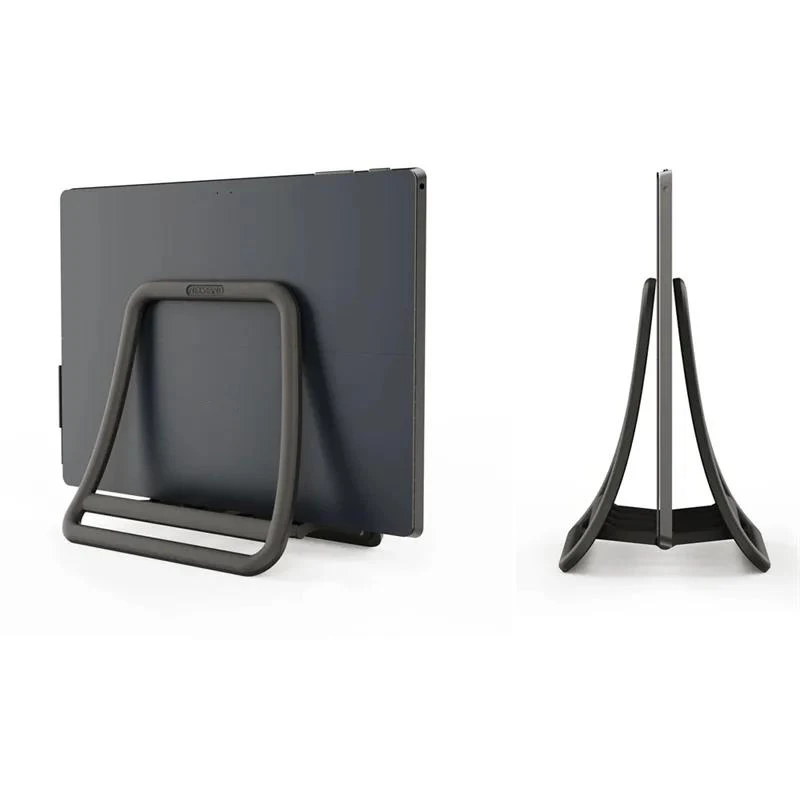 Universal Vertical Laptop Stand Foldable Tablet Desktop Stand Notebook Dock…
7.43 USD
Universal Vertical Laptop Stand Foldable Tablet Desktop Stand Notebook Dock…
7.43 USD
 USB C HUB 3in1 Type C 3.0 to HDMI-compatible Docking…
6.15 USD
USB C HUB 3in1 Type C 3.0 to HDMI-compatible Docking…
6.15 USD
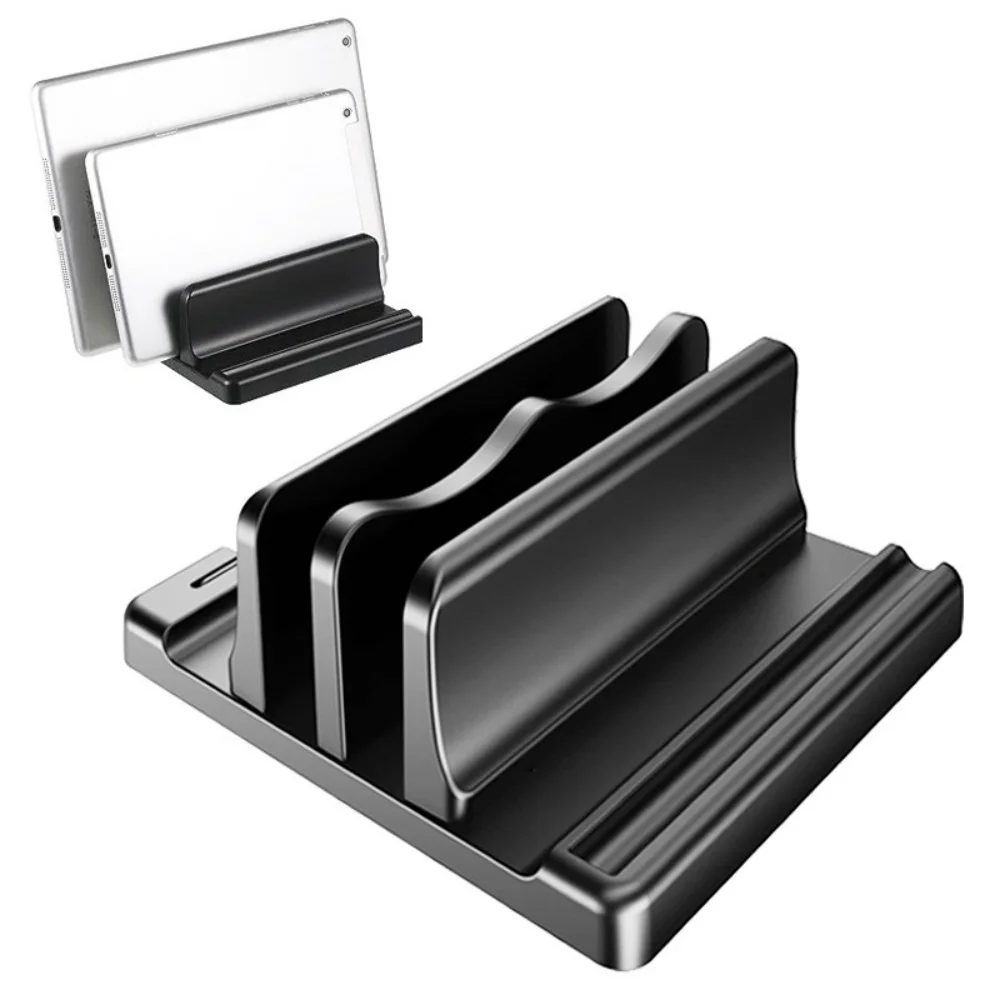 Single/Dual-Slot Vertical Laptop Stand Holder Adjustable Desktop Notebook Dock Space-Saving…
10.63 USD
Single/Dual-Slot Vertical Laptop Stand Holder Adjustable Desktop Notebook Dock Space-Saving…
10.63 USD
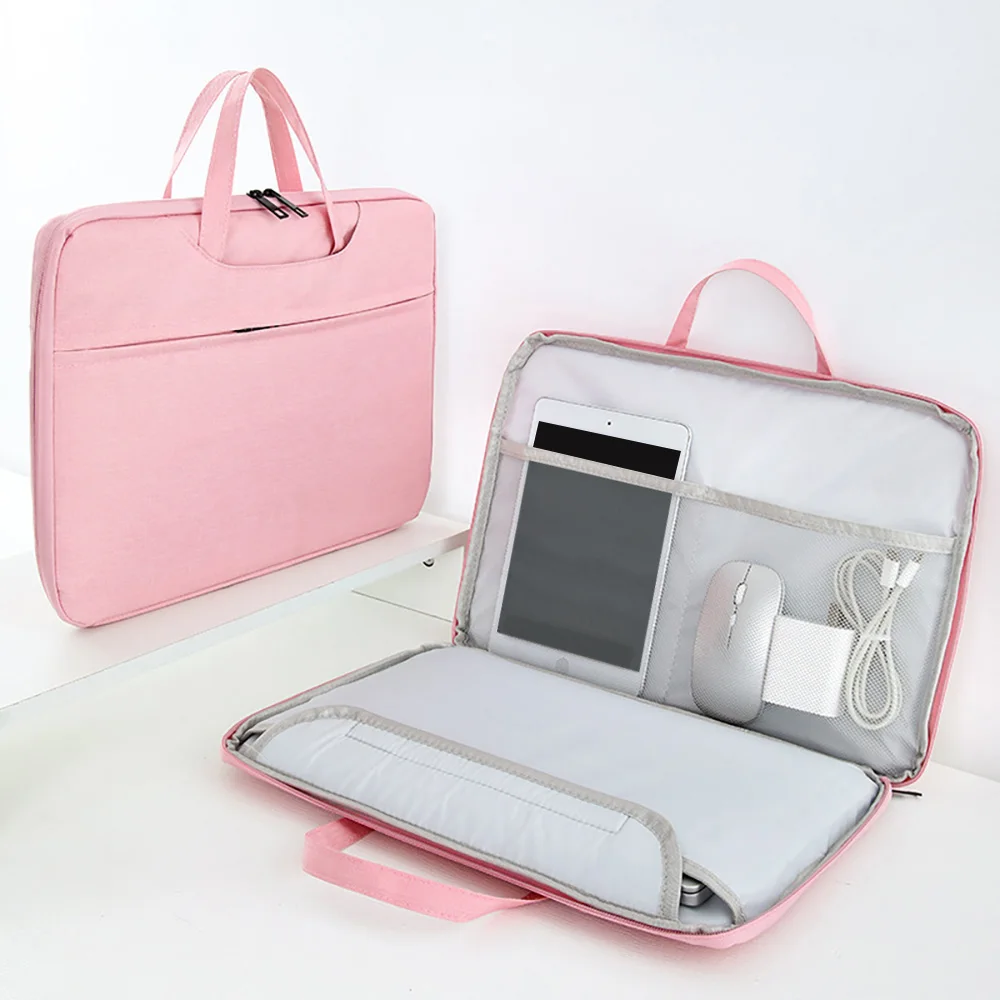 Laptop Bags 13.3 14 15 15.6 inch Cover For MacBook…
14.36 USD
Laptop Bags 13.3 14 15 15.6 inch Cover For MacBook…
14.36 USD
 Microfiber Dustproof Cleaning Cloth, Notebook Keyboard Cover & Laptop Screen…
2.42 USD
Microfiber Dustproof Cleaning Cloth, Notebook Keyboard Cover & Laptop Screen…
2.42 USD