
لقطات الشاشة
عن التطبيق
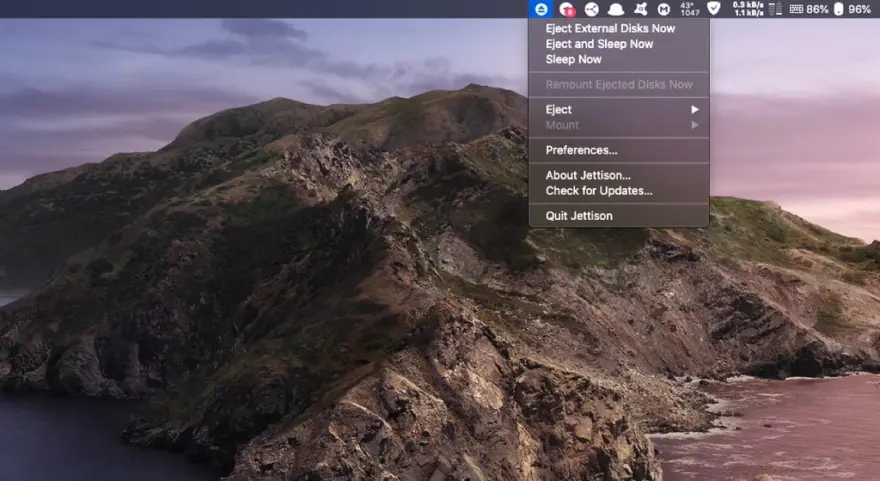
Jettison automatically ejects external disks from your Mac before your computer goes to sleep.
Simplify those last few seconds when you grab your MacBook and run out the door. Just close the lid and Jettison will automatically eject your backup drive, iPod, or whatever is connected so you can safely unplug it. Say goodbye to “disk was not ejected properly” errors and waking your computer back up because you forgot to eject everything.
Jettison even makes sure that Time Machine backups and file server volumes are properly shut down before they’re removed. Your backups and shared files are safe and sound.
And what if you decide not to leave, and open your MacBook back up? Jettison will check to see if your drives are still connected and will mount them back on the Desktop if they’re there.
ما الجديد
Resolved a bug which caused Jettison to get “stuck” and unable to eject volumes if back-to-back eject and remount cycles were performed very quickly.
Fixed an error where Jettison would identify an app that was preventing it from ejecting a drive, but wouldn’t offer a Quit button to quit that app.
Corrected a bug that could result in the progress window for an eject or mount operation not showing or remaining on screen.
Jettison will not quit mds_stores before sleep because this can break Spotlight queries until the machine is restarted.
The drive count shown in the menu bar changes immediately as disks are ejected or mounted.
يتضمن Jettison خيارًا لعرض عدد الأقراص القابلة للإخراج بجوار رمز شريط القوائم الخاص به.
تتضمن رسائل الخطأ اسم العملية المخالفة عندما يمنع شيء ما إخراج القرص.
macOS 26.4 يعيد تحميل الأقراص بقوة عند الاستيقاظ من النوم. يمنع Jettison ذلك بالنسبة للأقراص المحددة في إعداد "عدم إعادة تحميل هذه الأقراص".
يمكن لبعض عمليات النظام (QuickLookSatellite، وmds_stores، وsystemmigrationd) أن تمنع إخراج الأقراص. للتغلب على المشكلة، يمكن لـ Jettison إنهاء هذه البرامج قبل دخول جهاز Mac الخاص بك في وضع السكون. استخدم هذا الأمر في الوحدة الطرفية لتمكين هذا: الإعدادات الافتراضية اكتب com.stclairsoft.Jettison terminSystemProcesses 1
تعمل إعادة تركيب وحدات تخزين الشبكة بشكل موثوق حتى بعد قطع اتصال وحدة التخزين بشكل غير متوقع.
عندما تقوم بإزالة اختصار لوحة المفاتيح، فإن ذلك ينعكس بشكل صحيح في قائمة Jettison.
تم إصلاح الموقف حيث يمكن ترك نافذة التقدم على الشاشة.
يمكن استخدام مفتاح Fn (الكرة الأرضية) في اختصارات لوحة المفاتيح.
تمت إضافة دعم لوحدات التخزين المثبتة عبر NFS.
المتطلبات
- Intel, معالج 64-بت
- macOS 10.13 أو أحدث
روابط التحميل
ملحقات موصى بها
روابط تابعة لـ AliExpress — قد نحصل على عمولة عند الشراء عبرها، دون أي تكلفة إضافية عليك.
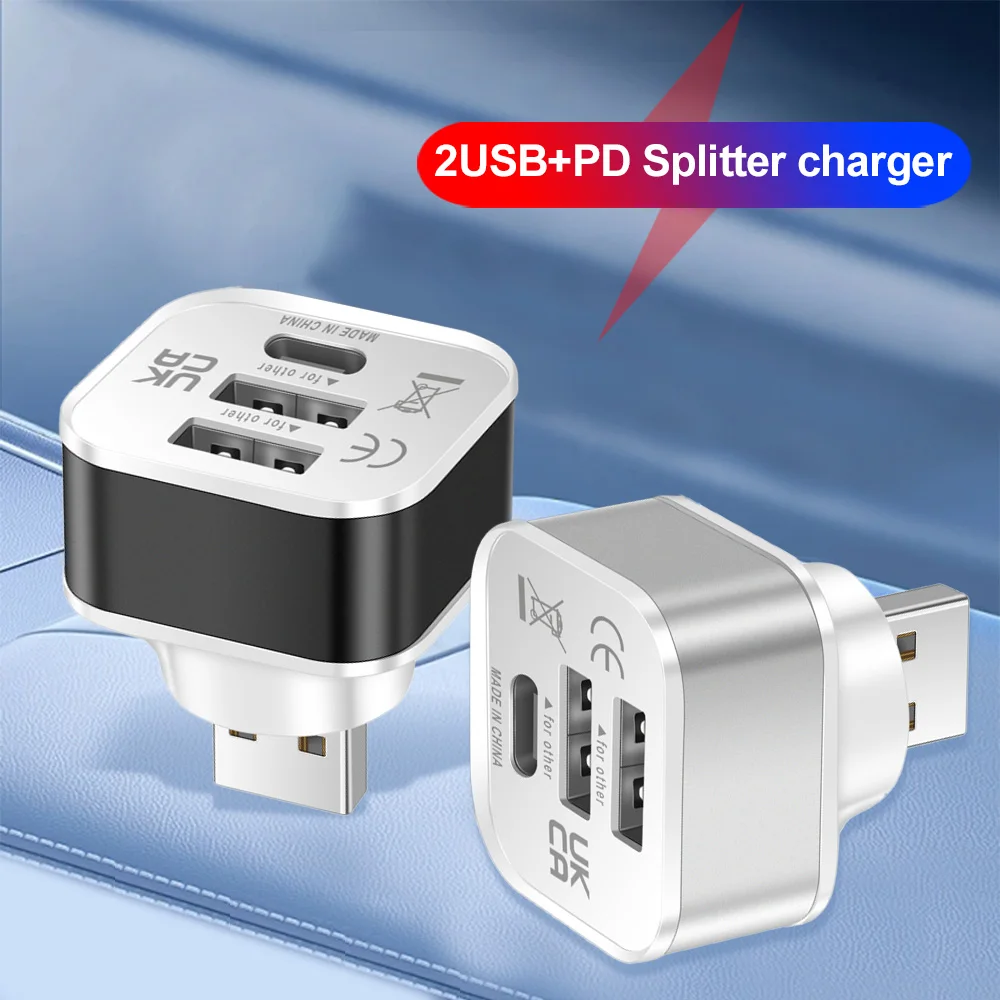 HUB USB 2.0 Adapter 3 Port USB Extender Quick Charge…
3.80 USD
HUB USB 2.0 Adapter 3 Port USB Extender Quick Charge…
3.80 USD
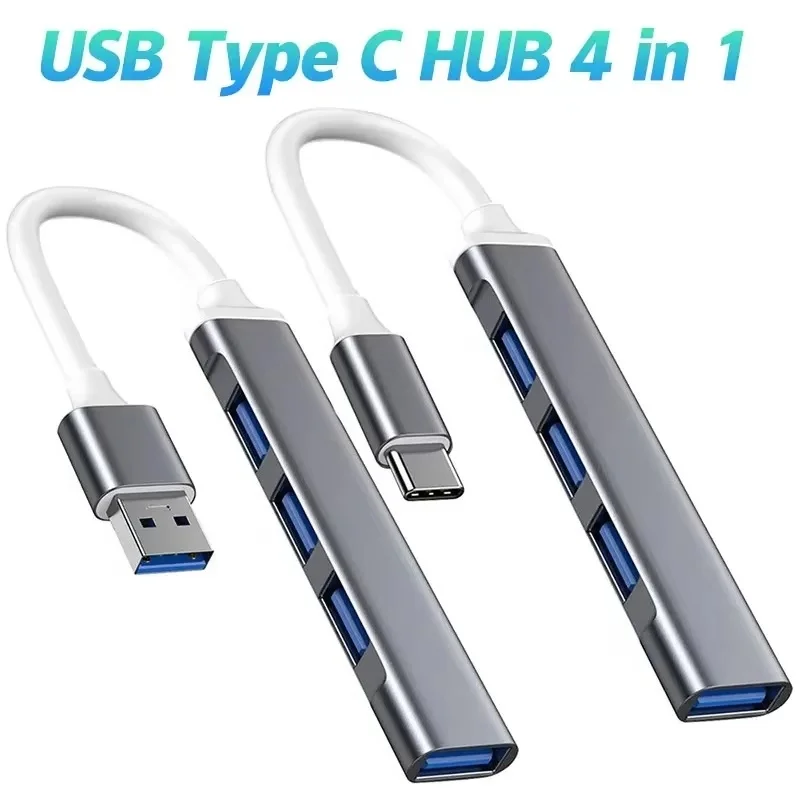 USB 3.0 Hub 4 Port USB Hub High Speed Type…
4.06 USD
USB 3.0 Hub 4 Port USB Hub High Speed Type…
4.06 USD
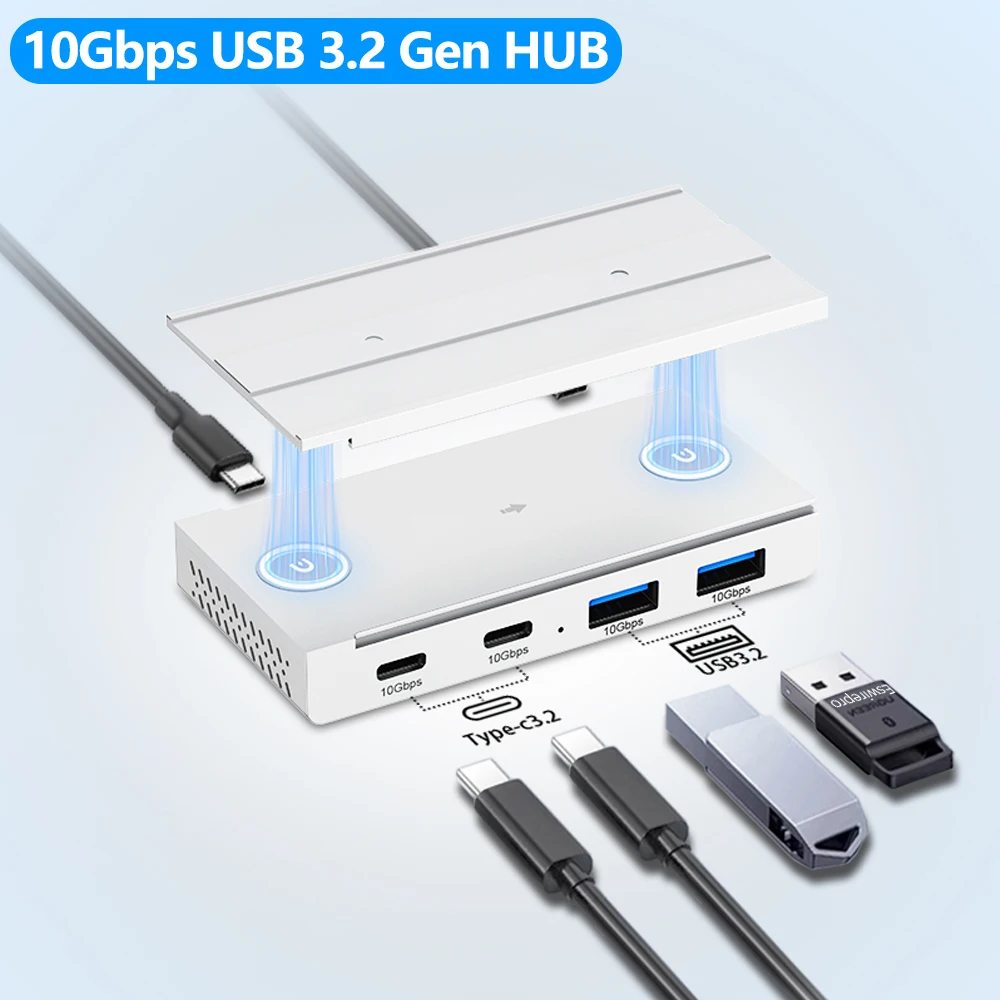 10Gbps USB3.2 Gen2 HUB Desk Magnetic USB Splitter High Speed…
23.84 USD
10Gbps USB3.2 Gen2 HUB Desk Magnetic USB Splitter High Speed…
23.84 USD
 Metal Mount Holder for Mac Mini M4 Desktop Computer Under…
33.24 USD
Metal Mount Holder for Mac Mini M4 Desktop Computer Under…
33.24 USD
 Baseus EH3 12-in-1 USB C Hub HDMI DP 4K 60Hz…
78.95 USD
Baseus EH3 12-in-1 USB C Hub HDMI DP 4K 60Hz…
78.95 USD
 Premium Ultra Thin Keyboard Protector For MacBook Neo 13'' A18…
8.11 USD
Premium Ultra Thin Keyboard Protector For MacBook Neo 13'' A18…
8.11 USD