
لقطات الشاشة
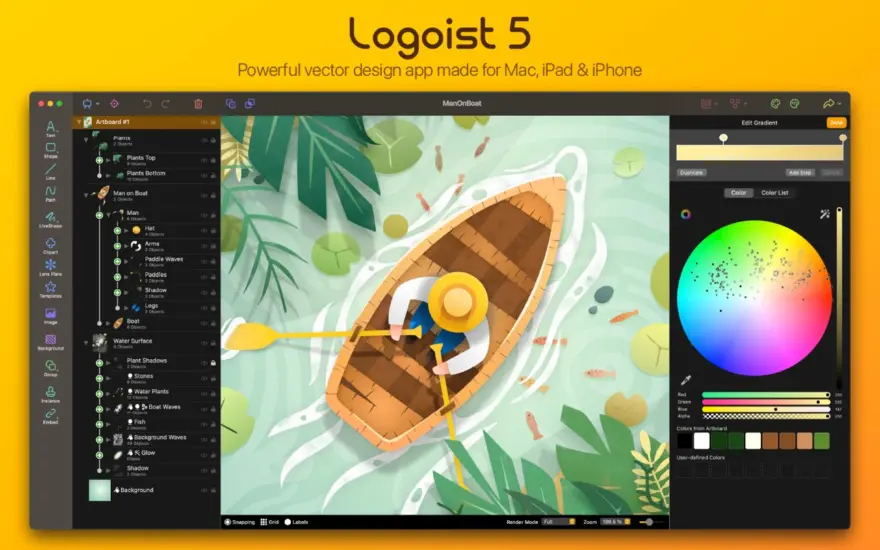
عن التطبيق
Logoist lets your create logos, title art, icons, banners, Web-site elements, greeting card headings, buttons, iBooks Author titles, picture collages,… you name it! Logoist allows you to design images using layers, sophisticated effects, and eye-catching shaders. Logoist comes with a large collection of effect presets, clipart, and patterns free for you to use in your projects!
Layers – Insert objects and combine them with boolean operations like substract or add.
Shaders – Create metal, glass, plastic and several other materials.
Effects – Effects such as inner and outer shadow, glow, blur, and borders.
Borders – Use either a flat color, a pattern, a gradient, or even using a shader.
Clipart – Logoist includes over 3,000 vector clipart images.
Patterns – A huge collection of patterns is also included.
Transformations – Text and clipart can be transformed using several built-in methods like trapezoid, pinch, ripple, wave, or shear.
Paths – Logoist comes with a sophisticated tool to edit paths.
Easy to use – Logoist features a well thought-out user interface which makes it easy to understand and use.
Ready for OS X 10.8 – Logoist supports iCloud document storage and Share Sheets.
Snapping – A snapping algorithm allows you to accurately align the layers in your composition.
Fonts – A font selector previews all fonts installed, as well as a live preview of the text including all shaders and effects applied to it.
Samples – Logoist comes with over 100 samples you can use as templates.
Export – Logoist works independent of resolution, but allows export up to 600dpi in several file formats.
Native Photoshop PSD export – Use Photoshop, Pixelmator, or any other graphics app supporting the Photoshop file format to refine your logo or include it in an existing project.
Gestures – Logoist fully supports gestures on trackpads of newer MacBooks and on the Apple Magic Trackpad.
Technology – Logoist uses advanced technologies such as Grand Central Dispatch and Core Image to provide a flawless workflow.
Collages – Create great picture collages with ease.
ما الجديد
Various improvements and bug fixes for macOS 26 Tahoe
المتطلبات
- Intel, معالج 64-بت
- macOS 11.0 أو أحدث
روابط التحميل
ملحقات موصى بها
روابط تابعة لـ AliExpress — قد نحصل على عمولة عند الشراء عبرها، دون أي تكلفة إضافية عليك.
 UGREEN Uno USB-C HUB 8-in-1 Type-C to 4K60Hz HDMI 10Gbps…
37.67 USD
UGREEN Uno USB-C HUB 8-in-1 Type-C to 4K60Hz HDMI 10Gbps…
37.67 USD
 Screen Protector for MacBook HD Soft Film for Air 13…
3.79 USD
Screen Protector for MacBook HD Soft Film for Air 13…
3.79 USD
 Genuine Original 128GB 256GB 512GB 1TB SSD Solid State Drive…
59.36 USD
Genuine Original 128GB 256GB 512GB 1TB SSD Solid State Drive…
59.36 USD
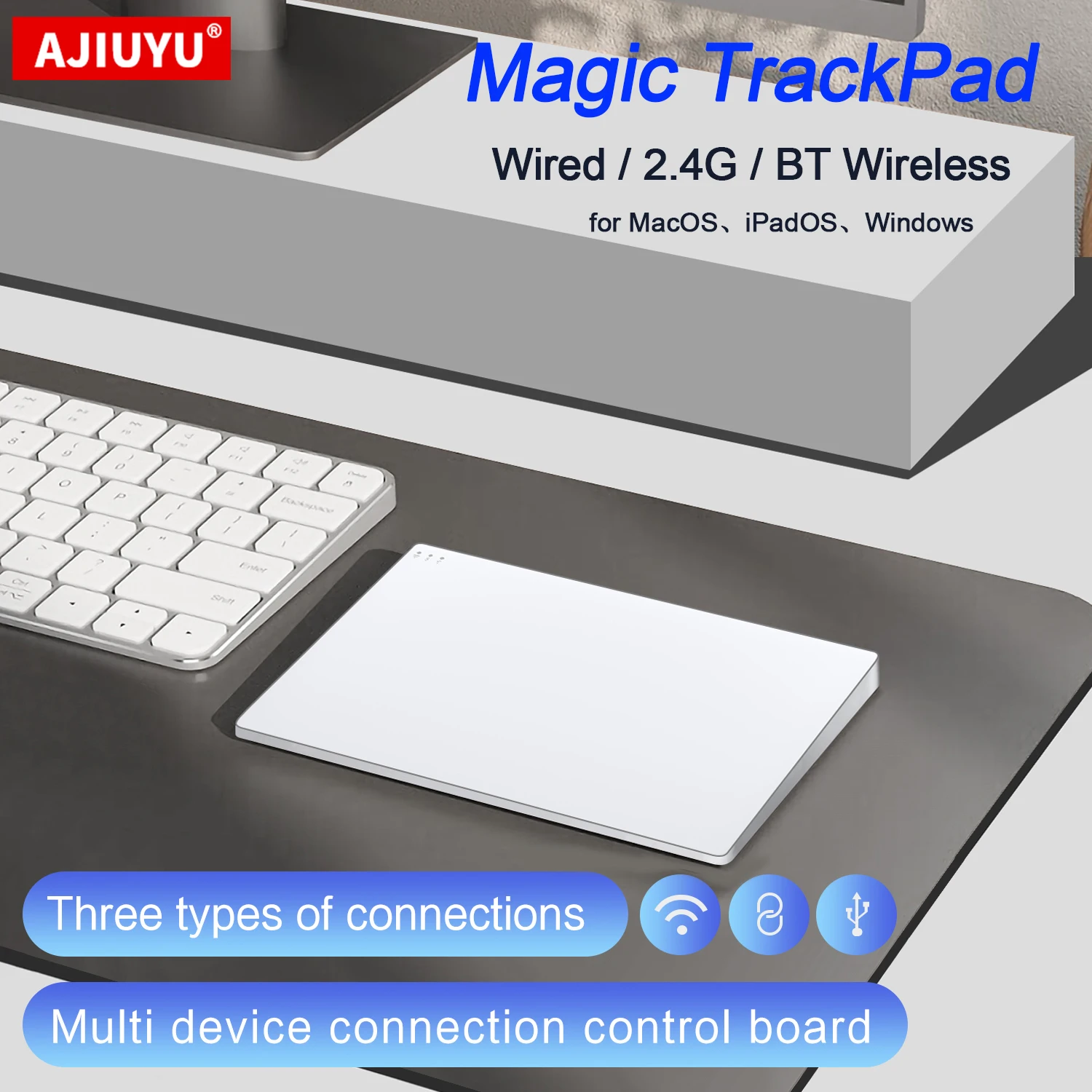 Wireless Trackpad Touchpad for iPad Mac OS MacBook iMac Magic…
35.00 USD
Wireless Trackpad Touchpad for iPad Mac OS MacBook iMac Magic…
35.00 USD
 Metal Mount Holder for Mac Mini M4 Desktop Computer Under…
33.24 USD
Metal Mount Holder for Mac Mini M4 Desktop Computer Under…
33.24 USD
 Extra Large 60L Tactical Backpack for Men Women Outdoor Water…
134.51 USD
Extra Large 60L Tactical Backpack for Men Women Outdoor Water…
134.51 USD