
لقطات الشاشة
عن التطبيق
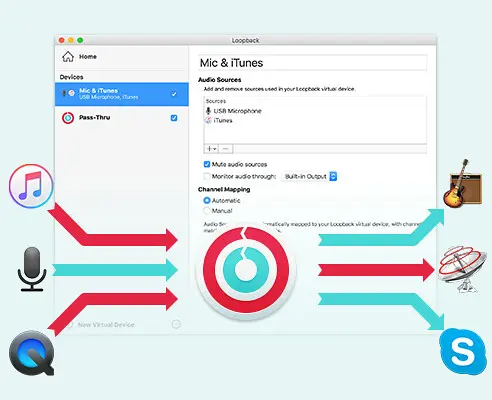
Suddenly, it’s easy to pass audio between applications on your Mac. Create virtual audio devices to take the sound from applications and audio input devices, then send it to audio processing applications. Loopback gives you the power of a high-end studio mixing board, right inside your computer!
A TRANSIT SYSTEM FOR YOUR AUDIO
Combine Audio Sources
Configuring a virtual audio device from multiple sources is easy. Just add the applications and physical audio devices you want to include to the Audio Sources table to get started.
Available System-Wide
Your Mac will show Loopback’s virtual devices exactly like physical devices. Find them listed among other devices in System Preferences or select them as an input or output in any audio app.
Send Audio Between Apps
Loopback can also create pass-thru devices, which send audio from one app to another. Set the Loopback device as the output in one app and the input in another to make audio flow directly between the applications.
GREAT USES FOR LOOPBACK
Play Audio to All Your Podcast Guests
Combine your mic with audio sources like iTunes or QuickTime Player, then select your Loopback device as your source in Skype. Presto! Your guests all hear both your voice and your audio add-ons.
Record Gameplay Videos
Making gameplay videos with great audio can often be very difficult. If you’re using a device like Elgato’s Game Capture hardware and you want to record both your microphone and the game’s audio at once, Loopback can assist!
Combine Hardware Devices
Apps like GarageBand, Logic, and Ableton Live only record from a single audio device at once. Thankfully, they offer recording from many channels. With Loopback, you can combine multiple input devices into one virtual device for easy recording.
Create Top-Notch Screencasts
Screen recorders, including QuickTime Player, allow you to include either microphone audio or all system audio at once. Neither option is ideal. Create a virtual device that grabs just the mic and the app’s audio to get exactly the audio you want.
Route Audio For Broadcasts
Set a simple (pass-thru) device as the output at the end of an Audio Hijack chain, and then as the input source in Nicecast. Now listeners can tune in to a live stream of your podcast as you record it!
So Much More…
With Loopback, you gain incredible power and control over how audio is routed around your Mac and between applications. We can’t wait to hear about the incredible new uses you find for it!
ما الجديد
Support for MacOS 27 (Golden Gate)
Loopback no longer warns on launch when run on MacOS 27 (Golden Gate). There are no known issues on Golden Gate at present.
Do note that Apple’s betas remain in flux. We always encourage users to stick with official (non-beta) OS releases for the best experience.
ARK Plugin Updated to 13.5
The ARK plugin which powers Loopback’s audio handling has been updated to version 13.5. This big update contains a slew of backend improvements that reduce CPU usage, reduce latency, and increase audio processing integration reducing failure points.
A rare issue with pass-thru audio processing has been corrected.
Easier Access to Test Releases
It’s now easier to be notified about pre-release versions of Loopback. In the “Settings” window, you can adjust the new “Check for” menu from its default “Official Releases” option to “Official and Test Releases”. More details on test releases can be found in this support article.
This setting was previously found in the app’s hidden “Debugging” window. It has now been promoted to the main interface.
MacOS 14.5 or Higher Is Now Required
Loopback now requires MacOS 14.5 or higher. If you’re on an older version of MacOS, be sure to see our Legacy Software page.
يعمل مكون ARK الإضافي 13.1.3 على إصلاح مشكلات تجاوز الهوامش النادرة: تم تحديث المكون الإضافي ARK الذي يدعم معالجة الصوت في Loopback إلى الإصدار 13.1.3، مما يوفر إصلاحًا للمشكلات التي قد تؤدي إلى نزف الصوت بشكل غير صحيح بين الأجهزة الافتراضية. يؤدي هذا إلى تصحيح الانحدار الذي تم تقديمه في الاسترجاع 2.4.9.
تم إصلاح عطل نادر قد يحدث عند تحديث تكوين جهاز افتراضي.
تم تصحيح العديد من مشكلات عرض العدادات المتعلقة بمصادر تمرير أجهزة الصوت الافتراضية.
الاسترجاع 2.4.10 مخصص لـ MacOS 14.5 والأعلى: يدعم هذا النوع من الاسترجاع MacOS 14.5 والأعلى. في MacOS 11 حتى 14.4.1، يتم استخدام متغير مختلف تلقائيًا، دون الحاجة إلى اتخاذ أي إجراء من جانبك.
المتطلبات
- Intel, معالج 64-بت
- macOS 14.5 أو أحدث
روابط التحميل
ملحقات موصى بها
روابط تابعة لـ AliExpress — قد نحصل على عمولة عند الشراء عبرها، دون أي تكلفة إضافية عليك.
 Hagibis Knob USB C Hub With Shortcut Buttons Type-C Docking…
48.36 USD
Hagibis Knob USB C Hub With Shortcut Buttons Type-C Docking…
48.36 USD
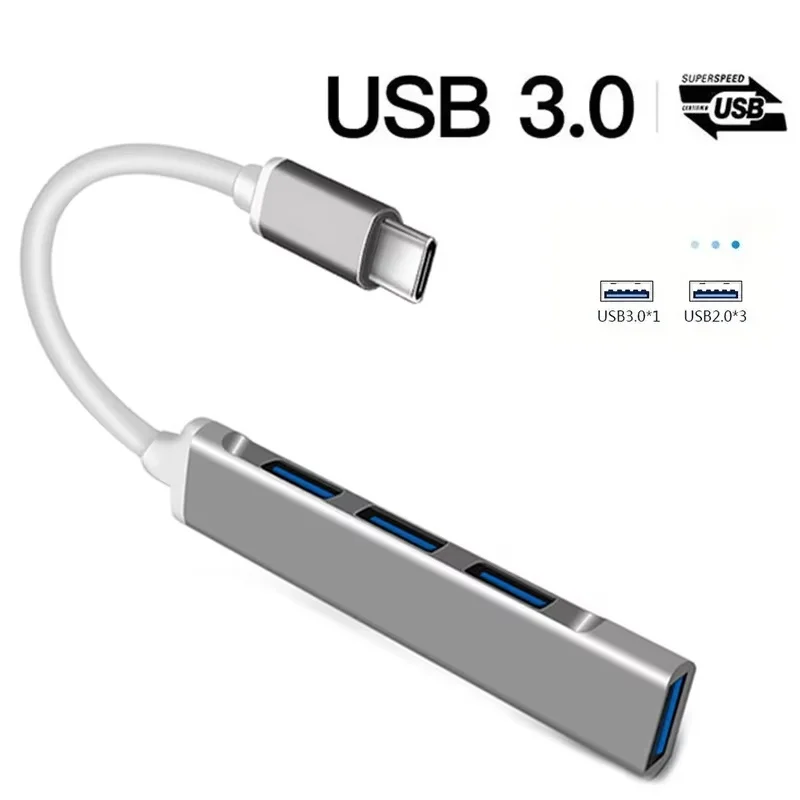 4 Ports USB 3.0 Hub TYPE C HUB USB 3.0…
4.01 USD
4 Ports USB 3.0 Hub TYPE C HUB USB 3.0…
4.01 USD
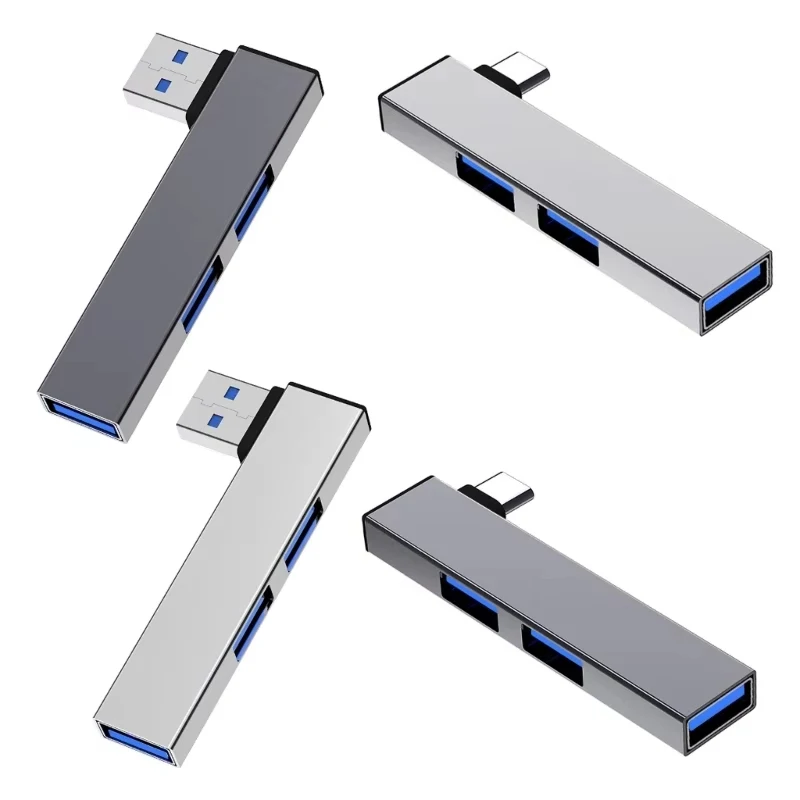 USB C HUB 3.0 Type C 3.1 3 Port Multi…
3.19 USD
USB C HUB 3.0 Type C 3.1 3 Port Multi…
3.19 USD
 Multifunction 6 in 1 Type C + USB 3.0 2.0…
6.59 USD
Multifunction 6 in 1 Type C + USB 3.0 2.0…
6.59 USD
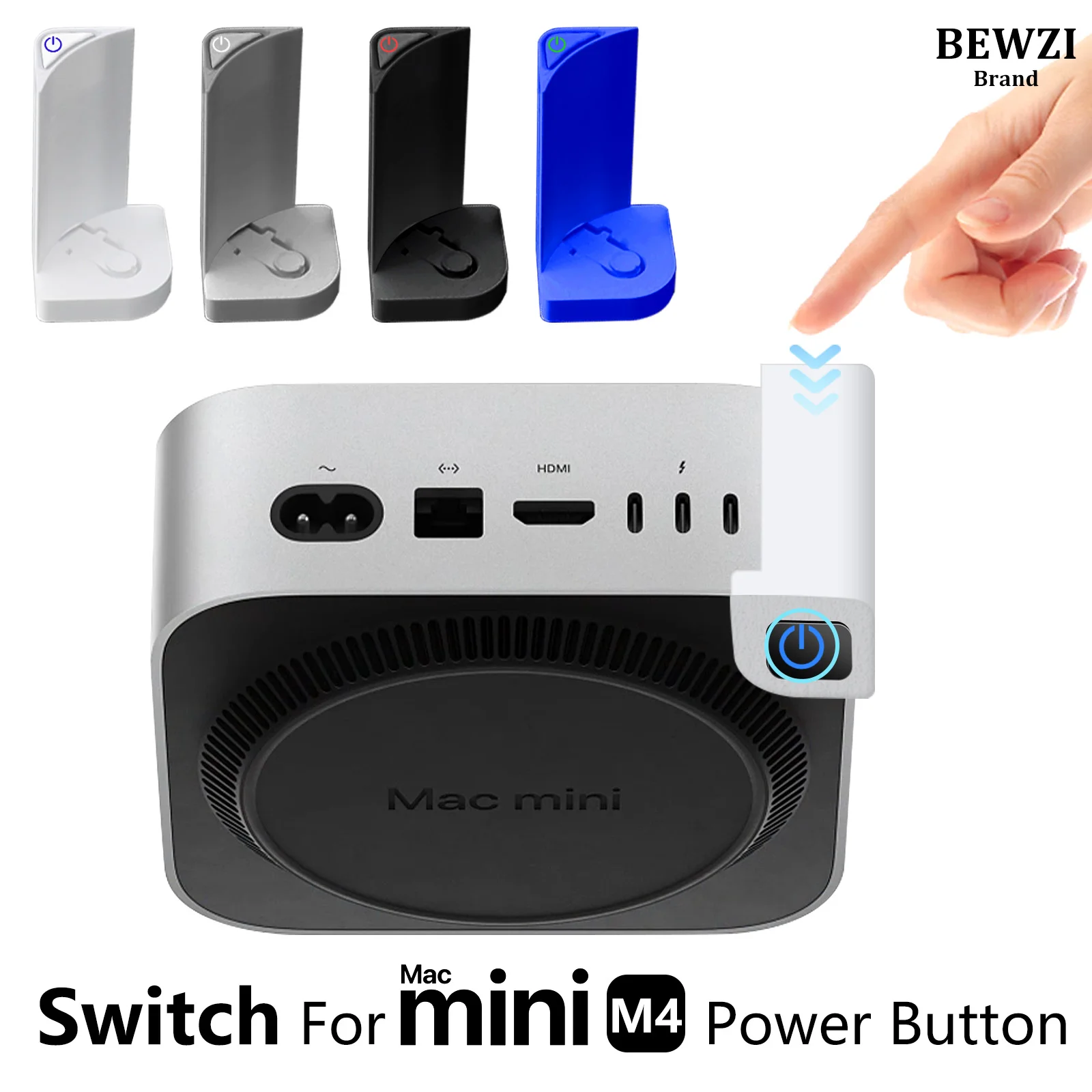 Switch Button for MAC Mini M4 Power Button ABS Hard…
5.56 USD
Switch Button for MAC Mini M4 Power Button ABS Hard…
5.56 USD
 UGREEN Uno USB-C HUB 8-in-1 Type-C to 4K60Hz HDMI 10Gbps…
37.67 USD
UGREEN Uno USB-C HUB 8-in-1 Type-C to 4K60Hz HDMI 10Gbps…
37.67 USD