
لقطات الشاشة
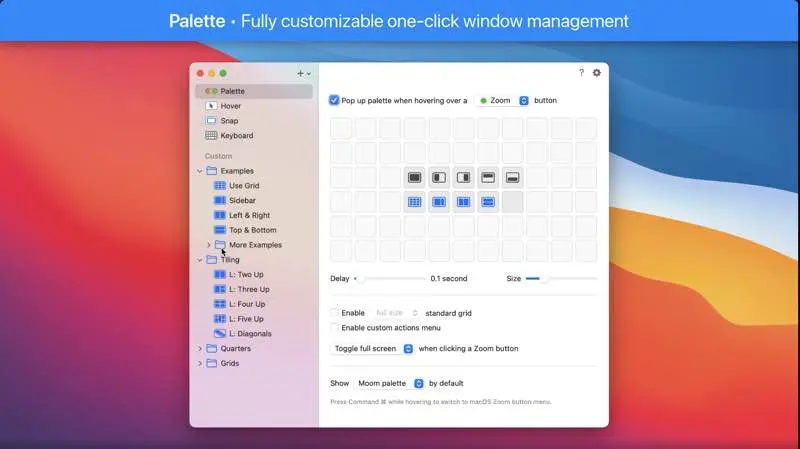
عن التطبيق
Moom allows you to move and zoom windows — using either the mouse or the keyboard — to predefined locations and sizes, or to full screen mode.
When used via the mouse, all you need to do is hover over a green resize button, and Moom’s interface appears. When used via the keyboard, press your defined shortcut, and the Moom keyboard bezel appears; you can then move windows using the arrow keys and modifier keys.
Moom can be run as a traditional application, a menu bar application, or a completely faceless background application.
ما الجديد
New Features
In addition to picking live windows based on the respective best matches in the saved layout or based on frontmost window order (formerly known as “any windows”), Moom can now also assign windows to spots in a saved layout based on either proximity among the appropriate number of frontmost windows, or proximity alone. (Hat tip to Brian N.)
Bug Fixes and Improvements
Layouts that are configured to apply only to windows on the active display now skip hidden apps and minimized windows. (If this is a problem for you, ask us about the Terminal command that reverts this change.)
Worked around a macOS issue where layouts didn’t position hidden apps’ windows correctly. (Hat tip to Anton F.)
Improved window matching logic for app-specific layouts.
Updated the palette’s optional custom actions icon on macOS 11 and newer to match the more abstract user icon Apple uses elsewhere.
إصلاحات الأخطاء والتحسينات
تم تجهيز Moom لـ macOS 27 القادم ومظهره العصري القديم.
لم يعد استخدام التخطيط يخفي التطبيقات الموجودة في المساحات غير النشطة. (نصيحة القبعة لأندرياس هـ.)
تم إصلاح مشكلة التخطيط في النوافذ التي لا تحتوي على سمة عنوان، كما هو موضح في cmux، على سبيل المثال. (نصيحة القبعة لإدوارد ت.)
تحسين التوافق مع ميزة الرف العلوي للنادل. (نصيحة لروبرت هـ.)
تم تقليل احتمالية ترتيب النوافذ بشكل غير متناسق عند استخدام التخطيطات على إصدارات macOS الأحدث. (نصيحة لجويل سي.)
تم إصلاح مشكلة تجميلية حيث لم يتم تحريك العرض التوضيحي المعروض أثناء تغيير حجم محدد الإجراء بسلاسة أثناء تمكين Stage Manager.
تحسين تسجيل تصحيح الأخطاء على إصدارات macOS الأحدث، والذي ينقح رسائل السجل إلى حد يصبح فيه استخدام التسجيل للنظر في المشكلات التي يواجهها المستخدمون عديم الفائدة. (نحن نفهم سبب قيام Apple بذلك. ولهذا السبب يجب تمكين التسجيل غير المنقح مؤقتًا من قبل المستخدم، وهو سريع الزوال تمامًا. يمكنك رؤية المعلومات ذات الصلة أو نسخها أو حفظها يدويًا في نافذة سجل Moom الخاصة أثناء تمكين تسجيل التصحيح، ولكن خارج ذلك، لن تتم أرشفة أي من المعلومات الإضافية أو إرسالها إلى أي مكان. ستحتوي ملفات السجل، كما هو موضح في وحدة التحكم، على الرسائل المنقحة المعتادة.)
المتطلبات
- Intel, معالج 64-بت
- macOS 10.13 أو أحدث
روابط التحميل
ملحقات موصى بها
روابط تابعة لـ AliExpress — قد نحصل على عمولة عند الشراء عبرها، دون أي تكلفة إضافية عليك.
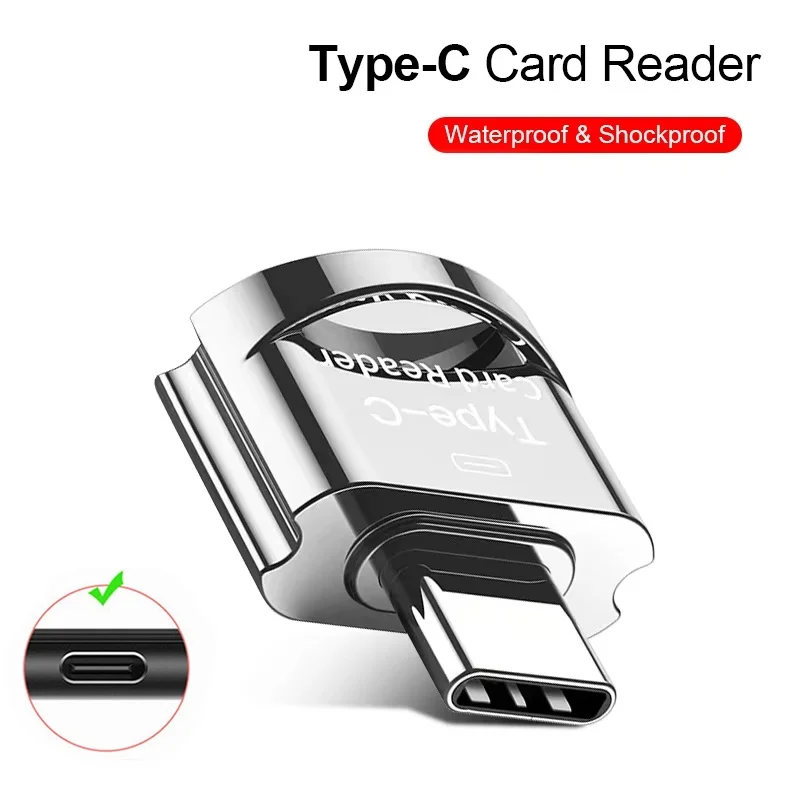 OTG Micro SD TF Card Reader For Macbook Xiaomi Adaptador…
4.12 USD
OTG Micro SD TF Card Reader For Macbook Xiaomi Adaptador…
4.12 USD
 USB C to HDMI Adapter 8K, Thunderbolt 3 to HDMI…
10.09 USD
USB C to HDMI Adapter 8K, Thunderbolt 3 to HDMI…
10.09 USD
 6 In 1 PD Type C Docking Station MST Multi…
6.72 USD
6 In 1 PD Type C Docking Station MST Multi…
6.72 USD
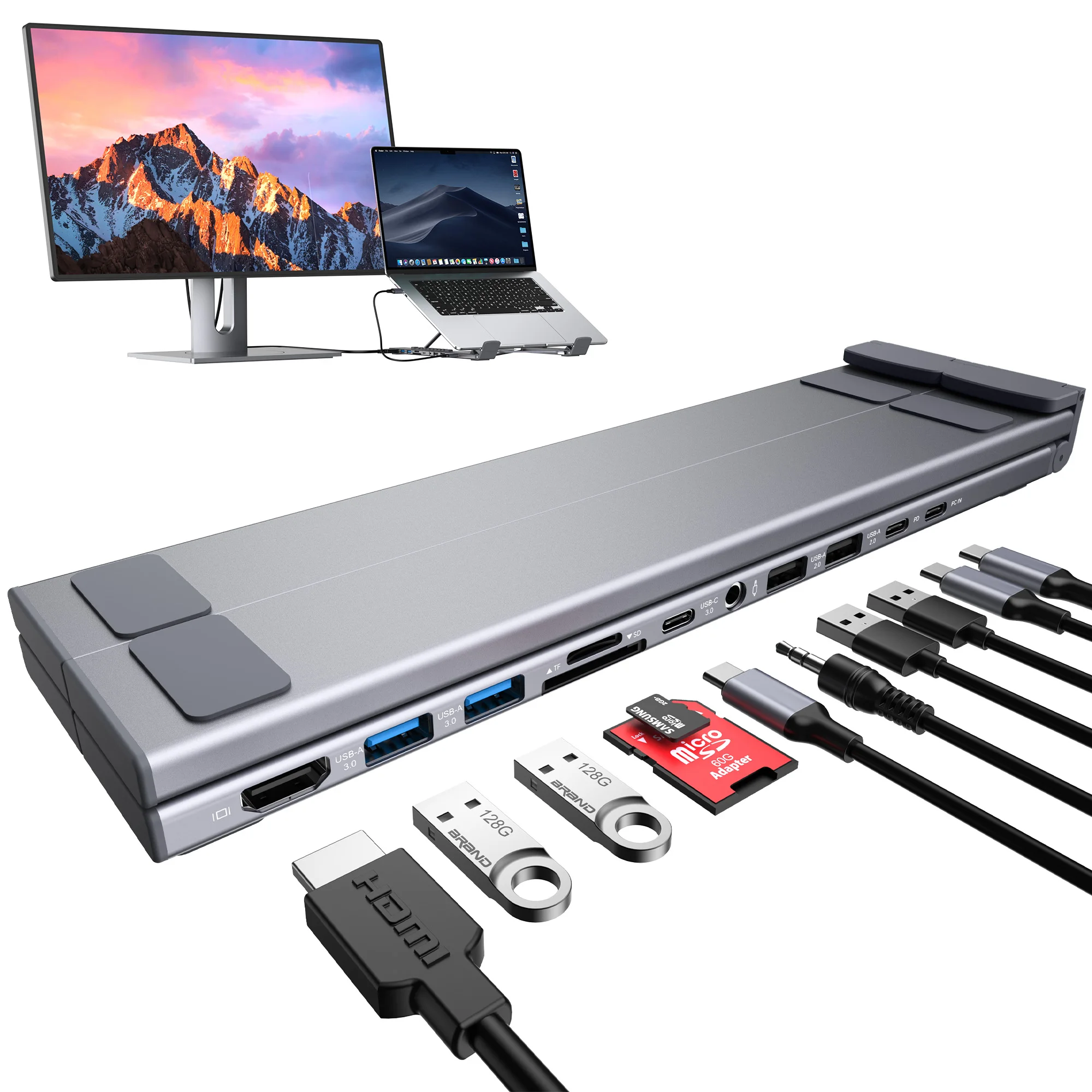 Laptop Docking Station 11 in 1 USB C Hub with…
60.18 USD
Laptop Docking Station 11 in 1 USB C Hub with…
60.18 USD
 USB 3.0 Hub 4 Port USB Hub High Speed Type…
4.06 USD
USB 3.0 Hub 4 Port USB Hub High Speed Type…
4.06 USD
 For Apple MacBook A1706 A1707 A1932 A1989 A2141 keyboard screws…
34.71 USD
For Apple MacBook A1706 A1707 A1932 A1989 A2141 keyboard screws…
34.71 USD