عن التطبيق
PDF Printer lets you transform any file into a PDF document whenever you need it. PDF Printer runs as an virtual PDF printer, so you can add it to your Mac in the System Preferences, then print any documents directly to PDF. You can double-click to open any document, then tap “Print”, select “PDF Printer” in the printers list, print to PDF in real-time, and it will be opened automatically. The process is 100% secure since conversion is done locally on your Mac. Your documents never leave it, and it does not require internet connection.
Also, the app lets you organize your PDF documents in different folders, and it automatically classifies your documents, separating emails, web pages, and other prints. PDF Printer supports printing of the following formats to PDF: Word, Excel, Powerpoint, Pages, Numbers, Keynote, RTF, RTFD, TXT, HTML, JPG, PNG, and Safari webarchive.
WHAT’S NEW
Version 6.6.8:
Compatible with the latest macOS Tahoe 26.x
Known bug fixes and performance improvements
REQUIREMENTS
Intel, 64-bit processor
macOS 10.13 or later
ScreenShots
ملحقات موصى بها
روابط تابعة لـ AliExpress — قد نحصل على عمولة عند الشراء عبرها، دون أي تكلفة إضافية عليك.
 Hagibis Knob USB C Hub With Shortcut Buttons Type-C Docking…
48.36 USD
Hagibis Knob USB C Hub With Shortcut Buttons Type-C Docking…
48.36 USD
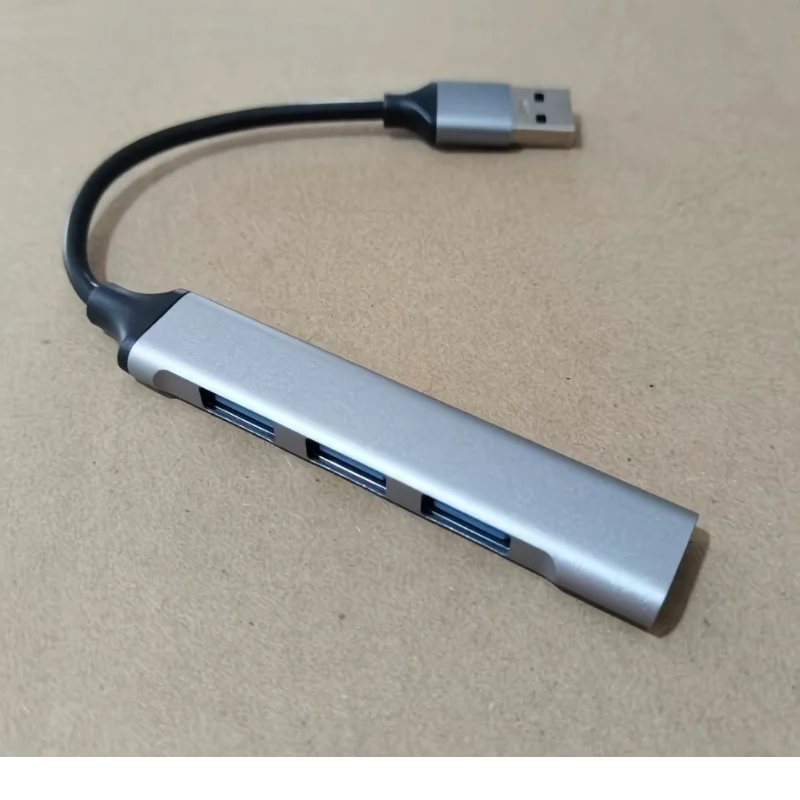 4 In 1 USB 3.0 TypeC HUB Splitter For iPhone…
6.79 USD
4 In 1 USB 3.0 TypeC HUB Splitter For iPhone…
6.79 USD
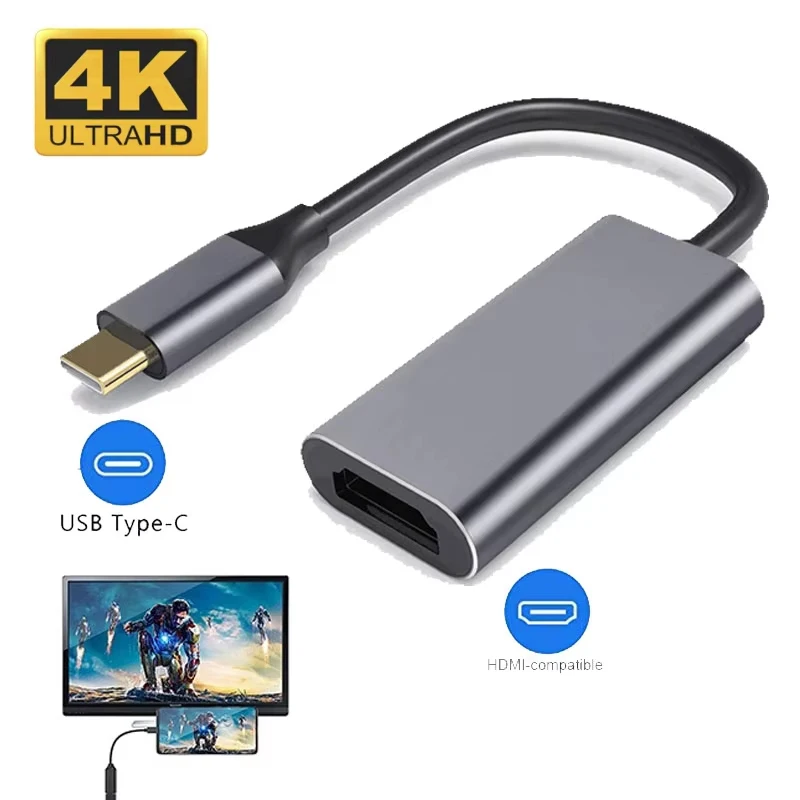 Type C to HDTV Adapter USB 3.1 4K@30Hz HUB HDTV…
5.15 USD
Type C to HDTV Adapter USB 3.1 4K@30Hz HUB HDTV…
5.15 USD
 Premium Ultra Thin Keyboard Protector For MacBook Neo 13'' A18…
8.11 USD
Premium Ultra Thin Keyboard Protector For MacBook Neo 13'' A18…
8.11 USD
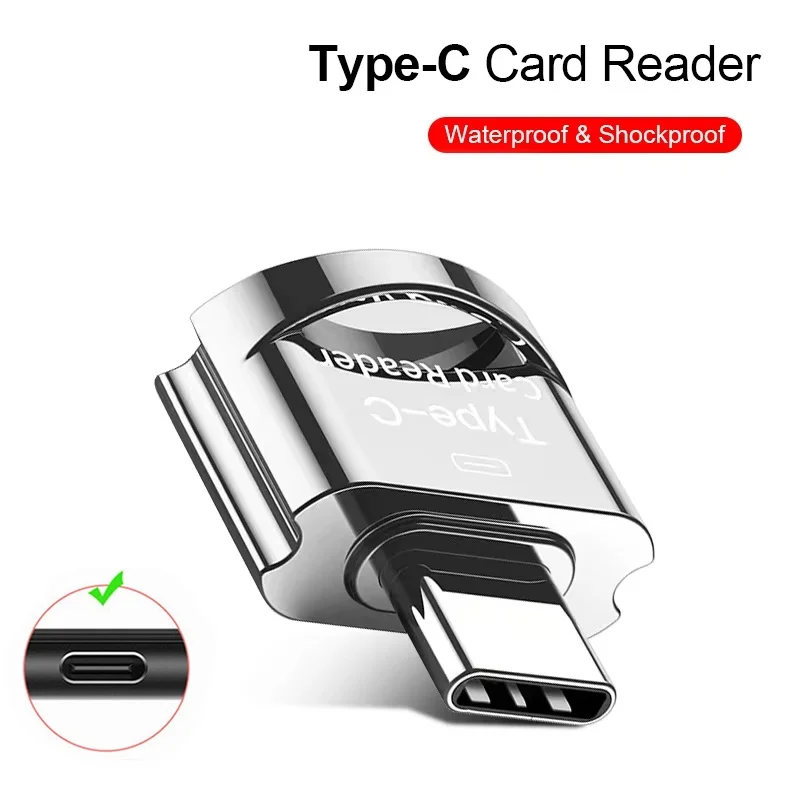 OTG Micro SD TF Card Reader For Macbook Xiaomi Adaptador…
4.12 USD
OTG Micro SD TF Card Reader For Macbook Xiaomi Adaptador…
4.12 USD
 UGREEN Uno USB-C HUB 8-in-1 Type-C to 4K60Hz HDMI 10Gbps…
37.67 USD
UGREEN Uno USB-C HUB 8-in-1 Type-C to 4K60Hz HDMI 10Gbps…
37.67 USD