لقطات الشاشة
عن التطبيق
Unlock all the powerful features in Photomator with a free one-week trial. No commitment, cancel anytime.
Photomator is a photo editing powerhouse, offering incredible tools for enhancing, retouching, and managing your photos. It includes an extensive collection of cutting-edge color adjustments, automatic selections powered by AI, powerful batch editing features, Clone and Repair tools, watermarks, and much more. Simply put, it has everything you need to make every shot your best.
The ultimate photo editing experience
Adjust colors and lighting using a collection of powerful, nondestructive color adjustments
Automatically make precise subject, sky, and background selections in photos using AI
Add gradient masks, make color range selections, or simply paint over the areas you want to adjust using a brush
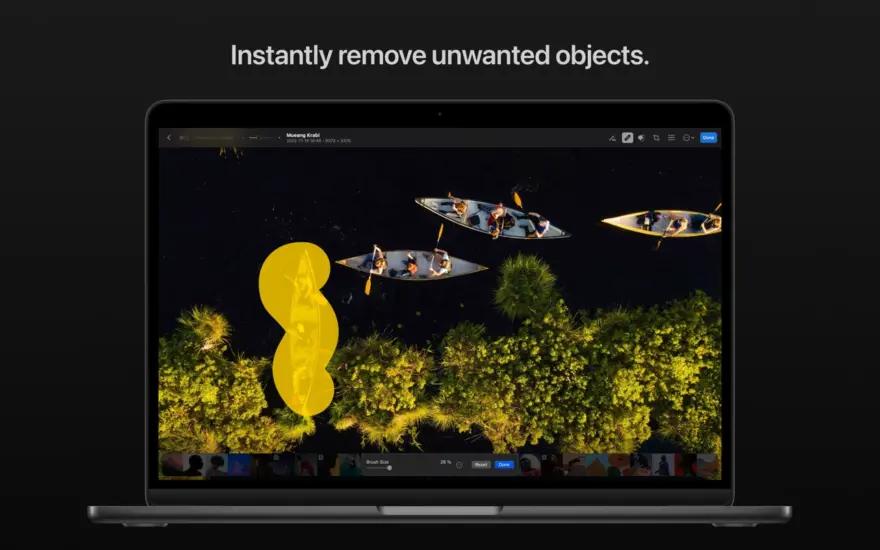
Seamlessly clone or remove unwanted objects using state-of-the-art retouching tools
Easily copy and paste edits between photos or batch edit entire photoshoots at a time
Crop, straighten, and change the perspective of photos with a powerful and easy-to-use Crop tool
Quickly change the look of photos using an extensive collection of presets, designed for landscape, black and white, and other photography styles
Tools powered by AI
Automatically enhance shots using a machine learning algorithm trained on 20 million pro photos, or fine-tune individual adjustments, like White Balance, Selective Color, or Color Balance with a single click
Magically increase the resolution of photos while keeping them detailed and sharp
Remove camera noise and image compression artifacts with the Core ML-powered Denoise feature
Instantly improve the quality of photos by removing color banding and increasing color depth with AI-powered Smart Deband feature
Copy the look of any photo to another using the incredible color-matching feature
Intelligently crop photos using machine learning-powered auto-cropping
State-of-the-art color adjustments
Enjoy powerful tools for effortlessly adjusting the temperature, tint, exposure, contrast, brightness, hue, saturation, and vibrance in your photos
Recover incredible amounts of detail in the highlights and shadows of photos
Magically enhance fine details and structure in photos using powerful Clarity and Texture adjustments, or adjust textures in the highlights, midtones, and shadows separately
Selectively edit individual color ranges with Selective Color, or improve the balance of colors in the shadows, midtones, and highlights with Color Balance
Adjust lighting and colors with full precision using Levels and Curves adjustments
Mix the balance of the red, green, and blue color channels to create intense color effects in your images
Replace any color with any other using the Replace Color adjustment
Create beautiful black and whites even from your color photos
Use a range of additional adjustments, like Sharpen, Fade, Grain, Color Monochrome, Sepia, and Invert to make your photos stand out
Instantly change the look of photos with LUTs or export custom LUTs to use in other apps
RAW editing made simple
Open and edit over 750 RAW image formats, including Apple ProRAW and compressed Fujifilm RAWs
Edit RAW photos as easily as photos in other formats using all the nondestructive tools, including Repair and Clone tools
Easily batch-edit RAW photos together with photos in other formats
Compatibility
Edit photos on your Mac, in cloud, or on external drives with full macOS file system support
Enjoy seamless Photos integration, instantly syncing edits between both apps
With the support for iCloud Drive, enjoy seamless edit syncing across Mac, iPhone and iPad
Photomator is built from the ground up for Mac and integrates seamlessly with macOS Ventura. It uses powerful Apple technologies like Metal, Core ML, and Core Image to deliver staggeringly fast performance, even when editing large RAW photos or batch editing multiple images at a time.
ما الجديد
This update contains bug fixes and performance improvements.
استمتع بالدعم الكامل لصور RAW المضغوطة من كاميرات Sony Alpha ILCE-7M5 وFUJIFILM GFX 100S II وFUJIFILM GFX 100RF
العمل مع صور RAW عالية الكفاءة (HE) ونجمة عالية الكفاءة (HE*) من كاميرات Nikon Z5II وNikon Z50II
فتح وتحرير صور RAW من كاميرات Panasonic LUMIX DC-S1RM2 الملتقطة في وضع الدقة العالية
المتطلبات
- Intel, معالج 64-بت
- macOS 13.0 أو أحدث
روابط التحميل
ملحقات موصى بها
روابط تابعة لـ AliExpress — قد نحصل على عمولة عند الشراء عبرها، دون أي تكلفة إضافية عليك.
 New Desktop Bottom Wall Bracket Stand for Apple Mac Studio…
18.05 USD
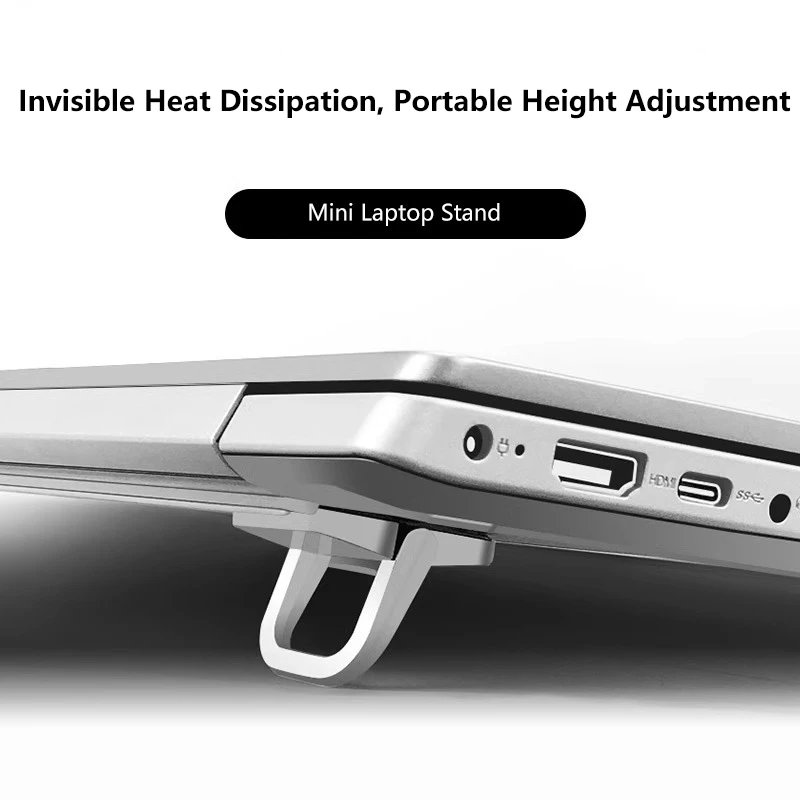 Mini Portable Legs Laptop Stand Holder For Macbook Huawei Samsung…
2.38 USD
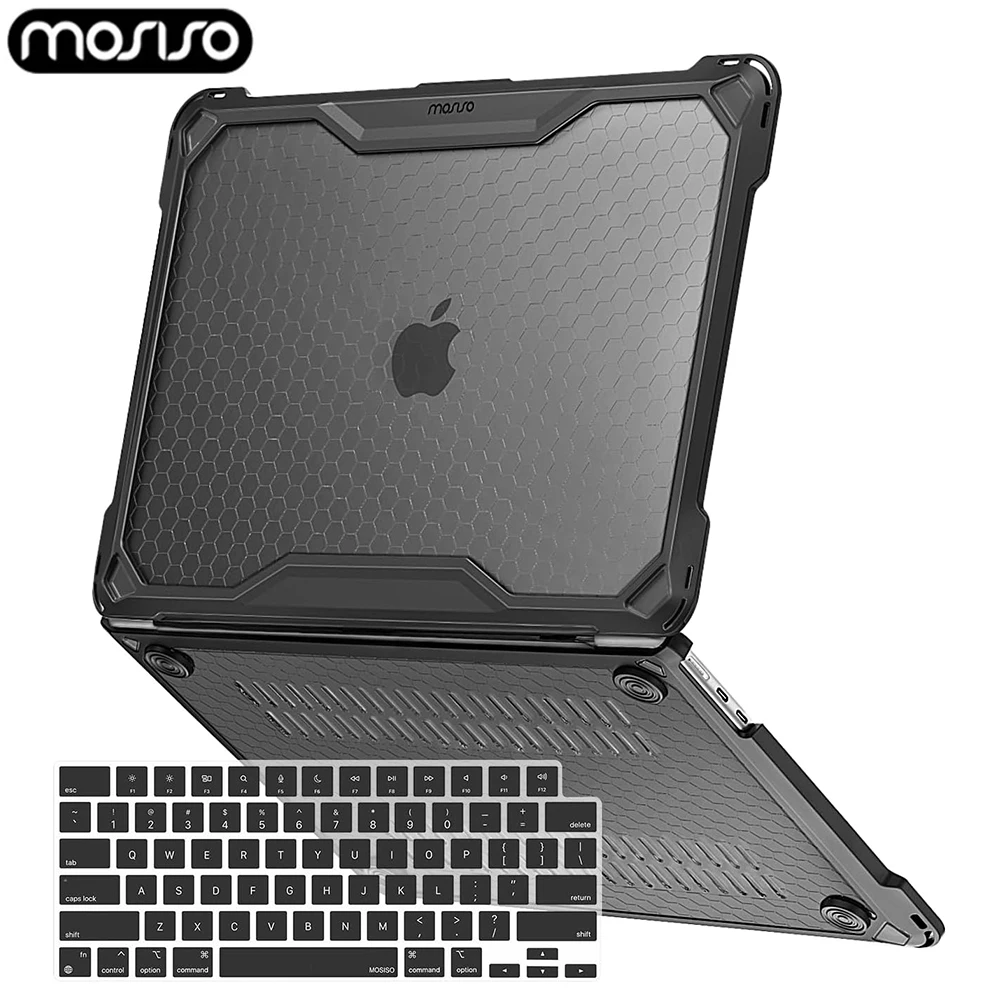 TPU Bumper Laptop Case for 2025 MacBook Air 13 inch…
32.09 USD
 Extra Large 60L Tactical Backpack for Men Women Outdoor Water…
134.51 USD
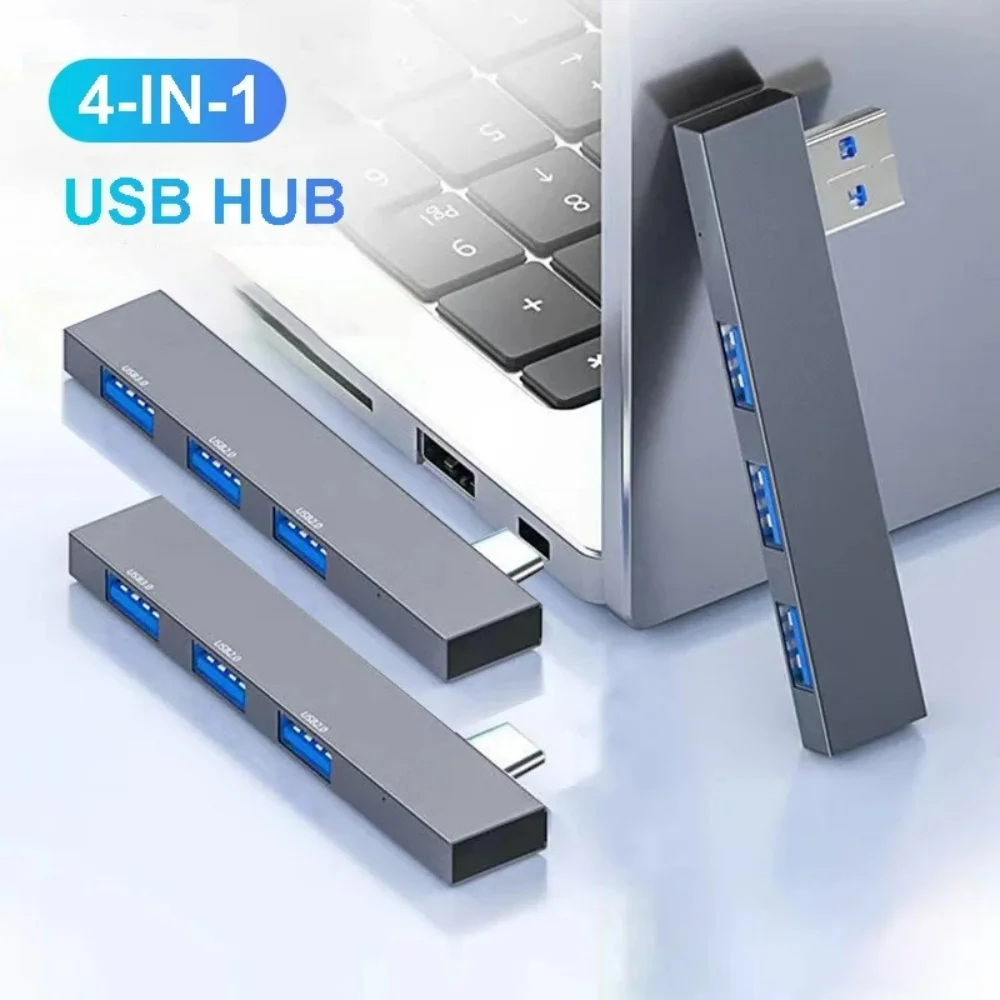 4 in 1 USB 3.0 Hub Type C 3.1 Multi…
5.02 USD
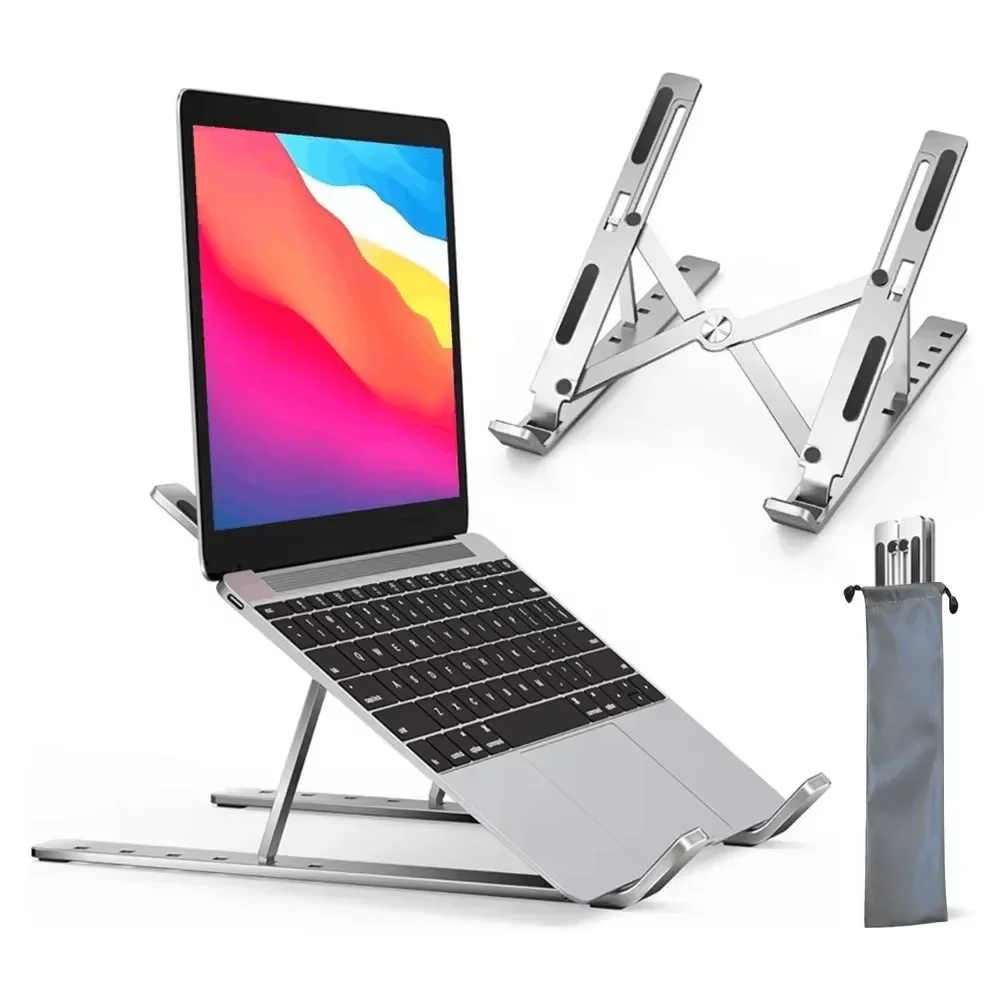 Adjustable Aluminum Alloy Laptop Holder Notebook Stand Lifting Cooling Bracket…
7.16 USD