لقطات الشاشة

عن التطبيق
PhotoMill helps you convert a bulk of images into the most popular image formats, give your files meaningful names, watermark with text and image, adjust photos (brightness/saturation/exposure/grayscale/etc.), fit geometry (scale/crop/trim/etc.), remove private metadata, add your own copyrights etc. Also, PhotoMill is a great batch metadata editor, renamer and photo browser.
Features:
Convert
Conversion to: BMP, GIF, JPEG, JPEG 2000, PDF, PNG, TIFF
Color models: RGB, Gray, CMYK Color depth: 8/16/32 bits; with or without alpha channel
Metadata editor
Correct EXIF/IPTC metadata tags in your photos: place GPS coordinates, remove private information from your photos, correct or set capture dates, add your own copyright, keywords or rating.
Photo browser
The app has a bunch of features for comfortable browsing and multi-criteria search of photos in the Browser. The Browser has 3 panels: Image Info – displays detailed information about a selected photo; Groups – splits photos into groups/subgroups based on a chosen criteria, for instance, by capture dates; Search – gives you an opportunity to search photos by different criteria.
Rename
You can give meaningful names to converted photos constructing file names in the “pro” way – using text and tags: index, capture date, original name, image width, “find & replace” etc. Also, you can rename photos without any conversion.
Resize
Fit image size with a bunch of geometry actions: scale, crop, add border, trim, trim color, rotate & flip, auto rotate (by EXIF orientation), change resolution.
Watermark
Text – you can use photo metadata information – tags: capture date, keywords, camera maker etc., as well as entered text. Font size can be either fixed or relative to an image width, height, long or short edge. Multiline text, stroke, shadow, rotation, tiling and other features.
Image – image size can be either fixed or relative to main image size. Image tiling is also available.
Rectangle – background for text; square or rounded. Fill and stroke color can be half-transparent.
Adjust colors
Available filters: auto contrast, auto white balance, gamma, contrast, exposure, sharpness, grayscale, sepia, colorize, temperature, HSL channels (Hue/Saturation/Lightness), HSV channels (Hue/Saturation/Value,Brightness), RGB channels, curves.
Working with transparency: alpha mask, color to alpha, alpha to color. Color matching: assign profile, convert to profile, proof with profile.
ما الجديد
Support for exporting images to AVIF format.
Edit Metadata: choose how to save metadata changes for RAW images — to XMP sidecars or directly to the image.
Edit Metadata: new “Remove AI Tags” action removes AI-generated metadata from images.
Bug fixes and performance improvements based on user feedback.
Refreshed look with a more polished user experience.
Bug fixes and performance improvements based on user feedback.
مظهر متجدد مع تجربة مستخدم أكثر صقلًا.
إصلاحات الأخطاء وتحسينات الأداء بناءً على تعليقات المستخدمين.
المتطلبات
- Intel, معالج 64-بت
- macOS 10.15 أو أحدث
روابط التحميل
ملحقات موصى بها
روابط تابعة لـ AliExpress — قد نحصل على عمولة عند الشراء عبرها، دون أي تكلفة إضافية عليك.
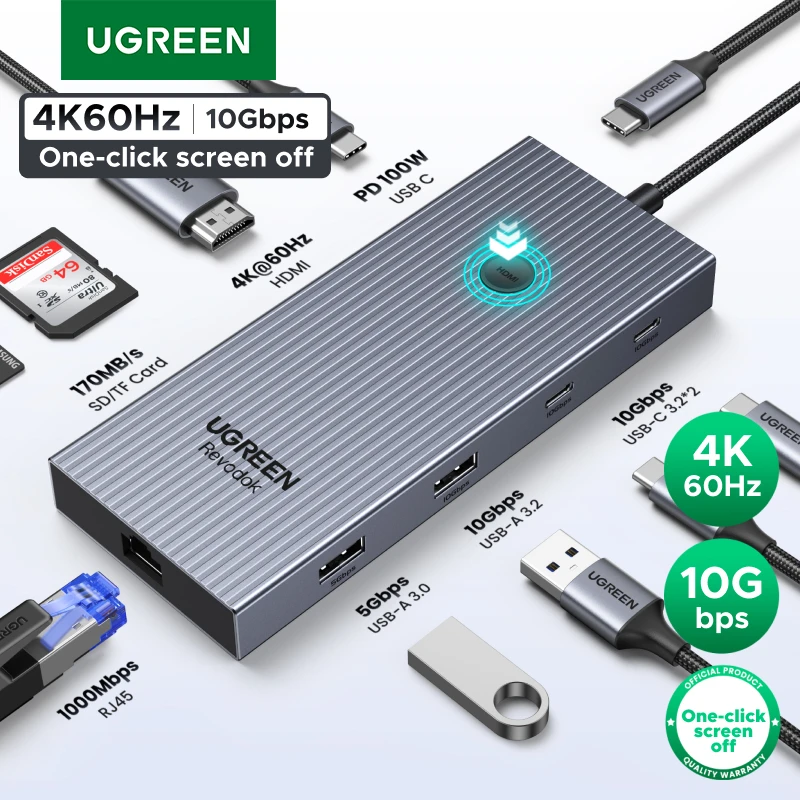 UGREEN 10Gbps USB C HUB 4K60Hz Type-C to HDMI RJ45…
26.39 USD
 USB C to HDMI Adapter 8K, Thunderbolt 3 to HDMI…
10.09 USD
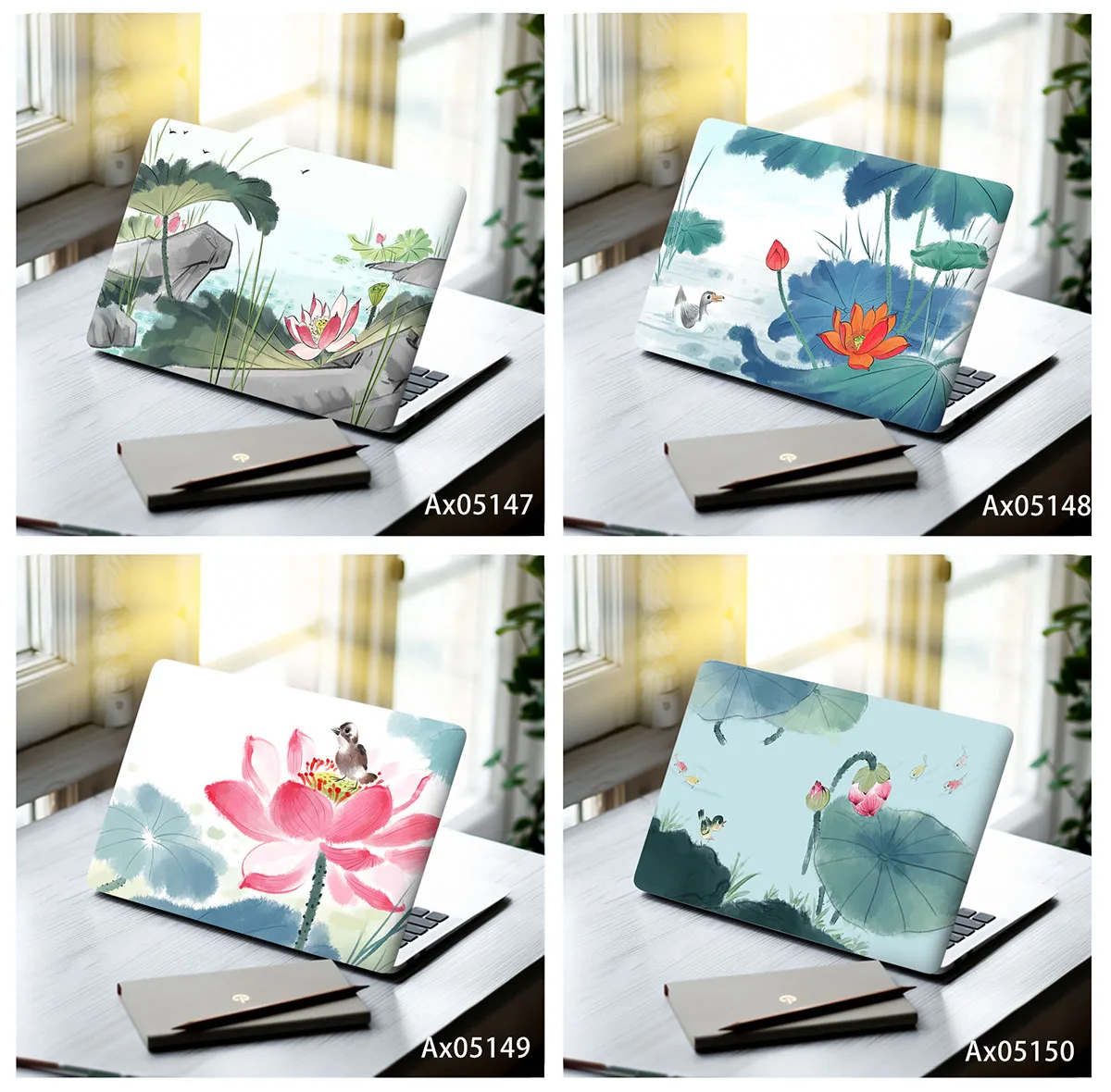 Ink Wash Lotus Pond Laptop Skin Stickers Vinyl Decal MacBook…
7.51 USD
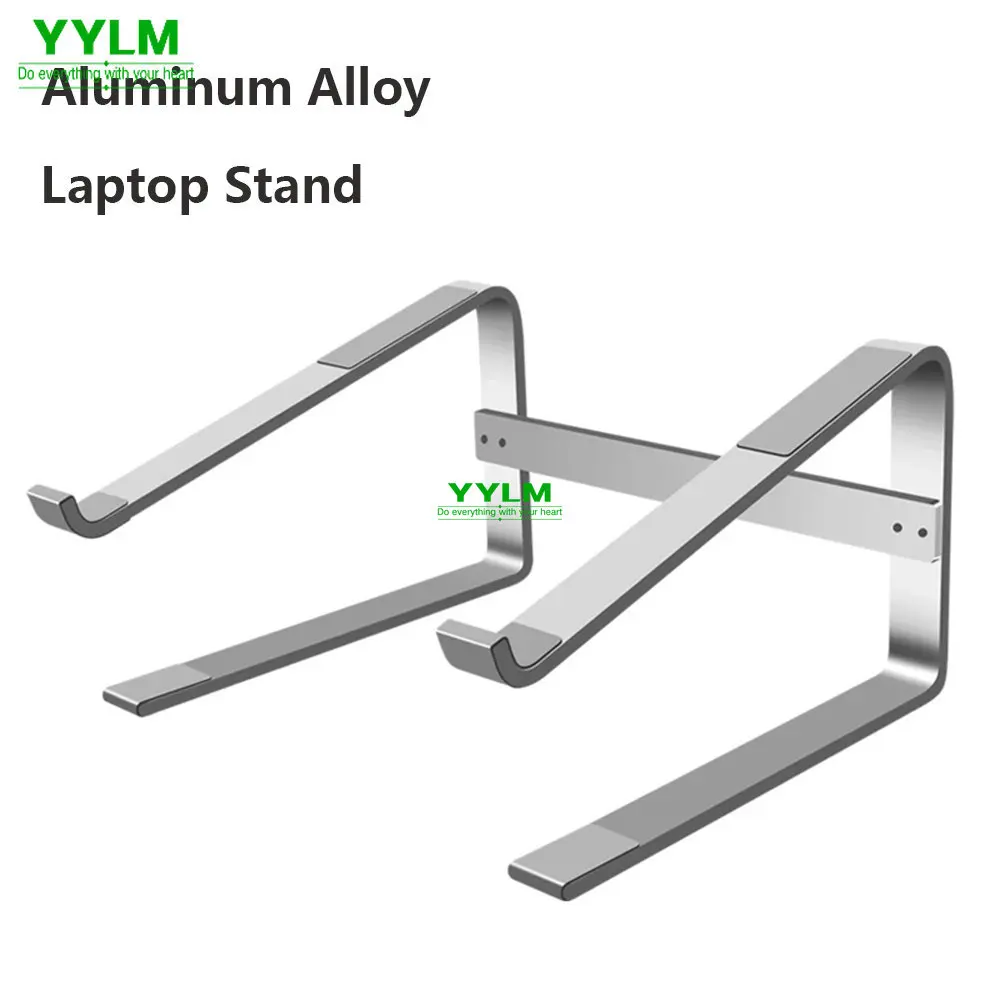 Aluminum Laptop Stand Notebook Riser Holder For Macbook Air 13…
9.08 USD
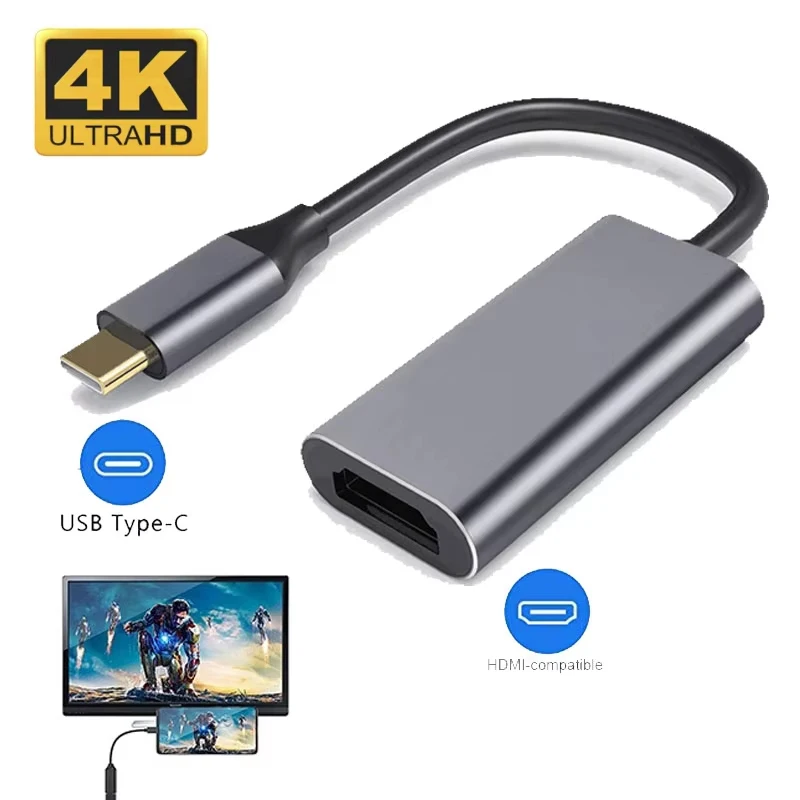 Type C to HDTV Adapter USB 3.1 4K@30Hz HUB HDTV…
5.15 USD
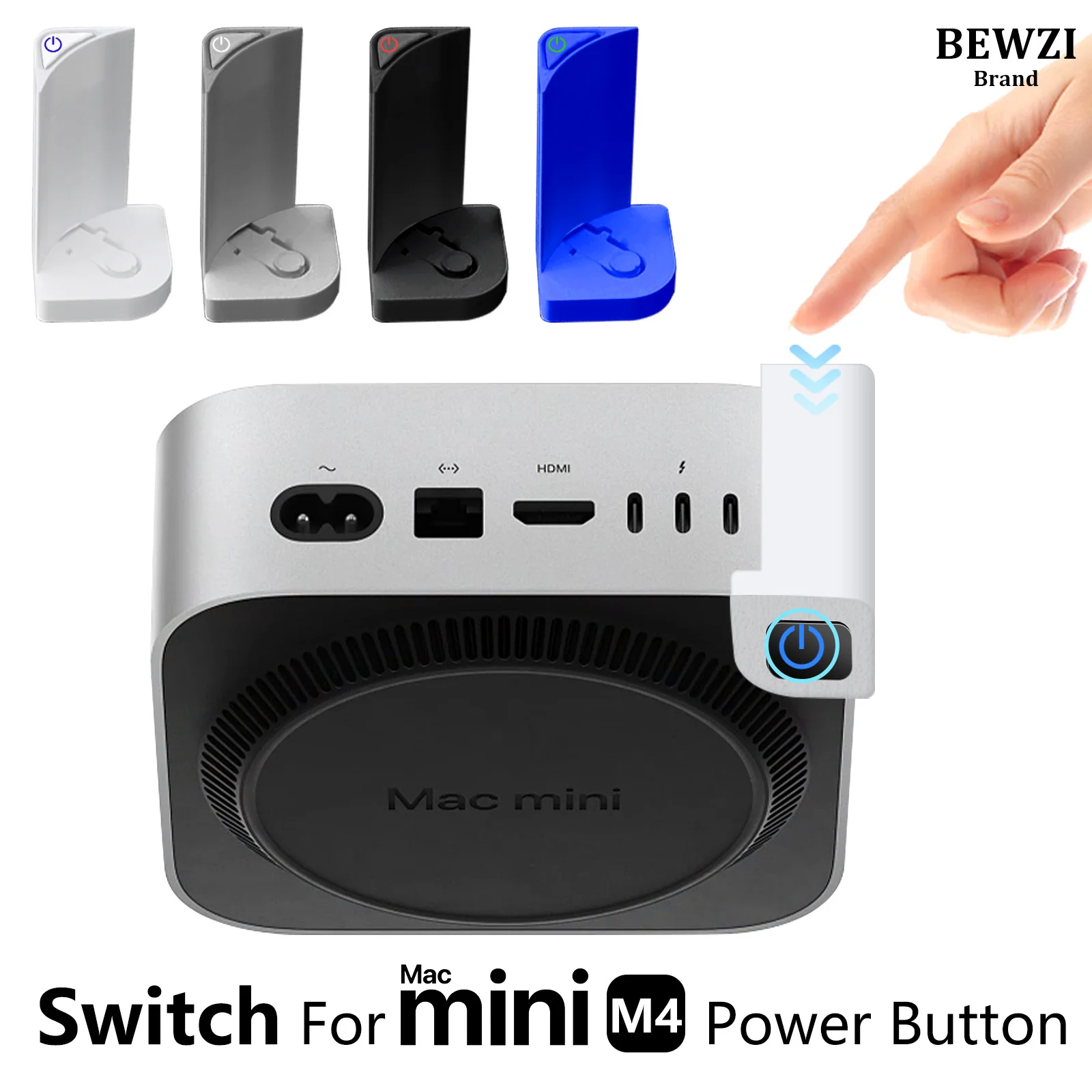 Switch Button for MAC Mini M4 Power Button ABS Hard…
5.56 USD