
لقطات الشاشة
عن التطبيق
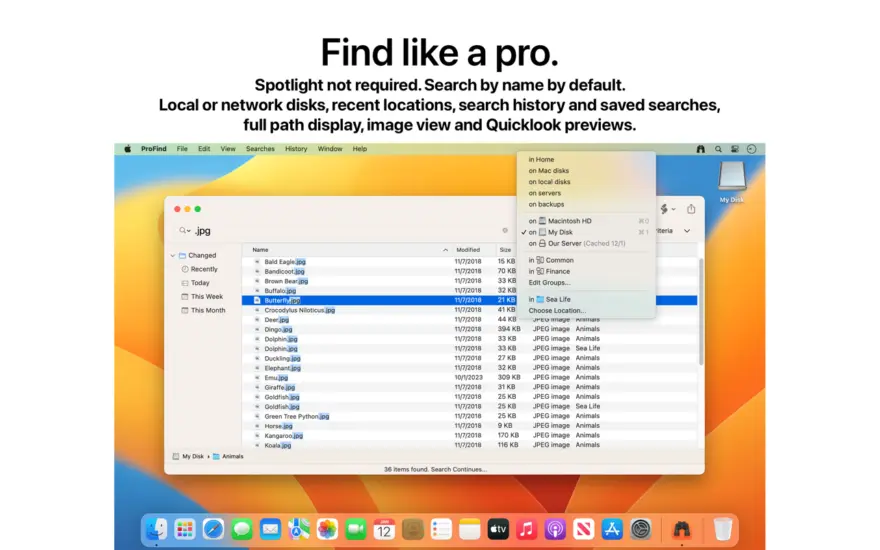
ProFind is advanced file search app for macOS.
With powerful features and great performance, ProFind delivers advanced file search for macOS. And with support for natural language queries, application launching, hidden location searches, scripting and more.
Search inside invisible folders and packages. Searches any disk type.
Uses kernel based searching (searchfs) when available. Uses metadata indexes (as used by Spotlight) when available to improve performance. Autocompletion for application names. Large icon view for one or two search results.
Under it’s elegant user interface, ProFind combines the power of macOS’s different search capabilities to make sure it finds all the files your looking for. And it’s been carefully tuned for performance and responsiveness.
ما الجديد
New caching database. Caches are now faster to build and often smaller.
Previews for many new file types in the icon view.
Improvements to icon view layout and behaviour.
New UI for Settings panels: General, Caching, Sidebar and Columns.
Much faster searching of HTML files.
Content searches now show the found page and line numbers in the summary.
The size column now includes a color bar to visually indicate the size of the item in relation to other found items. Make the size column wider to view the bar.
Folder sizes are now calculated automatically.
Zip and Tar archive support:
Content searches can now search inside zip and tar archives. Both the file names and file contents.
Dragging a zip or tar archive to the results will show the contents of the archive. You can drag items out of the archive to decompress them.
Name based searches can now be dramatically faster on the startup disk.
تعرض عمليات البحث عن المحتوى الآن الصفحة التي تم العثور عليها وأرقام الأسطر في الملخص.
يتضمن عمود الحجم الآن شريط ألوان للإشارة بشكل مرئي إلى حجم العنصر مقارنة بالعناصر الأخرى التي تم العثور عليها. اجعل عمود الحجم أوسع لعرض الشريط.
يتم الآن حساب أحجام المجلدات تلقائيًا.
دعم أرشيف Zip وTar:
يمكن الآن لعمليات البحث عن المحتوى البحث داخل أرشيفات Zip وTar. كل من أسماء الملفات ومحتويات الملف.
سيؤدي سحب أرشيف مضغوط أو tar إلى النتائج إلى إظهار محتويات الأرشيف. يمكنك سحب العناصر من الأرشيف لفك ضغطها.
تمت إضافة فتح باستخدام... إلى القائمة السياقية التي تظهر عند النقر بزر الماوس الأيمن.
يؤدي النقر فوق أيقونة المفتش في شريط الأدوات إلى الكشف عن معلومات المعاينة والملف. اسمحوا لي أن أعرف ما تعتقد أنه يجب على المفتش إظهاره. macOS 14 أو أحدث.
سيؤدي الفرز حسب عمود الحجم الآن إلى حساب حجم جميع المجلدات المعروضة في النتائج.
أضف ": مقفل" أو ": غير مقفل" إلى استعلام لتصفية العناصر المقفلة أو غير المؤمّنة.
سيؤدي تمرير المسار الكامل إلى الأمر الداخلي إلى تقييد النتائج على هذا الموقع فقط. على سبيل المثال:: داخل /Volumes/DiskName/
تم إصلاح الخلل في عمليات البحث الجماعية.
المتطلبات
- Intel, معالج 64-بت
- macOS 11.5 أو أحدث
روابط التحميل
ملحقات موصى بها
روابط تابعة لـ AliExpress — قد نحصل على عمولة عند الشراء عبرها، دون أي تكلفة إضافية عليك.
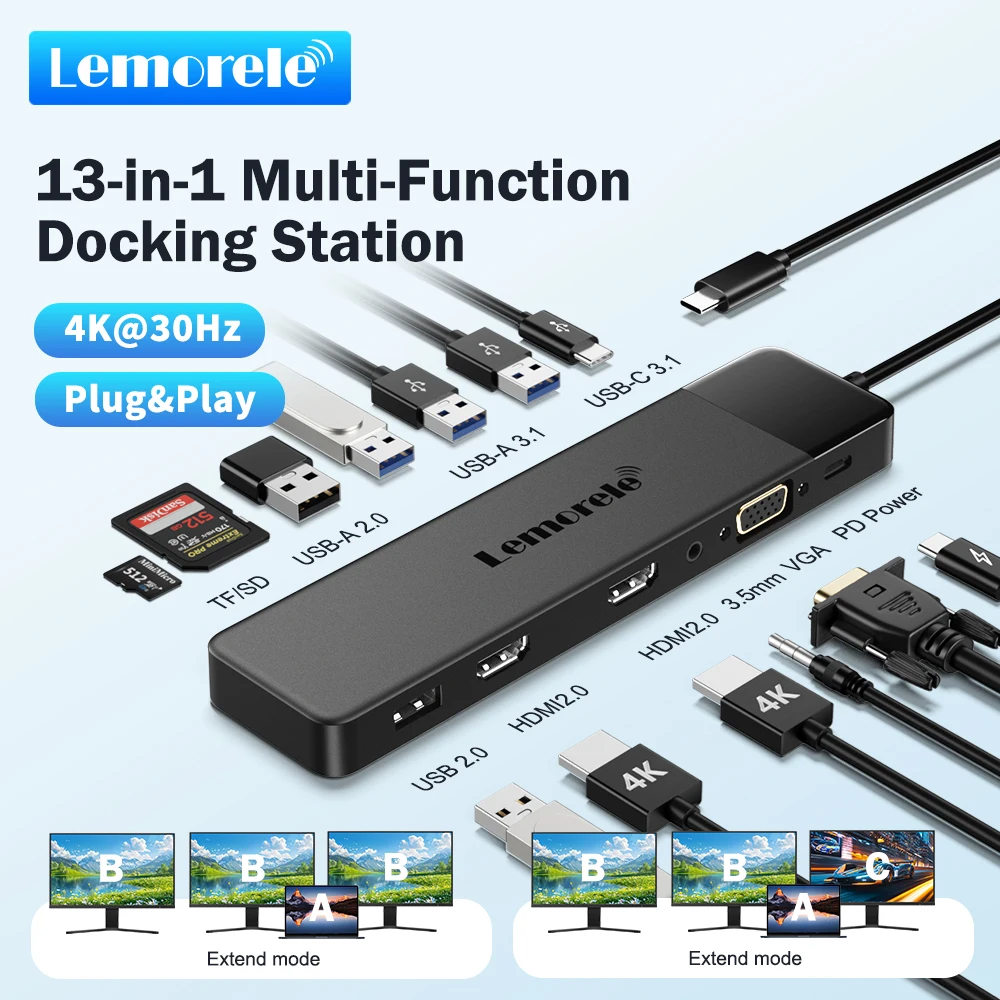 Lemorele 13-in-1 USB C HUB 4K30Hz HDMI USB3.0 PD100W Docking…
31.55 USD
Lemorele 13-in-1 USB C HUB 4K30Hz HDMI USB3.0 PD100W Docking…
31.55 USD
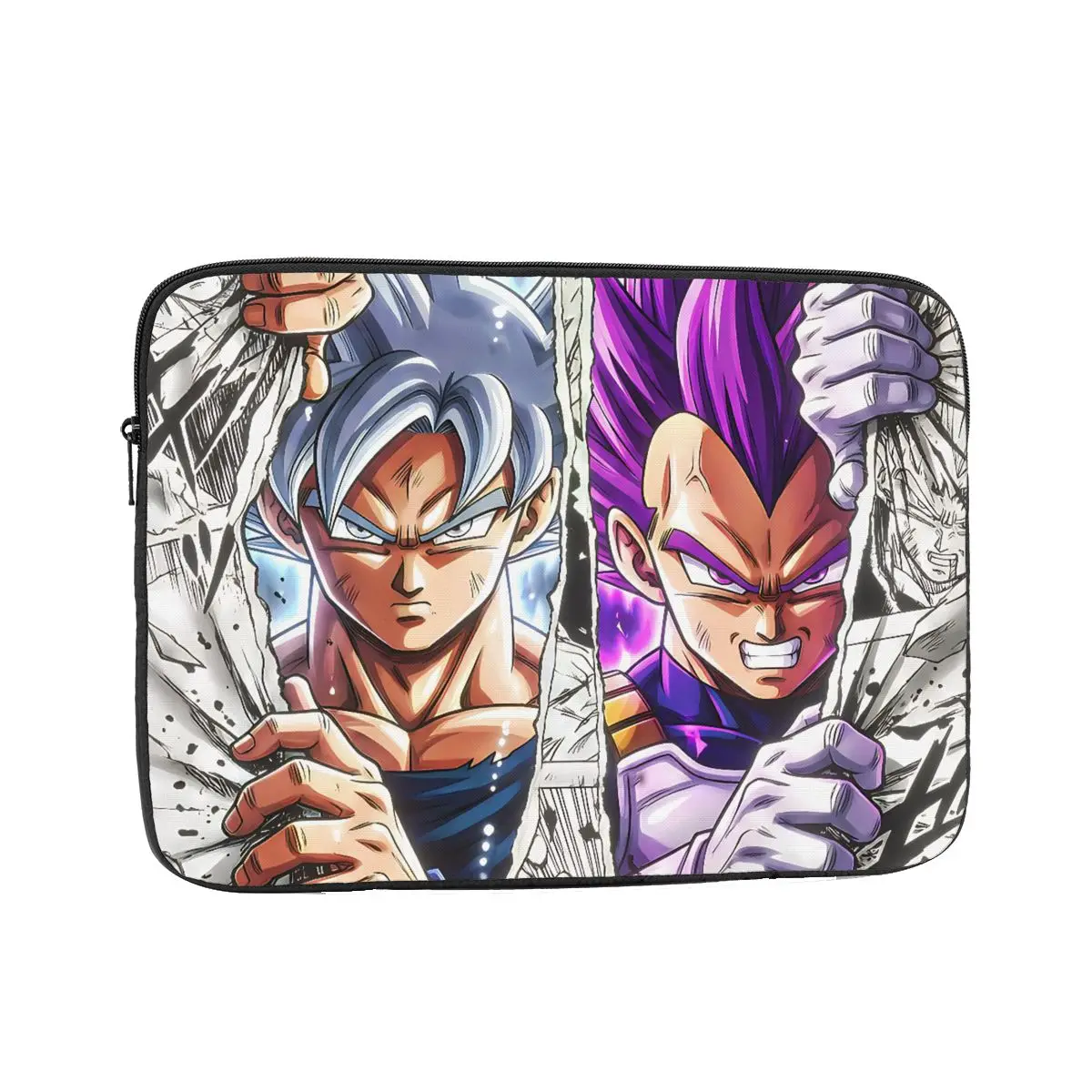 Laptop Bag Sleeve Out Of The Comic Inch Notebook Bag…
4.81 USD
Laptop Bag Sleeve Out Of The Comic Inch Notebook Bag…
4.81 USD
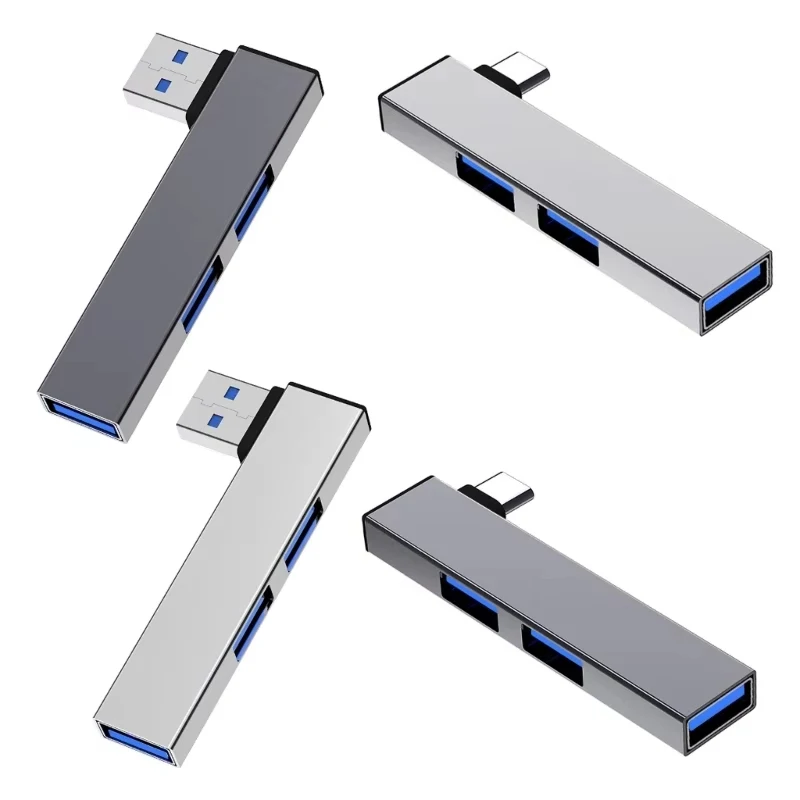 USB C HUB 3.0 Type C 3.1 3 Port Multi…
3.19 USD
USB C HUB 3.0 Type C 3.1 3 Port Multi…
3.19 USD
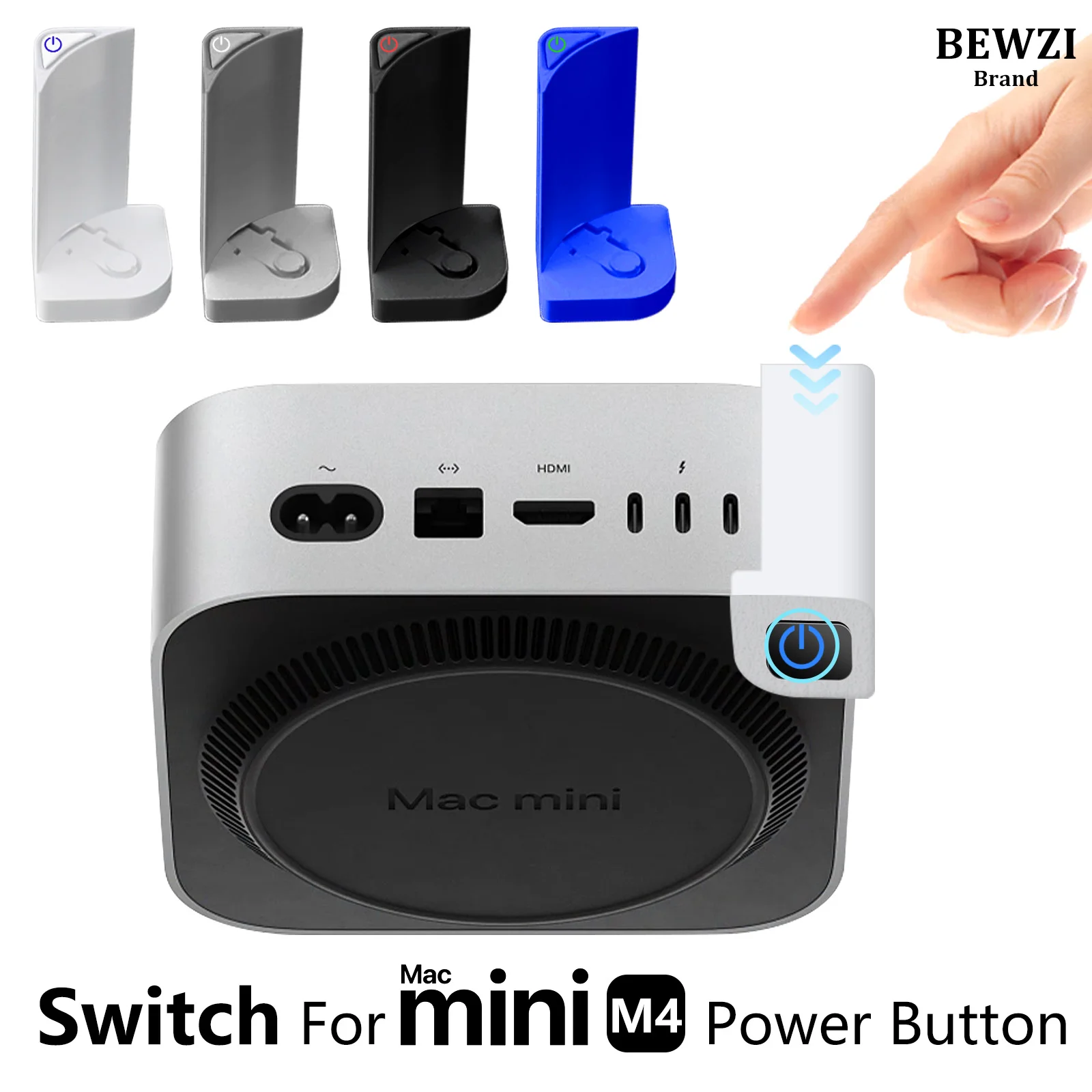 Switch Button for MAC Mini M4 Power Button ABS Hard…
5.56 USD
Switch Button for MAC Mini M4 Power Button ABS Hard…
5.56 USD
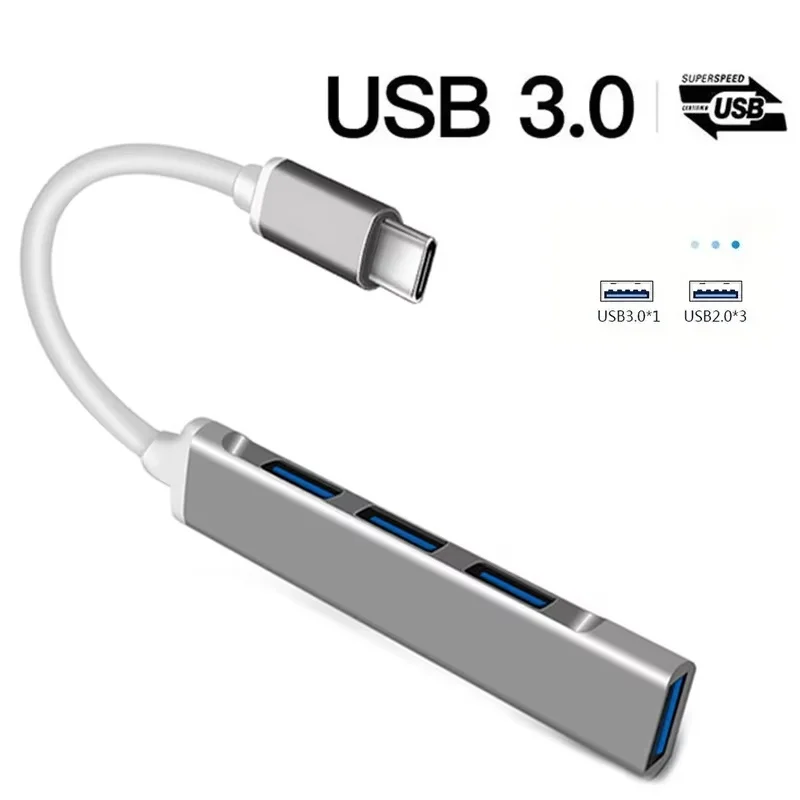 4 Ports USB 3.0 Hub TYPE C HUB USB 3.0…
4.01 USD
4 Ports USB 3.0 Hub TYPE C HUB USB 3.0…
4.01 USD
 Baseus EH3 12-in-1 USB C Hub HDMI DP 4K 60Hz…
78.95 USD
Baseus EH3 12-in-1 USB C Hub HDMI DP 4K 60Hz…
78.95 USD