
لقطات الشاشة
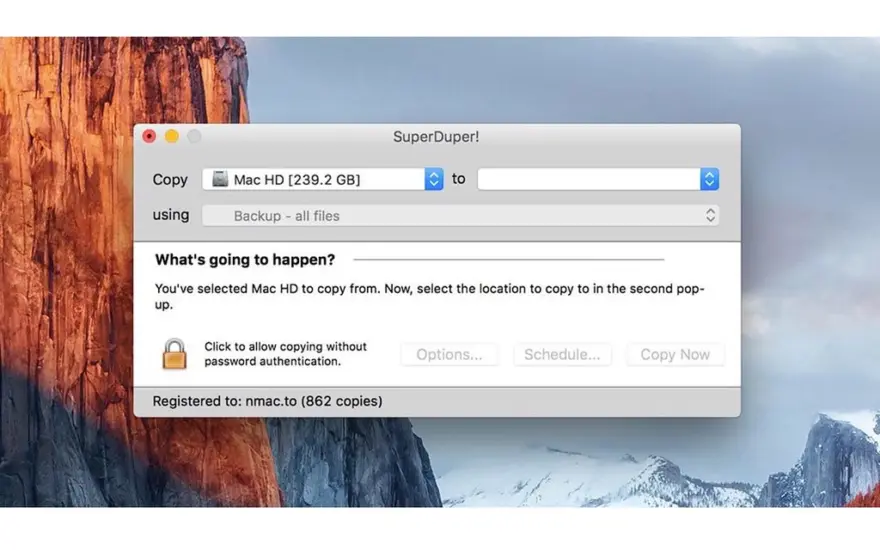
عن التطبيق
SuperDuper is an advanced, yet easy to use disk copying program. It can, of course, make a straight copy, or “clone” — useful when you want to move all your data from one machine to another, or do a simple backup. In moments, you can completely duplicate your boot drive to another drive, partition, or image file.
Clones for safety. To ensure you can safely roll back a system after the unexpected occurs. With a few clicks, you can easily “checkpoint” your system, preserving your computer’s critical applications and files while you run on a working, bootable copy. If anything goes wrong, just reboot to the original. When you do, your current Documents, Music, Pictures — even iSync data — are available! You can get back to work immediately.
Clones for industry! SuperDuper has enough features to satisfy the advanced user, too. Its simple-but-powerful Copy Script feature allows complete control of exactly what files get copied, ignored, even aliased (“soft linked” for the Unix inclined) from one drive to another.
ما الجديد
Bug Fixes
Restored the option to execute before and after copy scripts with privileges. SuperDuper will run the the before and after copy scripts as root if the users sets the script’s suid bit and the owner to root
Disk image targets. We’ve fixed a regression that caused copies to an unmounted disk image on macOS 12 and earlier to fail as well as an intermittent crash when selecting a disk image as the target.
Partial file copies. We’ve fixed an edge case bug that could copy partially unreadable files without reporting an I/O error
Security Fixes
This update removes the advanced option to install a package on the target volume after copy (CVE-2025-69604). For more information, please visit http://security.shirt-pocket.com
Known Issues
Scheduling. Under Tahoe, if the screen is off, but the Mac is in “dark wake”, scheduled copies start but sometimes don’t continue. For now, we turn the screen on when a schedule starts. Although we’ve increased the probability of this working, we’re (still) working with Apple to find a reliable, consistent solution.
Cloud service timeouts. Under Tahoe, some users are experiencing “copy timeouts” when Smart Updating cloud files. If this happens to you, perform an Erase, then copy operation. On success, your Smart Update should work again.
User interface. A key control does not render correctly under Liquid Glass, so until we figure out a fix we’ve opted out of the new style.
إصلاحات الأخطاء
تمت استعادة خيار التنفيذ قبل وبعد نسخ البرامج النصية مع الامتيازات. سيقوم SuperDuper بتشغيل البرامج النصية قبل وبعد النسخ كجذر إذا قام المستخدمون بتعيين بت suid للبرنامج النصي والمالك إلى الجذر
أهداف صورة القرص. لقد أصلحنا الانحدار الذي تسبب في فشل النسخ إلى صورة قرص غير مثبتة على macOS 12 والإصدارات الأقدم، بالإضافة إلى التعطل المتقطع عند تحديد صورة قرص كهدف.
نسخ الملف الجزئي. لقد أصلحنا خطأ في حالة الحافة قد يؤدي إلى نسخ ملفات غير قابلة للقراءة جزئيًا دون الإبلاغ عن خطأ في الإدخال/الإخراج
إصلاحات الأمان
يقوم هذا التحديث بإزالة الخيار المتقدم لتثبيت الحزمة على وحدة التخزين الهدف بعد النسخ (CVE-2025-69604). لمزيد من المعلومات، يرجى زيارة http://security.shirt-pocket.com
القضايا المعروفة
الجدولة. ضمن Tahoe، إذا كانت الشاشة مغلقة، ولكن جهاز Mac في حالة "تنشيط مظلم"، فستبدأ النسخ المجدولة ولكن في بعض الأحيان لا تستمر. في الوقت الحالي، نقوم بتشغيل الشاشة عند بدء الجدول الزمني. على الرغم من أننا قمنا بزيادة احتمالية نجاح هذا الأمر، إلا أننا (لا نزال) نعمل مع شركة Apple لإيجاد حل موثوق ومتسق.
مهلة الخدمة السحابية. في نظام Tahoe، يواجه بعض المستخدمين "انقضاء مهلة النسخ" عند التحديث الذكي للملفات السحابية. إذا حدث هذا لك، قم بإجراء عملية المسح، ثم النسخ. عند النجاح، من المفترض أن يعمل التحديث الذكي الخاص بك مرة أخرى.
واجهة المستخدم. لا يتم عرض عنصر التحكم الرئيسي بشكل صحيح ضمن Liquid Glass، لذلك حتى نكتشف إصلاحًا، قمنا بإلغاء الاشتراك في النمط الجديد.
المتطلبات
- Intel, معالج 64-بت
- macOS 14.0 أو أحدث
روابط التحميل
ملحقات موصى بها
روابط تابعة لـ AliExpress — قد نحصل على عمولة عند الشراء عبرها، دون أي تكلفة إضافية عليك.
 Adjustable Laptop Holder Computer Monitor Holder Portable Foldable Notebook Stand…
4.15 USD
Adjustable Laptop Holder Computer Monitor Holder Portable Foldable Notebook Stand…
4.15 USD
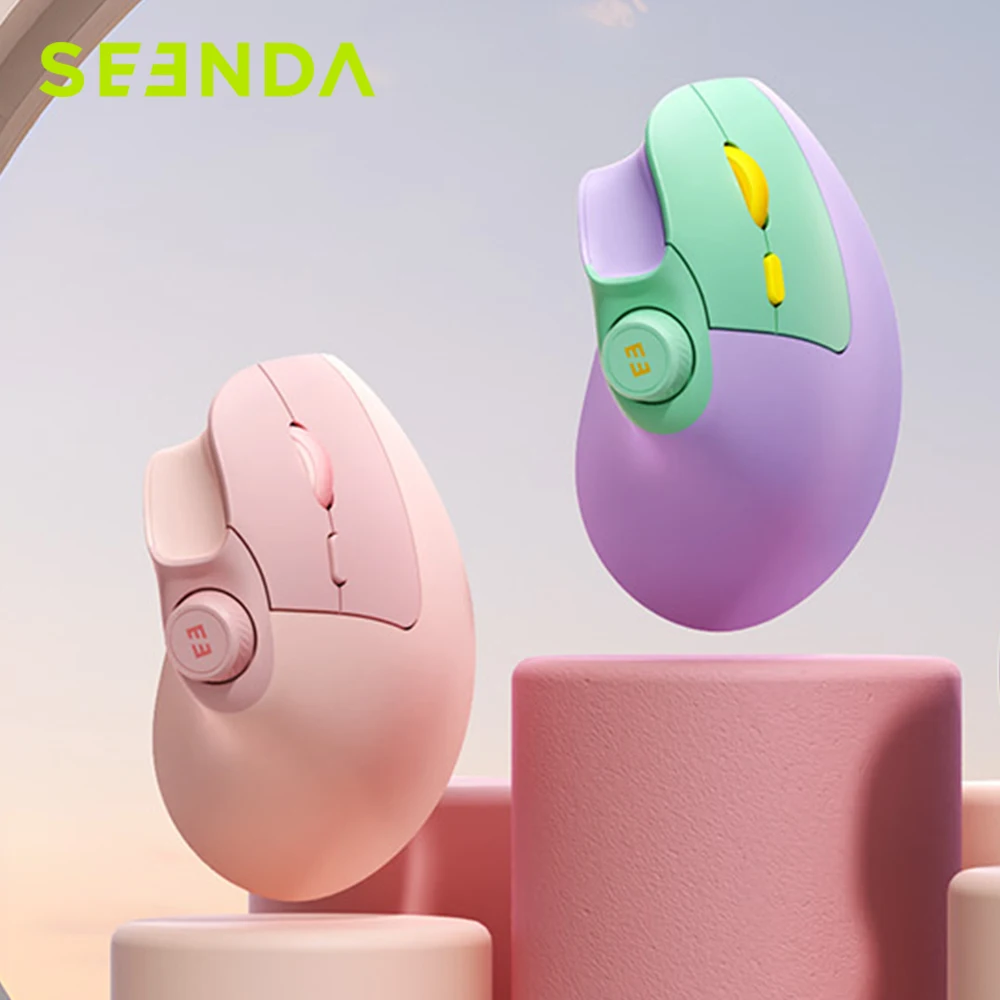 Seenda Ergonomic Bluetooth 2.4G Wireless Mouse with Volume knob Quiet…
34.80 USD
Seenda Ergonomic Bluetooth 2.4G Wireless Mouse with Volume knob Quiet…
34.80 USD
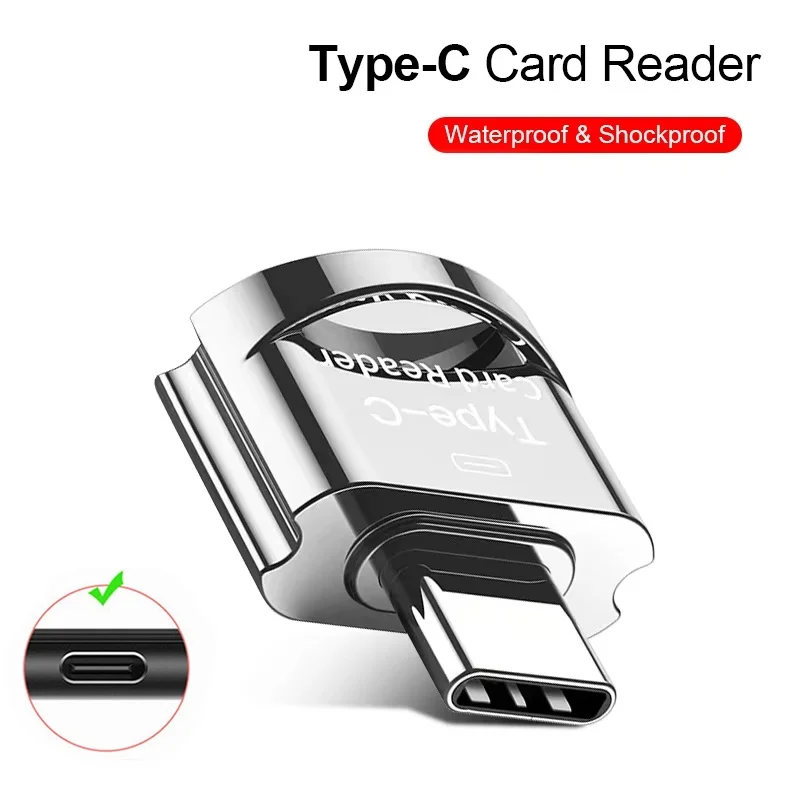 OTG Micro SD TF Card Reader For Macbook Xiaomi Adaptador…
4.12 USD
OTG Micro SD TF Card Reader For Macbook Xiaomi Adaptador…
4.12 USD
 Baseus EH3 12-in-1 USB C Hub HDMI DP 4K 60Hz…
78.95 USD
Baseus EH3 12-in-1 USB C Hub HDMI DP 4K 60Hz…
78.95 USD
 For Apple MacBook A1706 A1707 A1932 A1989 A2141 keyboard screws…
34.71 USD
For Apple MacBook A1706 A1707 A1932 A1989 A2141 keyboard screws…
34.71 USD
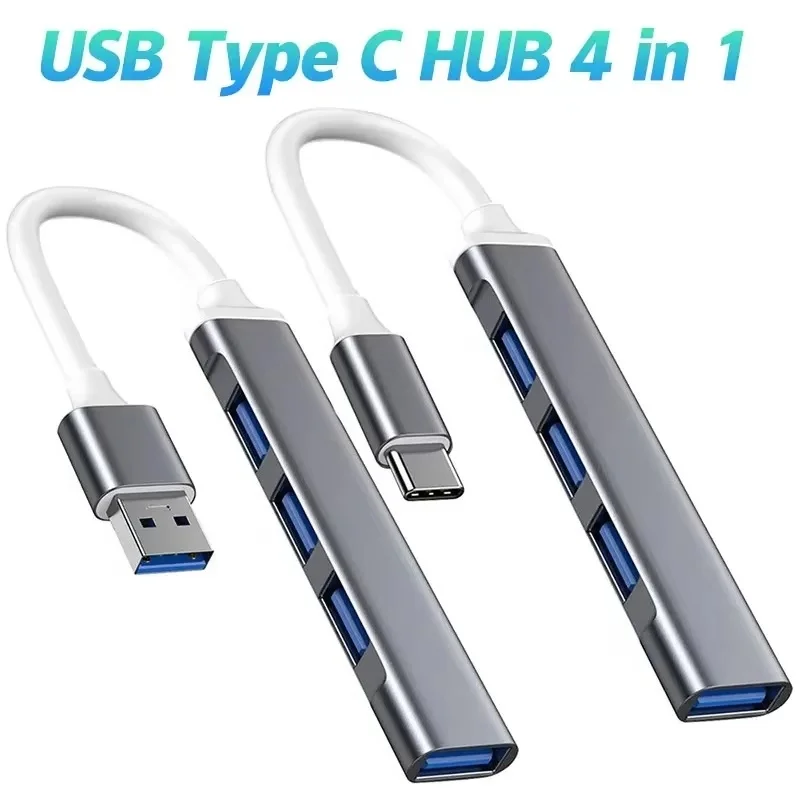 USB 3.0 Hub 4 Port USB Hub High Speed Type…
4.06 USD
USB 3.0 Hub 4 Port USB Hub High Speed Type…
4.06 USD