عن التطبيق
Tipard Mac Blu-ray ripper is a 3-in-1 media video converting application, which can be a Mac Blu-ray Converter, also can be a Mac DVD Ripper and a Mac Video converter. Then, you can easily convert home-made Blu-ray movie to your preferred video or audio formats to enjoy on your mobile phone or video player.
Plus, you can rip and convert home-made DVD disc, DVD folder or IFO files and video files to various popular formats on Mac with this powerful Blu-ray Converter for Mac. Also, you are allowed to edit any video source file to create personalized video work to share with friends for entertainment and joy.
Media converter to rip any Blu-ray/DVD, and convert video
Powerful Blu-ray Converter for Mac, DVD Ripper for Mac, and Video Converter for Mac
Rip Blu-ray and DVD files
Easily rip Blu-ray Disc, Blu-ray folder, DVD ROM, DVD folder and IFO files to any other video/audio formats like , etc.MP4, AVI, 3GP, MPEG, FLV and TS, MKV, ASF
Convert any video files
Support almost all video formats (including HD) and can convert any source file to 3GP, 3G2, AMV, ASF, AVI, MPEG-4, MP4, M4V and other popular video and audio formats on Mac.
Video editor to give you perfect video effect
Powerful editing functions to create the perfect output video for you
Set video effect
You are allowed to freely adjust brightness, saturation, contrast, hue and the volume for the output video to get your ideal video effect.
Crop video
This Blu-ray Converter for Mac enables you to cut off black edges and unwanted playing area and choose your perferred image Aspect Ratio to fit your player’s screen.
Watermark video
Add a text/image watermark to the source video. Also you can set its position and transparency.
Trim and merge
Trim any segment of a Blu-ray movie by setting its start and end time or just dragging the slide bar, and merge several video/DVD pieces together for better watching experience.
Preview and Snapshot
The built-in player helps you preview the output video effect. And you and capture your favorite Blu-ray movie pictures and save it as JPEG, PNG or BMP format. You can also set the output folder or it will be saved automatically in the default folder.
Adjustable and humanized output settings and parameters
Provides you with more choices to make a unique output video
Adjust the specific output parameters
While you rip home-made Blu-ray or DVD, or convert video, you can set the specific output parameters including Video Encoder, Frame Rate, Video Bitrate, Resolution, Audio Encoder, Sample Rate, Channels, Audio Bitrate. Even more, you can input your own parameters and choose preferred Aspect Ratio.
Audio track and subtitle
Select your preferred audio track and subtitle according to need.
Choose output profile
Tipard Mac Blu-ray Converter provides you with numerous output profiles for you to select.
Load the playlist
This Blu-ray Converter for Mac can load the BD playlist to help you figure output the play order.
Intuitive interface and simple operating steps
Provides you with the best user experience
Fast processing speed
With superior video encoding and decoding performance, this Mac Blu-ray ripper can give you ultra-high video converting speed and save you a lot of time.
Automatic decryption
This Blu-ray Converter for Mac can automatically decipher your Blu-ray disc.
Easy to use
The intuitive interface can make the operation quite easy, and it is suitable for both beginners and advanced users.
WHAT’S NEW
Version 10.0.82:
Release notes were unavailable when this listing was updated.
REQUIREMENTS
Intel, 64-bit processor
OS X 10.10 or later
ScreenShots :
ملحقات موصى بها
روابط تابعة لـ AliExpress — قد نحصل على عمولة عند الشراء عبرها، دون أي تكلفة إضافية عليك.
 Microfiber Dustproof Cleaning Cloth, Notebook Keyboard Cover & Laptop Screen…
2.42 USD
Microfiber Dustproof Cleaning Cloth, Notebook Keyboard Cover & Laptop Screen…
2.42 USD
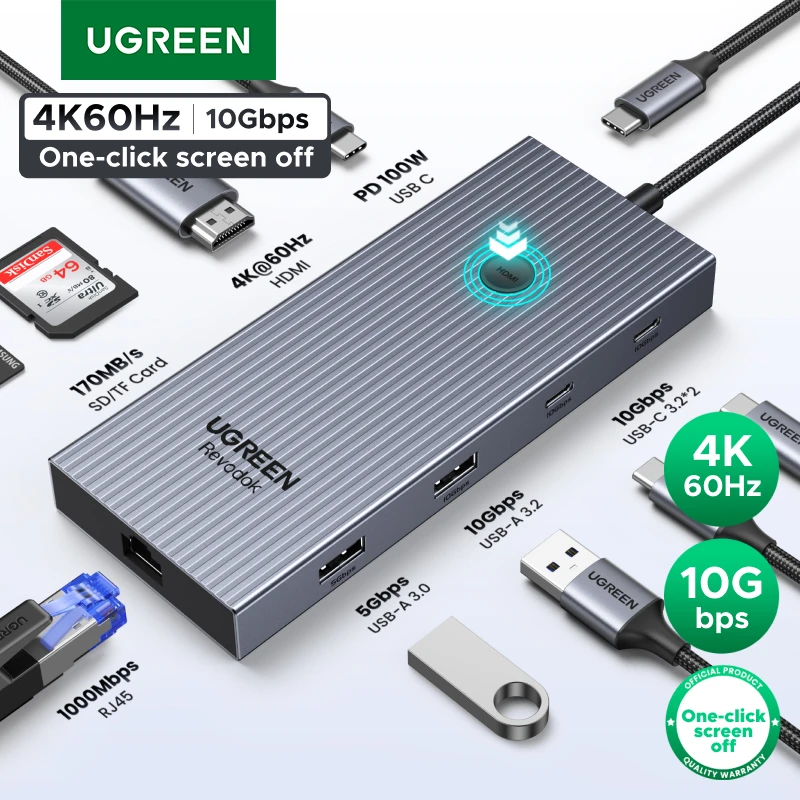 UGREEN 10Gbps USB C HUB 4K60Hz Type-C to HDMI RJ45…
26.39 USD
UGREEN 10Gbps USB C HUB 4K60Hz Type-C to HDMI RJ45…
26.39 USD
 Premium Ultra Thin Keyboard Protector For MacBook Neo 13'' A18…
8.11 USD
Premium Ultra Thin Keyboard Protector For MacBook Neo 13'' A18…
8.11 USD
 USB C Hub Type C Hub 4 Port USB Multi…
4.04 USD
USB C Hub Type C Hub 4 Port USB Multi…
4.04 USD
 New Desktop Bottom Wall Bracket Stand for Apple Mac Studio…
18.05 USD
New Desktop Bottom Wall Bracket Stand for Apple Mac Studio…
18.05 USD
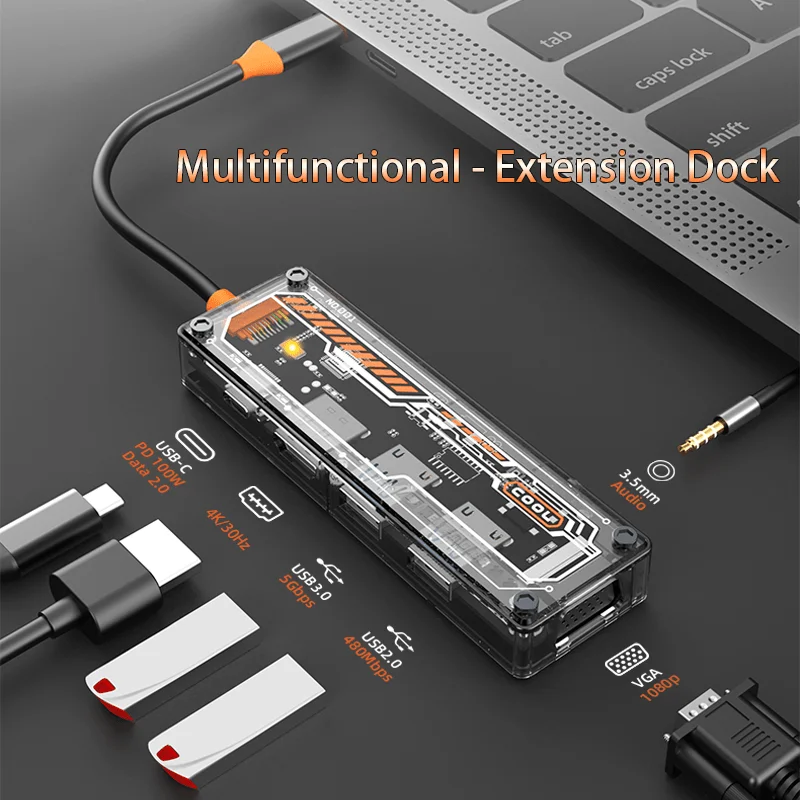 6-in-1 USB C Hub for MacBook Pro/Air Type-C to HDMI…
23.63 USD
6-in-1 USB C Hub for MacBook Pro/Air Type-C to HDMI…
23.63 USD