لقطات الشاشة
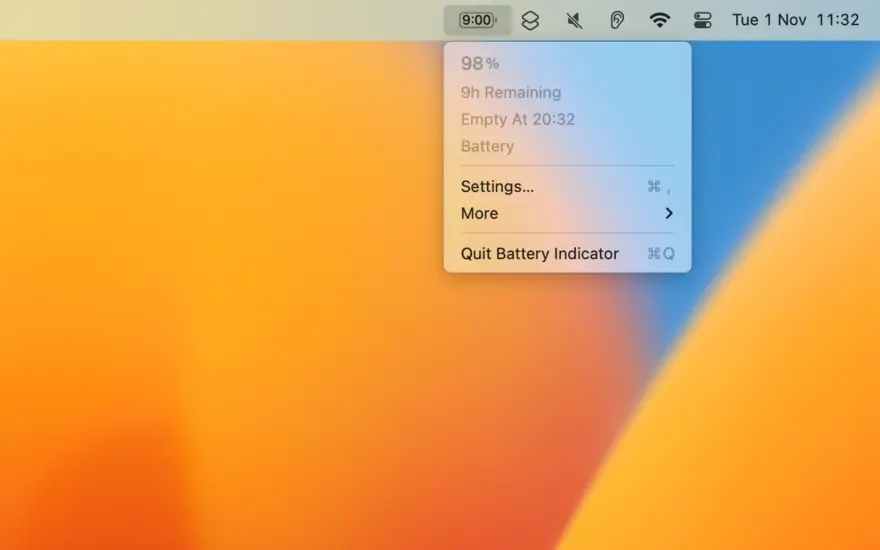
عن التطبيق
Shows the remaining battery time and percentage in the menu bar.
The app has a setting to hide the menu bar icon when the power plug is connected, which can be useful if you only care about the battery time/percentage when on battery.
You can hide the system battery indicator by dragging its icon out of the menu bar while pressing the Command key. You can also reorder menu bar icons by dragging them around while pressing the Command key. That means you can place this app exactly where the system battery indicator used to live.
There’s also a preference to notify when the battery is fully charged or at certain percentages.
It also comes with support for Shortcuts (on macOS 12).
Requires a MacBook, MacBook Pro, or MacBook Air.
Tip: Press the Option key while the menu is open to see battery condition and health.
ما الجديد
Bug fixes.
Bug fixes.
The app now requires macOS 26. You can get the last macOS 15 compatible version from the app’s website.
المتطلبات
- Intel, معالج 64-بت
- macOS 26.0 أو أحدث
روابط التحميل
ملحقات موصى بها
روابط تابعة لـ AliExpress — قد نحصل على عمولة عند الشراء عبرها، دون أي تكلفة إضافية عليك.
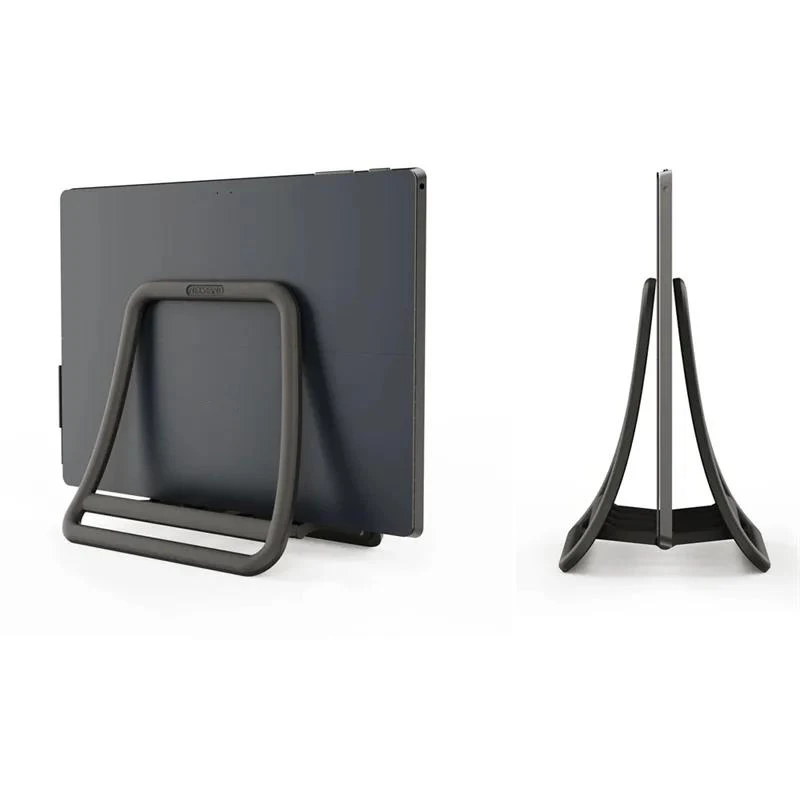 Universal Vertical Laptop Stand Foldable Tablet Desktop Stand Notebook Dock…
7.43 USD
Universal Vertical Laptop Stand Foldable Tablet Desktop Stand Notebook Dock…
7.43 USD
 Attack Shark X3 PixArt PAW3395 Wireless Mouse, 26K DPI Lightweight…
38.62 USD
Attack Shark X3 PixArt PAW3395 Wireless Mouse, 26K DPI Lightweight…
38.62 USD
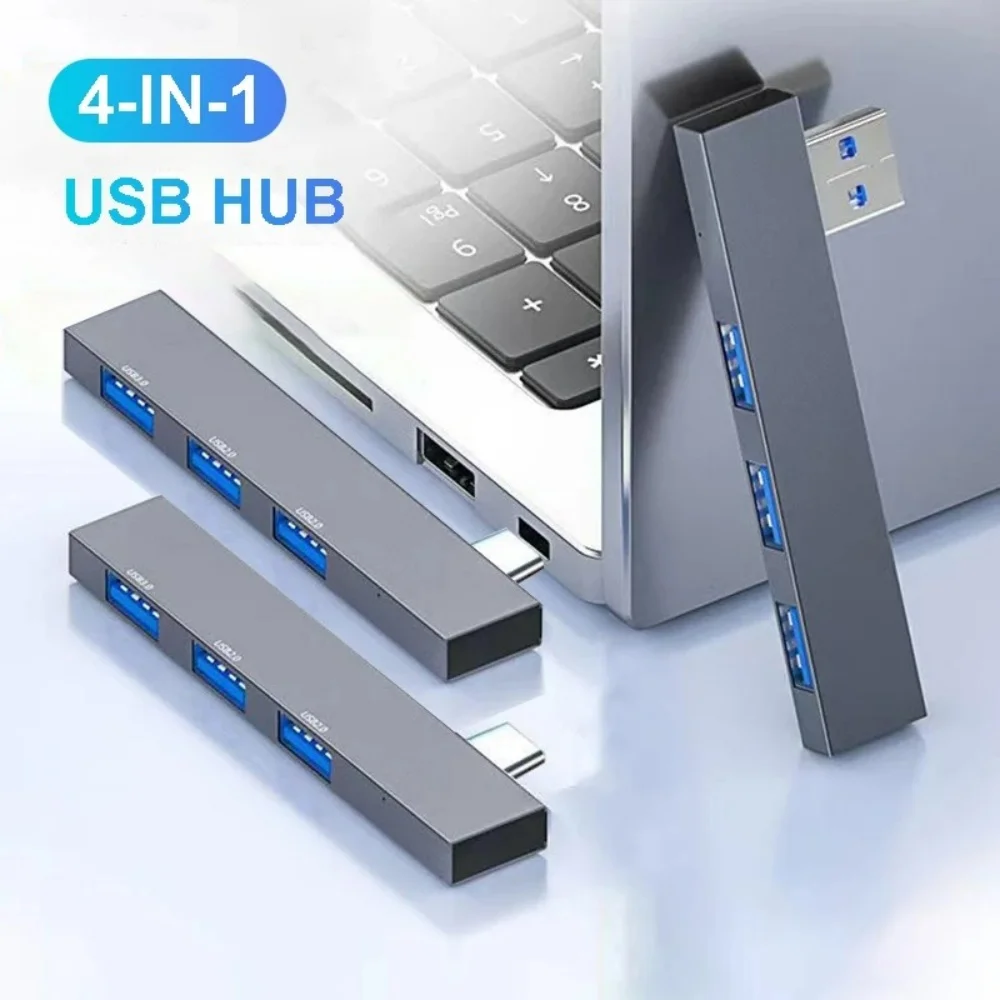 4 in 1 USB 3.0 Hub Type C 3.1 Multi…
5.02 USD
4 in 1 USB 3.0 Hub Type C 3.1 Multi…
5.02 USD
 Logitech G102 Wired Gaming Mouse, 8x Faster Response, 6 Keys,…
20.52 USD
Logitech G102 Wired Gaming Mouse, 8x Faster Response, 6 Keys,…
20.52 USD
 Laptop Stand Aluminum Alloy Mini Folding Holder 3 Height Adjustment…
7.66 USD
Laptop Stand Aluminum Alloy Mini Folding Holder 3 Height Adjustment…
7.66 USD
 UGREEN Uno USB-C HUB 8-in-1 Type-C to 4K60Hz HDMI 10Gbps…
37.67 USD
UGREEN Uno USB-C HUB 8-in-1 Type-C to 4K60Hz HDMI 10Gbps…
37.67 USD