لقطات الشاشة
عن التطبيق
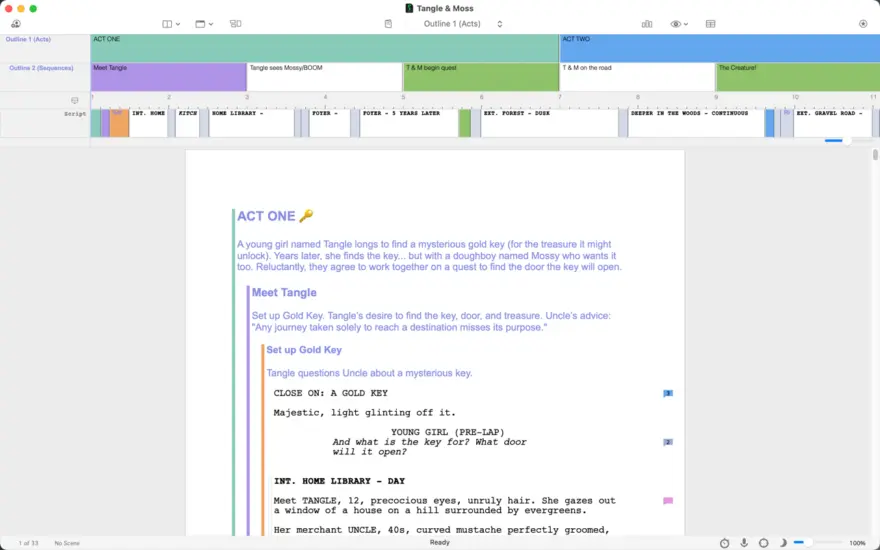
Final Draft 13 is used by production companies, studios, and filmmakers worldwide including James Cameron, JJ Abrams, Guillermo del Toro, Jon Favreau, Aaron Sorkin and Sophia Coppola. Final Draft automatically formats your screenplay to entertainment industry standards so you can focus on what you do best – writing. Final Draft 13 offers a fully customizable writing environment where you can plan, outline, collaborate and share your story, transforming your idea into a production-ready script.
KEY WRITING FEATURES INCLUDE:
Automatic Formatting – Your story is automatically formatted into a script according to industry standards.
Advanced Editing – Insert ScriptNotes™, track changes, store multiple lines of dialogue plus more.
Powerful Story Planning – Brainstorm, visualize, outline and navigate through your draft with the Beat Board™ and Outline Editor™.
Real-time Collaboration – Collaborate simultaneously with your writing partners in real time on both the script and the Beat Board.
Write Wherever, Whenever – Write on multiple devices, including Windows or Mac.
Customize Your Workspace – Customize your toolbar for the way you work and use Midnight, Night, and Focus Mode to reduce distractions and eyestrain.
Autosave – Backup your script automatically as you write.
Watermarking in Printing and PDF Options – Print your watermarked script or save directly to PDF in script format.
Retina and Full Screen Support – Distraction-free writing in full screen mode and retina display compatibility.
Image Support – Insert images into your script to help visualize your story.
Multi-Language Support – Write in over 95 different languages.
NEW IN FINAL DRAFT 13:
Writing Stats – Set goals, get valuable insights into your writing habits and productivity, identify trends, and take your work to the next level.
Emoji – Sprinkle emoji across scripts, beats, title pages, and ScriptNotes. Craft more realistic onscreen text and social media exchanges.
Typewriter – New Typewriter view option automatically scrolls to keep the line you’re working on centered, improving focus and ergonomics.
Navigator 2.0 – Customize your Navigator for a full view and control of your script. Outline directly in the Navigator, edit scene headings, monitor inclusivity stats, and so much more.
Character Development Tools – Use the new Navigator 2.0 to explore your characters. Track how much screen time each character gets, see how often different characters interact, even assign characters voices to read your script back to you.
Midnight Mode – a sleek new alternative dark view theme.
Enhanced Outline Editor™ & Improved Beat Board™ – Add, label, and customize lanes in Outline Editor and customize the look of beats in Beat Board view.
Structure Lines – Assign colors to outlines, acts, sequences, and scenes to track them visually in your script.
PRODUCTION FEATURES INCLUDE:
Title Page – Create and easily include a professional Title Page with your script.
Revision Mode – Revise your script as often as you’d like and track changes. Save different revisions for production purposes.
Page Locking – Omit scenes, lock pages and A-pages, and apply revision set colors to A-pages and B-Pages.
Colored Production Pages for Revisions – Colored border allows for writing ease, with solid color production pages in PDF for distribution.
Character Highlighting – Easily see characters’ dialogue in color. Great for table reads or tracking a character’s dialogue throughout your script.
Customizable Reporting – Final Draft offers eight different reports for production including Scene, Character, and Location reports.
ما الجديد
Screenplay (Netflix) Template.
The Netflix-approved format for feature films is now available in the Template Gallery.
Windows – JAWS Screen Reader Improvements.
The Spellcheck Options tab now appears correctly in the tab order.
A new keyboard shortcut (Ctrl+Shift+.) reads the current element’s number aloud, making it easier to reference scene numbers and other element numbers in production scripts.
Minor bug fixes.
Minor bug fixes.
إصلاحات الأخطاء الطفيفة.
إخفاء أرقام المشهد تلقائيًا
يتوفر الآن خيار "إخفاء أرقام المشهد الأيمن تلقائيًا" في أرقام المشهد > الخيارات. عند التمكين، تختفي أرقام المشهد الموجودة على الجانب الأيمن تلقائيًا عندما تتداخل مع عنوان المشهد، مما يحافظ على نظافة البرنامج النصي وقابليته للقراءة. يتم إيقاف الإعداد بشكل افتراضي ويتم حفظه لكل مستند.
إصلاحات الأخطاء الطفيفة
المتطلبات
- Intel, معالج 64-بت
- macOS 10.15 أو أحدث
روابط التحميل
ملحقات موصى بها
روابط تابعة لـ AliExpress — قد نحصل على عمولة عند الشراء عبرها، دون أي تكلفة إضافية عليك.
 Multifunction 6 in 1 Type C + USB 3.0 2.0…
6.59 USD
Multifunction 6 in 1 Type C + USB 3.0 2.0…
6.59 USD
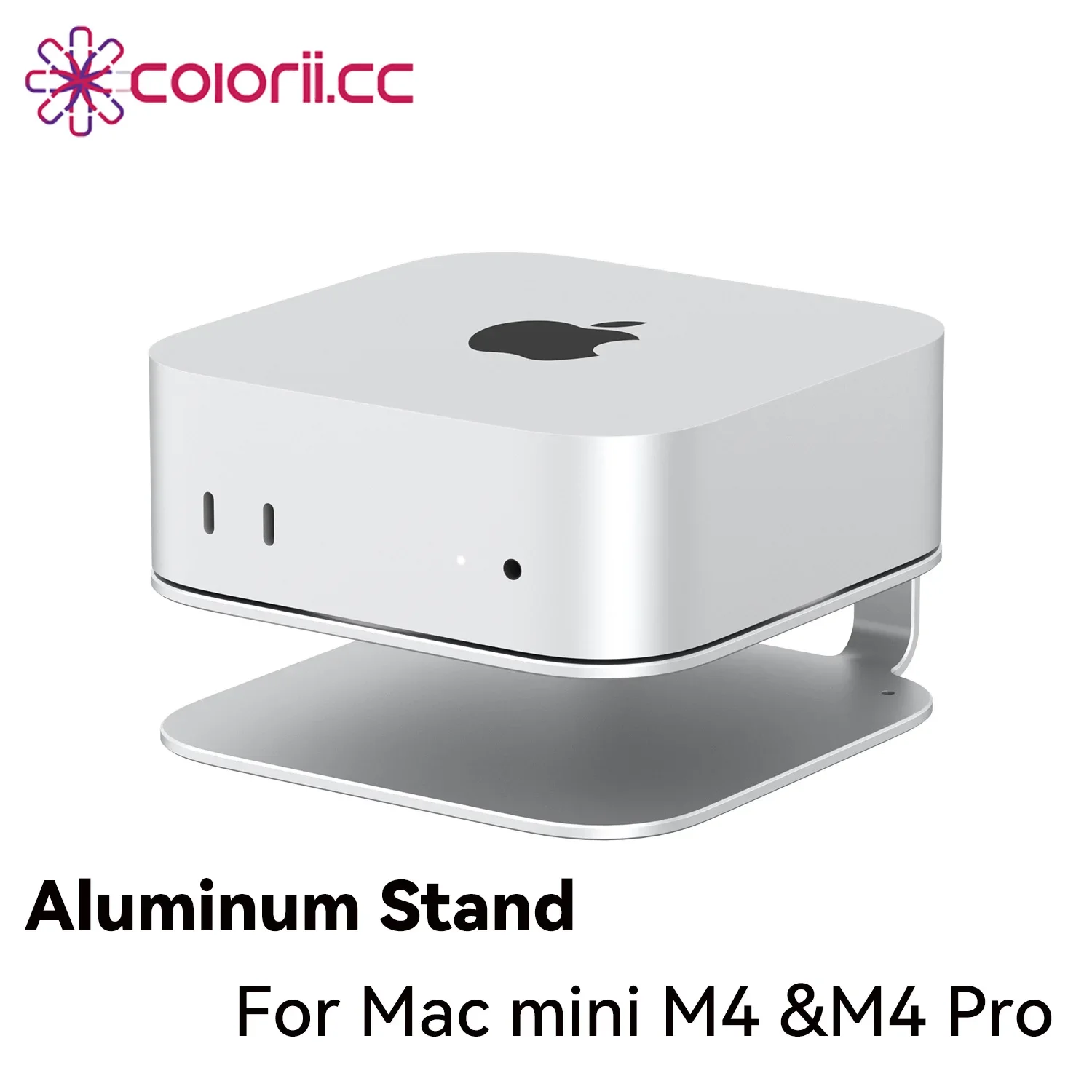 Desktop Stand for Mac mini M4/M4 Pro 2024 Heat Dissipation…
14.91 USD
Desktop Stand for Mac mini M4/M4 Pro 2024 Heat Dissipation…
14.91 USD
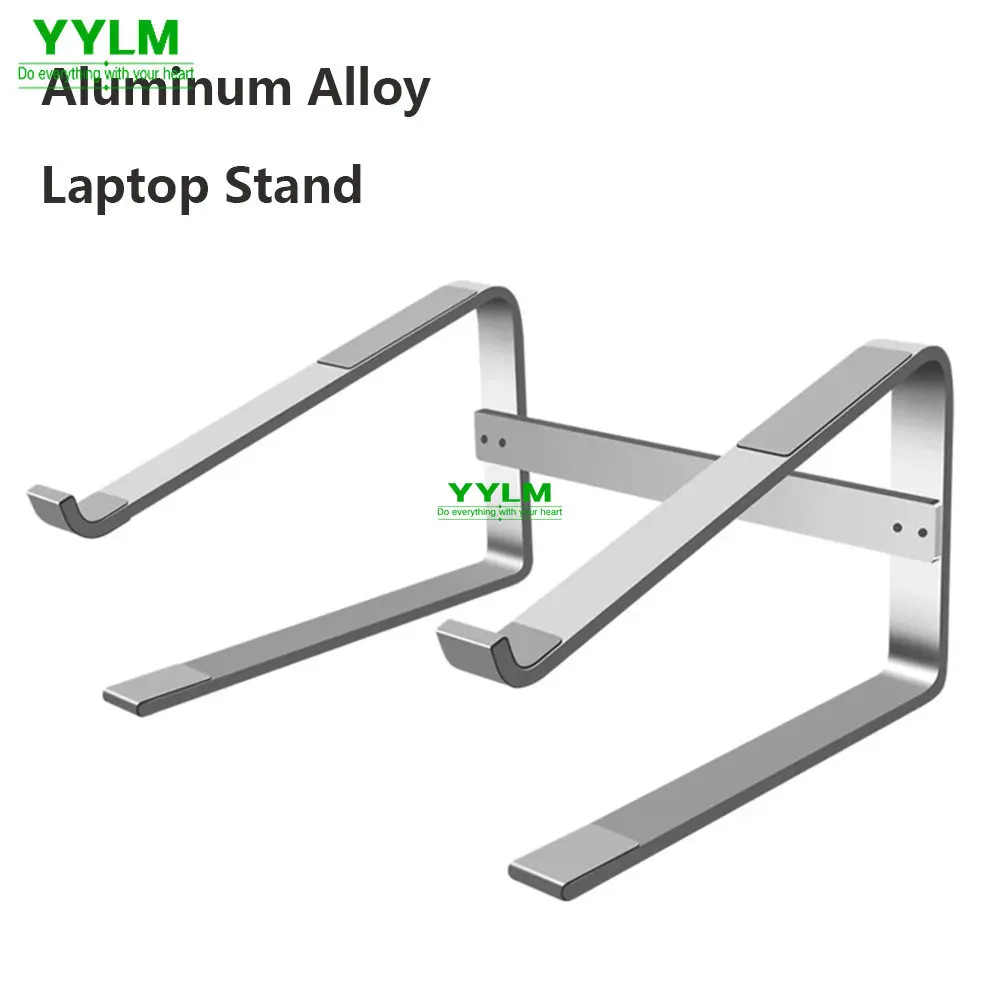 Aluminum Laptop Stand Notebook Riser Holder For Macbook Air 13…
9.08 USD
Aluminum Laptop Stand Notebook Riser Holder For Macbook Air 13…
9.08 USD
 8 In 2 USB-C Hub With 3.0 SD/TF Card Reader…
5.91 USD
8 In 2 USB-C Hub With 3.0 SD/TF Card Reader…
5.91 USD
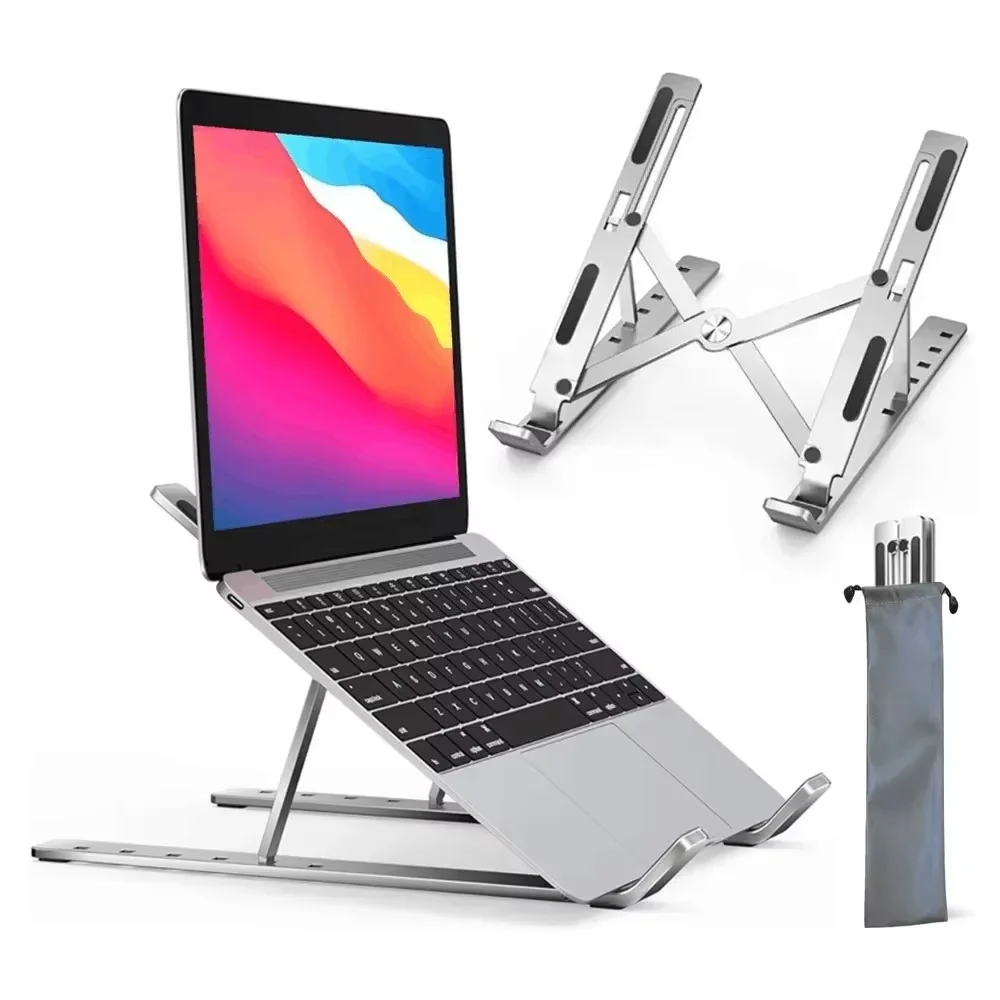 Adjustable Aluminum Alloy Laptop Holder Notebook Stand Lifting Cooling Bracket…
7.16 USD
Adjustable Aluminum Alloy Laptop Holder Notebook Stand Lifting Cooling Bracket…
7.16 USD
 Baseus EH3 12-in-1 USB C Hub HDMI DP 4K 60Hz…
78.95 USD
Baseus EH3 12-in-1 USB C Hub HDMI DP 4K 60Hz…
78.95 USD