عن التطبيق
MarkupTable will help you quickly and efficiently create Markup-formatted tables in no time. MarkupTable allows you to import already formatted tables from files formatted with the languages MarkdownExtra, MultiMarkdown, HTML, Textile, Wikitext, BBCode, and Smark, add more or remove rows and columns, move entire columns and rows, and of course to edit individual cells.
Export your edited tables to your preferred markup language as a simple text-file or as a Textbundle- or Textpack-file. MarkupTable also acts as a CSV-editor and can therefore read in and save CSV files. When reading CSV files, MarkupTable can automatically detect the field-separator used in the CSV file.
More features
Extensive editing capabilities
Edit individual cells
Add rows and columns anywhere
Move rows and columns
Deleting individual rows and columns
Duplicating individual rows and columns
Automatically fill rows and columns with values
CSV as a base
Various preview options
Import existing markup tables
User-Interface Adjustments
WHAT’S NEW
Version 1.8.0:
Change:
with this version Markdown, MultiMarkdown, MarkdownExtra have been merged into the single option Markdown. Markdown now generates tables with the often expected delimiter | (pipes). This also applies to export and import. If you prefer traditional Markdown, you can still use the HTML markup option to create HTML-formatted tables or use the new HTML+MD option when exporting, see details in the “New” section.
New:
export as HTML + Markdown as HTML comment
new default setting to specify whether an empty document should be created when MarkupTable is started
new default setting to specify the desired file extensions for the export
copy/paste of tables from other applications extended, e.g. tables copied to the clipboard from RTF files or Numbers (menu: File | Import table from clipboard) can now be pasted
Improvements:
improved behavior when importing CSV files with unusual line breaks
several adjustments to the save dialog for the export
the import selection panel now shows more clearly which types of file can be imported
when importing tables into existing tables, the existing tables are no longer replaced, but the imported table is appended to the existing one
Other:
many internal changes and adjustments to improve compatibility with newer macOS versions
help pages revised
revised some labels in the interface
Bug fixes:
fixes a bug that caused a table import to fail under certain circumstances
REQUIREMENTS
Intel, 64-bit processor
macOS 10.13 or later
ScreenShots :
ملحقات موصى بها
روابط تابعة لـ AliExpress — قد نحصل على عمولة عند الشراء عبرها، دون أي تكلفة إضافية عليك.
 Seenda Ergonomic Bluetooth 2.4G Wireless Mouse with Volume knob Quiet…
34.80 USD
 3 In 1 Type C to HDMI-compatible Adapter USB Hub…
7.41 USD
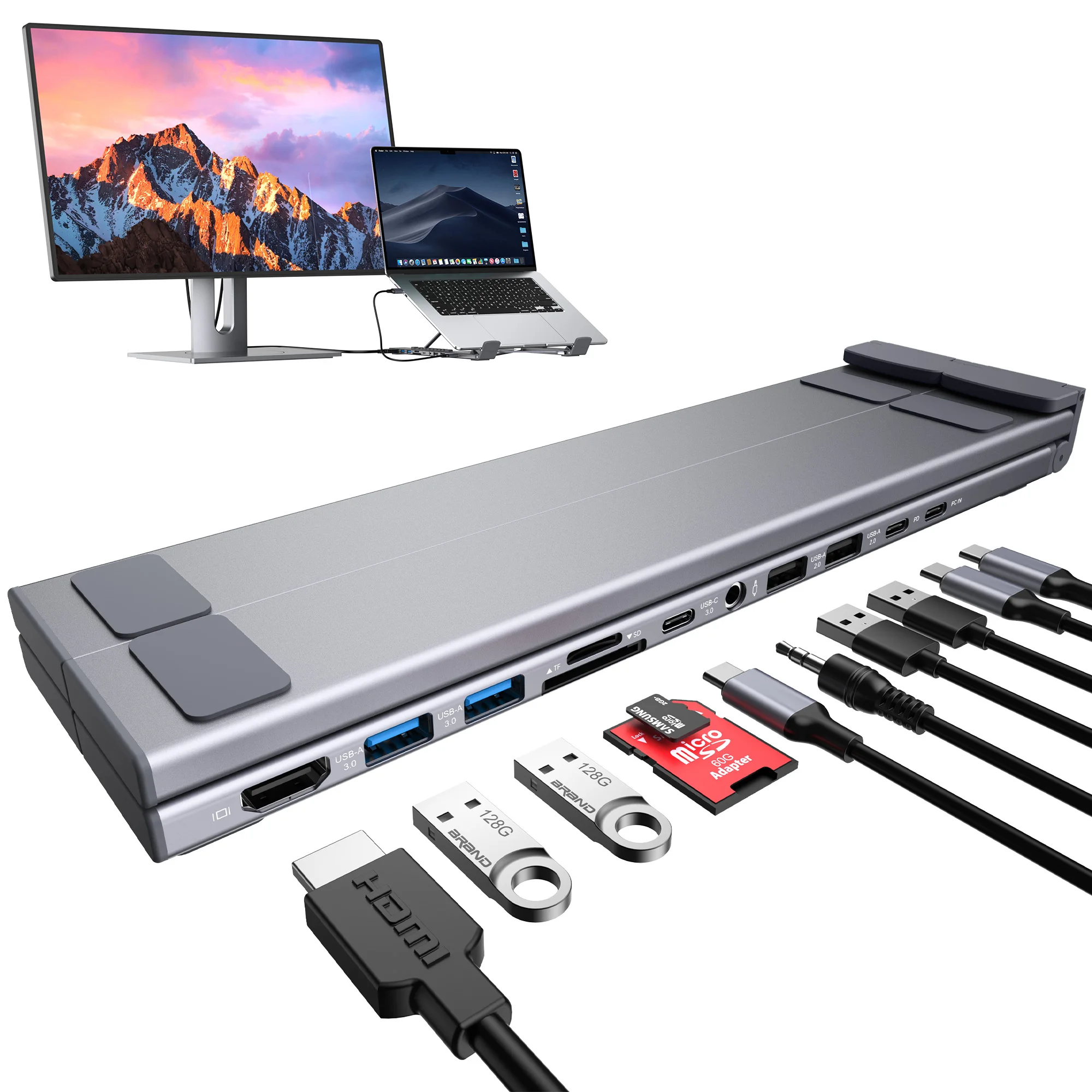 Laptop Docking Station 11 in 1 USB C Hub with…
60.18 USD
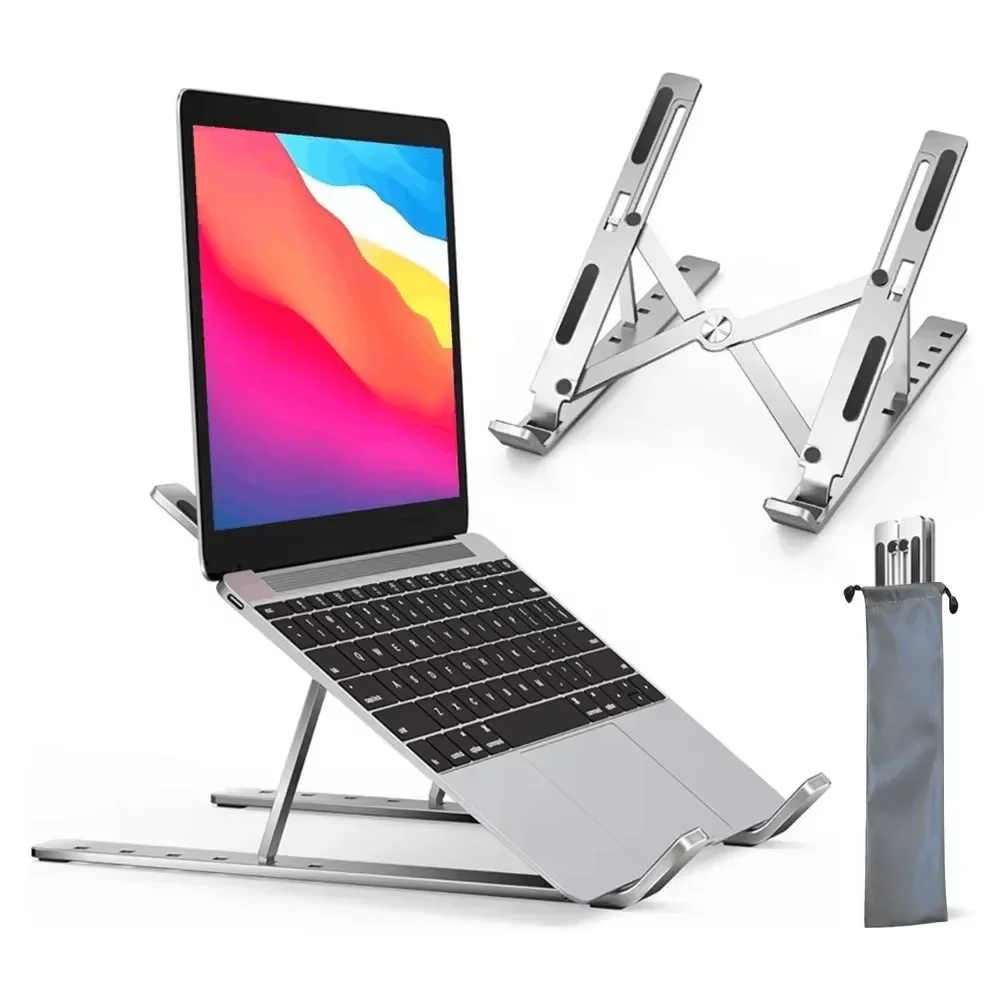 Adjustable Aluminum Alloy Laptop Holder Notebook Stand Lifting Cooling Bracket…
7.16 USD
 Essager USB C HUB 4K 7-in-1 Type C to HDMI…
29.57 USD
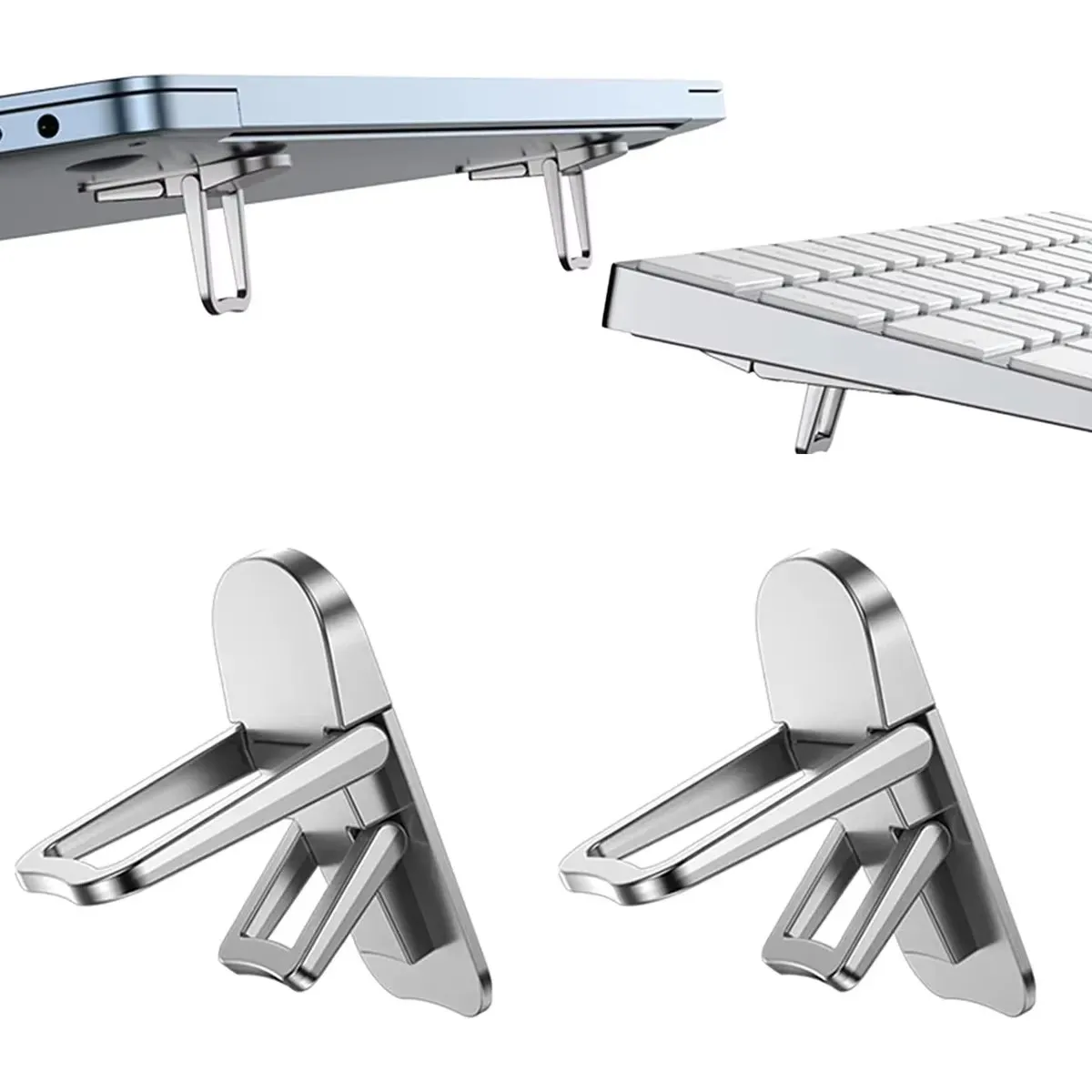 Mini Portable Legs Laptop Stand Holder For Macbook Huawei Samsung…
3.75 USD