لقطات الشاشة
عن التطبيق
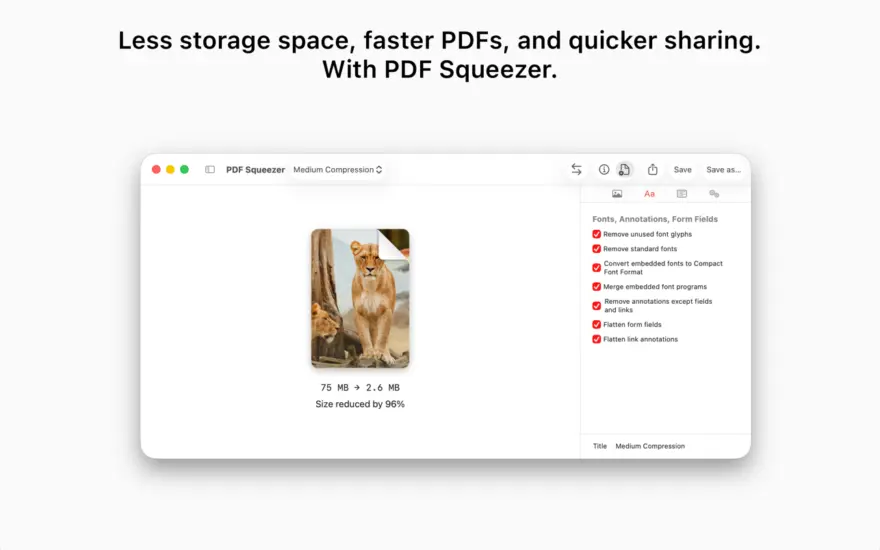
PDF Squeezer is a simple to use PDF compression tool. It comes with compression capabilities which mainly reduce the size of the images within your PDF documents. This will help you obtain important savings in bandwidth costs, digital storage costs and network transmission times.
Features:
Simply drag and drop your PDF onto the application window or app icon
Choose from predefined filters or create your own
Support for password protected PDFs
ما الجديد
New:
Added a new profile setting that ensures PDF/A-4 support for long-term document archiving. Incompatible compression options are automatically turned off and disabled.
Added an “Optimize images” option to compression profiles. Turn it off to leave images unchanged while optimizing other PDF content.
Improved importing speed and responsiveness for folders containing thousands of PDFs.
The status bar now appears automatically when more than 10 PDFs are loaded.
Improved the reliability of compression statistics recorded by automation tools such as Automator.
Renamed “Remove document structure tree” to “Remove document tags” and added a tooltip explaining how to preserve accessibility information, including image descriptions.
Improved the reliability of comparison zoom controls when switching views.
Added overall compression progress and an active file count to the status bar.
Added progress rings for individual files in the sidebar when using the new compression engine.
Added sidebar sorting by name, original size, compression ratio, date added, or status, with reversible order.
Added a live status summary below the selected-file count.
Added a translucent, fading background behind sidebar controls and extra scrolling space to keep the last file accessible.
Enabled Save As for multiple selected files, allowing compressed copies to be saved to a chosen folder.
Improved responsiveness when importing many files with Finder tags.
Improved image-quality preservation by avoiding JPEG recompression for tiny file-size savings, making repeated compression more predictable.
Fix:
Fixed a potential cause of Finder Quick Action failures when compression statistics could not be accessed.
Fixed the app becoming unresponsive when saving very large batches of PDFs.
Fixed file permissions being released before background saves finished.
The app now waits for pending saves to finish before quitting.
Fixed image cropping compatibility that could cause other apps to report incorrect image dimensions and resolution.
Fixed comparison profile pickers sometimes appearing incorrectly when entering comparison mode for the first time.
Fixed importing folders dragged from the folder icon in a Finder window’s title bar.
FIX: Fixed a crash that could occur when opening or switching to Comparison mode.
FIX: PDF text disappeared during compression of certain pages created with Apple Pages.
Bug Fixes
Removing embedded standard fonts could make text unreadable in PDFs with custom character encodings.
إصلاحات الأخطاء
لم يتم ضغط بعض الملفات بنفس القدر كما في الإصدار السابق.
المتطلبات
- Intel, معالج 64-بت
- macOS 13.0 أو أحدث
روابط التحميل
ملحقات موصى بها
روابط تابعة لـ AliExpress — قد نحصل على عمولة عند الشراء عبرها، دون أي تكلفة إضافية عليك.
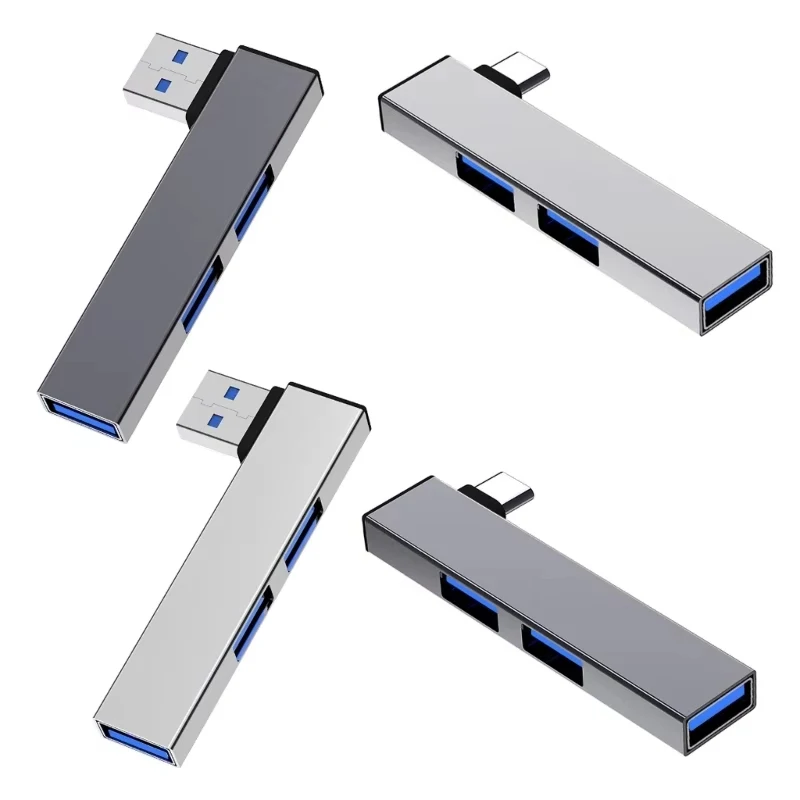 USB C HUB 3.0 Type C 3.1 3 Port Multi…
3.19 USD
 Metal Mount Holder for Mac Mini M4 Desktop Computer Under…
33.24 USD
 2026 Laptop Case For Macbook Neo 13 Inch A3404 Transparent…
13.37 USD
 For MAC MINI PC CPU Riser Holder Computer Accessory Support…
13.20 USD
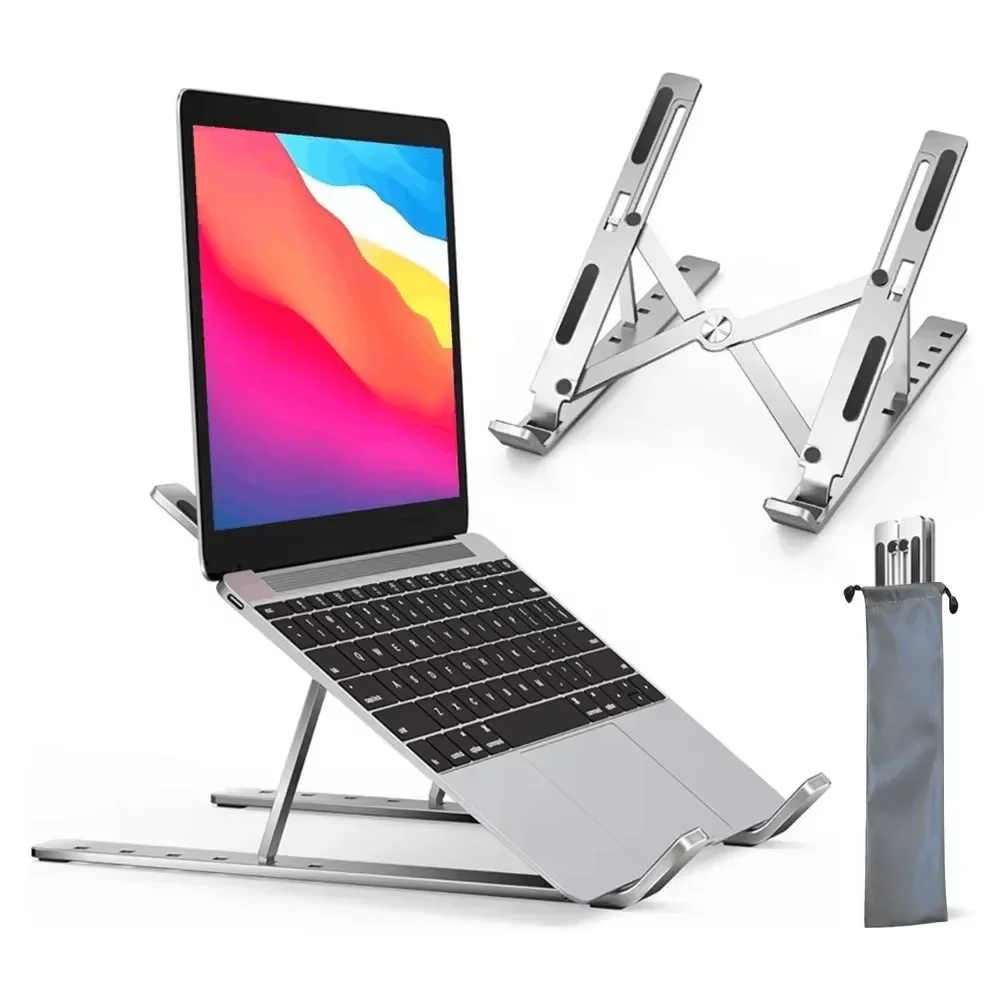 Adjustable Aluminum Alloy Laptop Holder Notebook Stand Lifting Cooling Bracket…
7.16 USD
 Switch 2 Dock HDMI 4K USB 3.0 Hub Adapter USB…
10.72 USD