لقطات الشاشة

عن التطبيق
Screens 5 lets you remotely access your Mac, Windows PC, Linux PC, or Raspberry Pi from anywhere—whether you’re at home, in a coffee shop, or on the other side of the world. With speed, security, and reliability, Screens delivers a seamless remote desktop experience on iPhone, iPad, Mac, and Vision Pro.
Here’s what makes Screens your ideal choice:
Connect from Anywhere
Install Screens Connect on your Mac or Windows PC for effortless access worldwide. Need to connect to a Linux PC or Raspberry Pi? Screens fully integrates with Tailscale for secure, hassle-free remote connections.
Curtain Mode
Maintain privacy by masking the remote Mac’s display when connected, perfect for shared environments.
Secure & Effortless Connections
Enable Remote Login on your Mac or configure your Windows PC, Linux PC, or Raspberry Pi for SSH support. Screens also supports SSH keys for added security.
Fast & Convenient Logins
Screens automates password entry, letting you connect quickly and efficiently.
Multi-Display Support
Easily select which display to view on multi-screen Macs or show them all. Screens remembers your preference.
Clipboard Sharing
Seamlessly transfer rich text, URLs, images, and more between your local and remote clipboards.
Session Selection
When someone is logged into a remote Mac, you can either share their screen or start a new session.
Raspberry Pi 5 Compatibility
Screens fully supports Bookworm and WayVNC via RSA-AES authentication for smooth performance.
Assist Friends & Family
With the free Screens Assist utility (Mac), you can help troubleshoot, update apps, and more remotely.
File Transfers
Easily transfer files between Macs with a simple drag and drop, making remote file management seamless and efficient.
Additional Features:
Adaptive and Full display quality
Control or observe the remote computer
iCloud Synchronization
Full URL Schemes support
Secure content with Touch ID, Face ID, Apple Watch, or a password
Requirements:
Windows PC connections require a VNC server like UltraVNC or TightVNC.
Clipboard sharing on Windows and Linux PCs supports text and URLs only.
Sound transmission is not supported due to VNC protocol limitations.
Screens Connect requires macOS 10.13 High Sierra or later, or Windows 10 SP1 or later. A free Screens ID is required.
Screens supports remote access from iPhone, iPad, Mac, and Vision Pro but does not support connections to iOS or iPadOS devices.
ما الجديد
تحسينات الاستقرار والأداء.
المتطلبات
- Intel, معالج 64-بت
- macOS 14.0 أو أحدث
روابط التحميل
ملحقات موصى بها
روابط تابعة لـ AliExpress — قد نحصل على عمولة عند الشراء عبرها، دون أي تكلفة إضافية عليك.
 For Apple MacBook A1706 A1707 A1932 A1989 A2141 keyboard screws…
34.71 USD
 Adjustable Laptop Holder Computer Monitor Holder Portable Foldable Notebook Stand…
4.15 USD
 Protective Hard Case for 2024 Mac Mini M4 and Accesserios…
38.98 USD
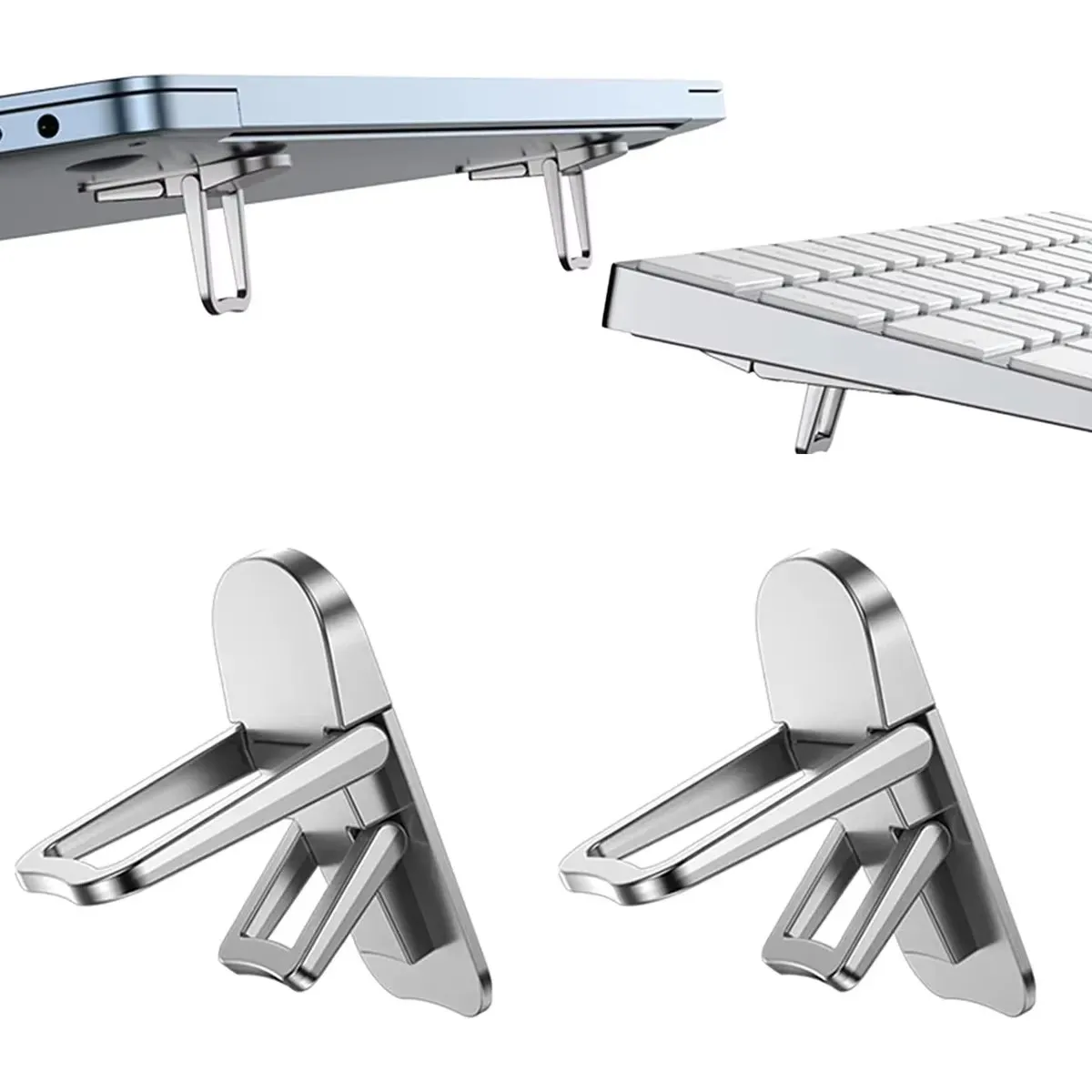 Mini Portable Legs Laptop Stand Holder For Macbook Huawei Samsung…
3.75 USD
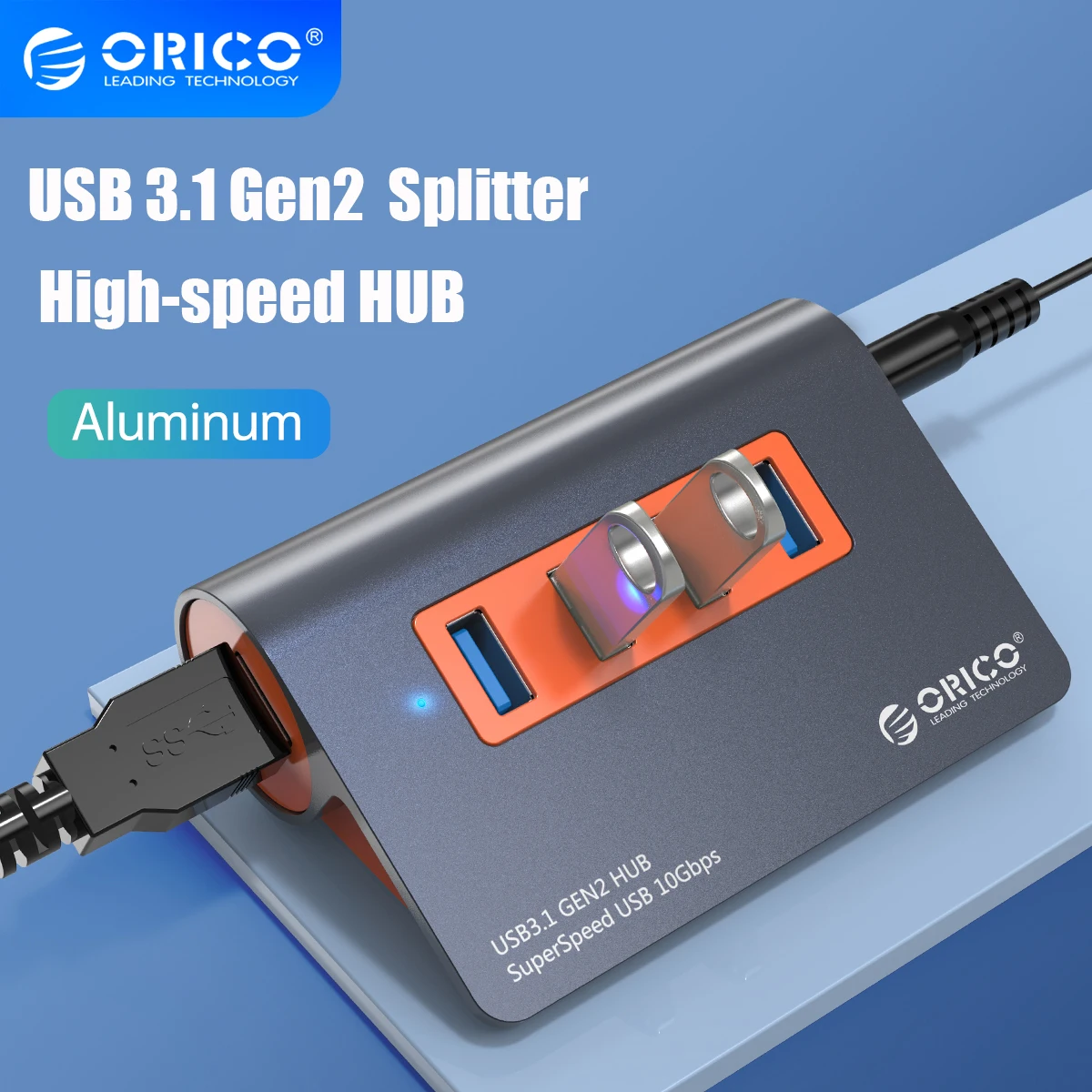 ORICO USB3.1 Gen2 HUB Aluminum USB HUB PC Splitter 10Gbps…
48.15 USD
 USB C to HDMI Adapter 8K, Thunderbolt 3 to HDMI…
10.09 USD