عن التطبيق
The Clock is a premium world clock with the following features:
Keep track, easily and efficiently of your contacts in different time zones.
Have a quick view on a Calendar, which can be integrated with the system Calendar.app
Easily setup meetings with the Meeting Planner.
Have a highlight on the Business Hours and Holidays of your subcontractors, customers, …
Highly customizable.
Be reminded when to Take a Break and relax.
Full Trackpad integration, swipe to travel trough time. The World Clocks
AM/PM or 24Hours.
Analog or Digital Clock view.
Choose among a wide range of complications
Business Hours.
Time offset.
Sunrise/Sunset.
Country.
Time Zone offset (PDT, CDT, UTC…).
Yesterday, Today, Tomorrow.
Drag-and-drop the world clocks to order them.
Beautiful clock face displaying day and night.
Personalize the world clock time format per cities.
Change the city name.
PDT, CDT, MDT, GMT… and more automatically adapting during daylight saving period. Meeting Planner
Meeting Planner Slider to travel through time.
Business Hours led to check if your contact is in the working hours time frame.
Select a date in the calendar for an accurate Daylight Saving adjustment.
With the Calendar.app integration into The Clock have a quick look on your schedule
With the Calendar Complication, automatically know if you are busy while planning a meeting.
Export easily your schedule information by a simple copy/paste.
Slider automatically round the time to 15/30 min. Calendar
Navigate the months with buttons, keyboard shortcuts, trackpad.
Show/Hide the Calendar.
Show/Hide the weeks number.
Select your referenced calendar for the week number. (System, or ISO 8601).
Select a day in Meeting Planner for an accurate Daylight Saving adjustment.
Highlight days off per city.
Follow the system setting for Calendar first day of the week…
Choose to integrate or not with the system calendar, Calendar.app
Have a quick view on your calendar events.
Calendar complication to immediately see what is coming next on your schedule. Other
Choose between 2 beautiful themes (Light/Dark) with transparency or not.
Have the theme follow automatically the color of your menu bar.
Rearrange The Clock menu bar items by (shift) drag and drop.
Keyboard Shortcuts for most common actions.
Display the moon phase, and get all the moon phase informations.
Backup/Restore your settings easily (Local, Dropbox).
Keep or not The Clock window floating above your desktop.
Choose to access The Clock from the menu bar or from the Dock.
Enjoy the Take a Break feature, and relax.
Amazing Take a Break screen saver, displaying quotes among ~100 quotes in 8 genres.
Or the Take a Break screen saver, with your own text.
And more …
And with a real user manual to go deeper in the discovery of all the features.
WHAT’S NEW
Version 4.9.11:
The Clock is ready for macOS 26 Tahoe.
Minor bug fixes and improvements.
REQUIREMENTS
Intel, 64-bit processor
macOS 13.0 or later
ScreenShots :
ملحقات موصى بها
روابط تابعة لـ AliExpress — قد نحصل على عمولة عند الشراء عبرها، دون أي تكلفة إضافية عليك.
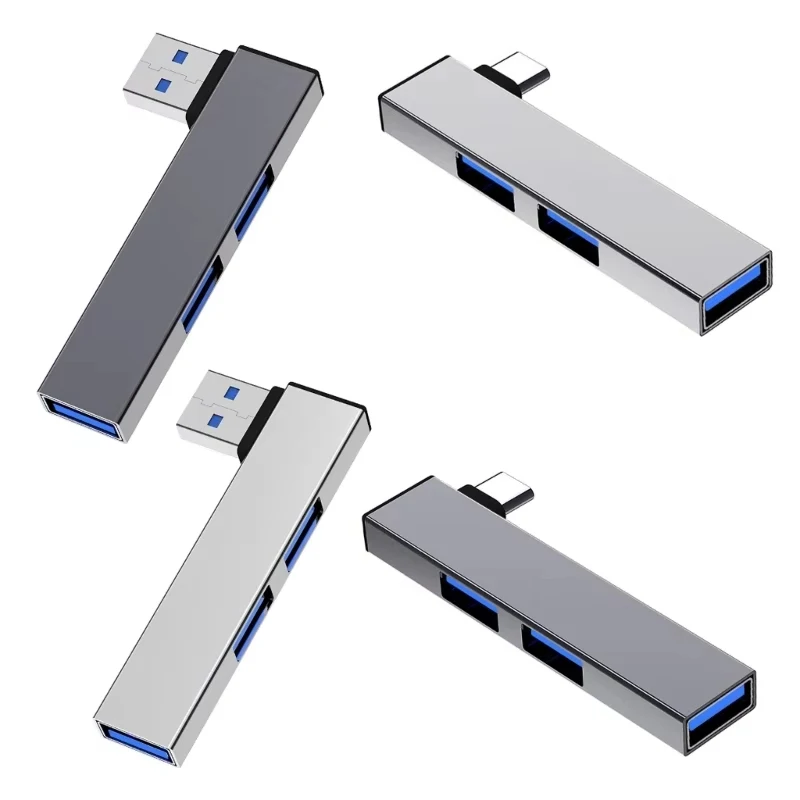 USB C HUB 3.0 Type C 3.1 3 Port Multi…
3.19 USD
USB C HUB 3.0 Type C 3.1 3 Port Multi…
3.19 USD
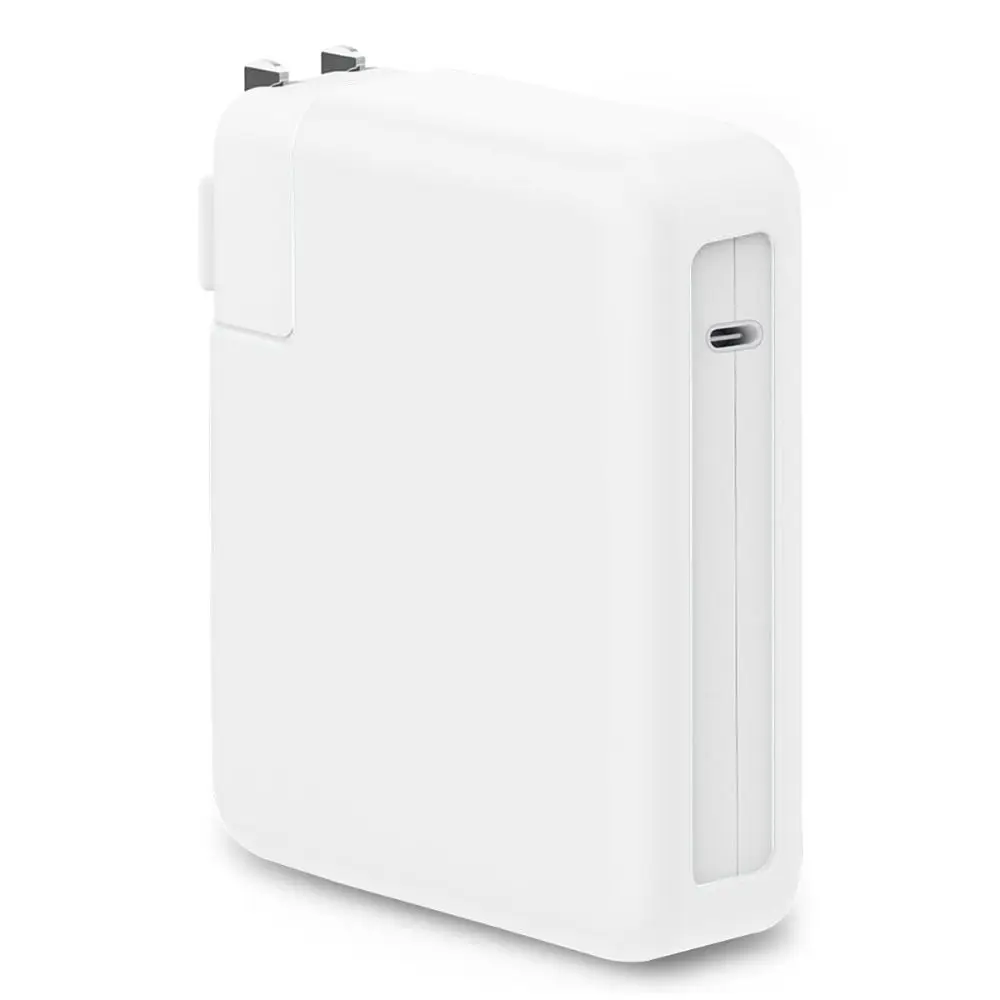 Anti-fall Charger Adapter Case Silicone Anti-collision Battery Charger Sleeve USB-C…
7.17 USD
Anti-fall Charger Adapter Case Silicone Anti-collision Battery Charger Sleeve USB-C…
7.17 USD
 For Apple MacBook A1706 A1707 A1932 A1989 A2141 keyboard screws…
34.71 USD
For Apple MacBook A1706 A1707 A1932 A1989 A2141 keyboard screws…
34.71 USD
 New Desktop Bottom Wall Bracket Stand for Apple Mac Studio…
18.05 USD
New Desktop Bottom Wall Bracket Stand for Apple Mac Studio…
18.05 USD
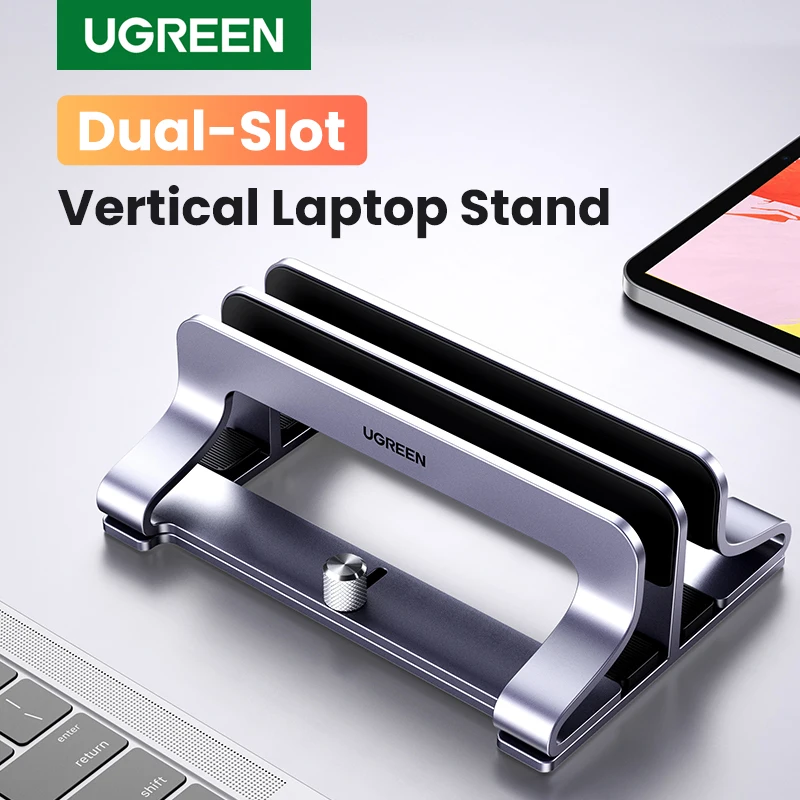 UGREEN Vertical Laptop Stand Holder Foldable Aluminum Notebook Stand Laptop…
19.24 USD
UGREEN Vertical Laptop Stand Holder Foldable Aluminum Notebook Stand Laptop…
19.24 USD
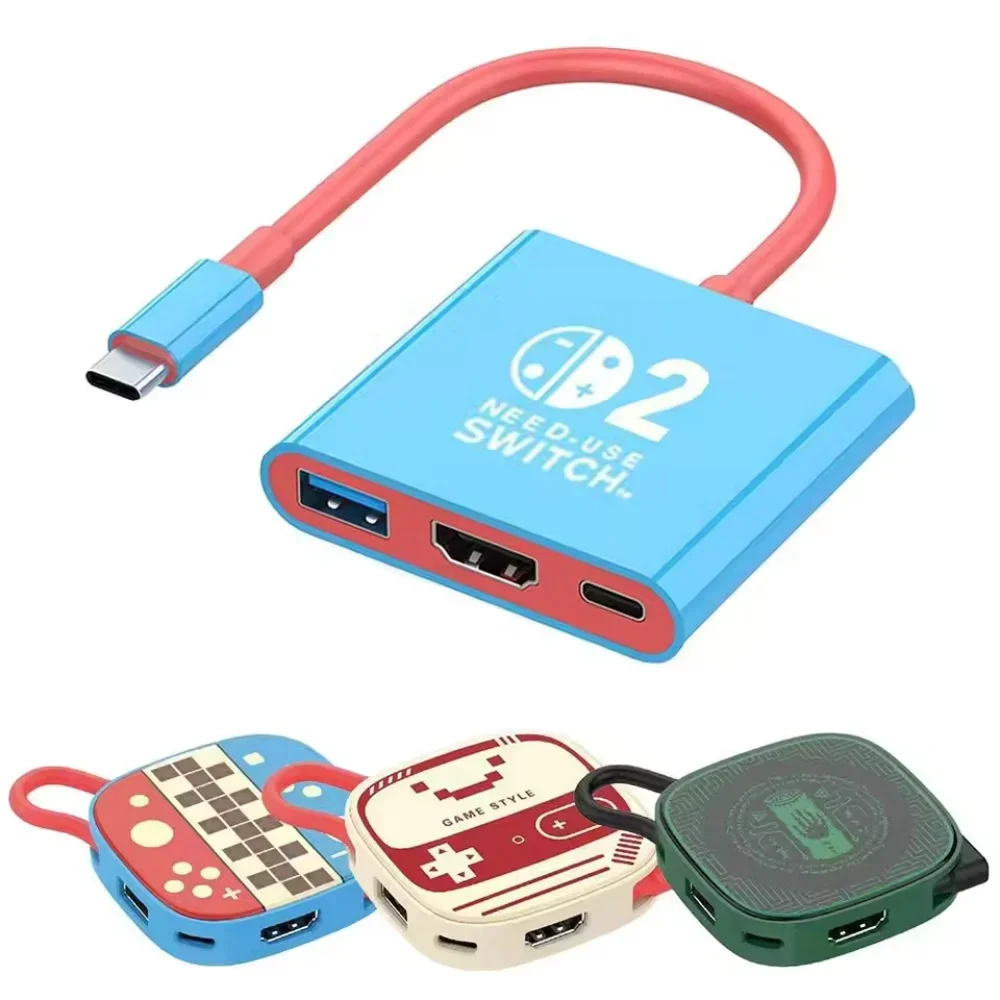 Switch 2 Dock HDMI 4K USB 3.0 Hub Adapter USB…
10.72 USD
Switch 2 Dock HDMI 4K USB 3.0 Hub Adapter USB…
10.72 USD