لقطات الشاشة

عن التطبيق
Things is a delightful and easy to use task manager. It’s the perfect companion for everything you want to achieve in life, offering a great balance between ease of use and powerful features.
UPDATED for OS X Yosemite with a refreshed design, and all-new features including a Today Widget for Notification Center, Handoff support for seamless transition between Mac & iPhone, and a new “Add to Things” extension for creating to-dos from other apps.
FEATURES
When you start using Things, you’ll be surprised how easy it is to enter and manage your tasks. And with Things’ beautiful interface, task management becomes a delight. But all of this doesn’t come at the expense of power – everything you wish for in a task manager, Things has you covered.
Today: Decide which tasks you want to do today and put them into your Today list. Throughout the day, come back to this list to check items off. Things will automatically show you due and scheduled items there once their date arrives — so you won’t miss anything important.
Focus: See what you need to do Today, what’s coming up Next, and what’s Scheduled for later. Put tasks in Someday if you can’t work on them right now, you can always come back to them later.
Keep organized: Work, Family, Hobby – with Things, everything has its place. Projects and Areas of Responsibility let you master complex tasks and stay on top of your responsibilities in life and work.
Use Tags to assign contexts, priorities, time – whatever fits your personal workflow. Quickly filter a list to find those tasks which are most relevant now.
Out of your head, into Things: Enter new ideas the moment they hit you. Things’ Quick Entry window lets you add new tasks without interrupting your work. And thanks to the amazing Autofill feature, the Quick Entry window can be automatically pre-filled with the currently selected text, along with a link to the email you are reading, the webpage you are currently viewing, or the document you are editing (works with most applications).
And much more: Create repeating tasks, add due dates, schedule tasks for a later date, import Reminders, review completed tasks in the Logbook, etc.
THINGS CLOUD
Your to-dos, on all your devices. Things Cloud stores your to-dos and updates them quickly & effortlessly across your Macs, iPhone, iPod touch, and iPad (iOS apps sold separately). And best of all, Things Cloud is free!
ما الجديد
Added “Ask Siri” to the context menu when right-clicking a to-do or project in a list.
Improved the appearance of results in the new Siri.
Refined the spacing of the notes and checklist in an expanded to-do.
Improved the performance of Quick Find.
Improved the performance when selecting a to-do in Apple Shortcuts.
Improved the timing of the haptic feedback when completing a checklist item.
Tweaked the layout of the title bar in the Tags window on macOS 26 and later.
Restored the behavior where deleting all checklist items leaves an empty item ready for typing.
Fixed a bug where right-clicking a to-do’s checkbox didn’t show its context menu.
Fixed a bug where Cmd+click on a checklist item’s reorder handle didn’t add the item to the selection.
Fixed a bug where pasting a single line of text into a checklist also pasted the blank lines around it.
Fixed a bug where dropping an email could create a to-do with missing spaces in its title.
Fixed a bug where adding many tags to a project or area could make them overlap its notes.
Fixed the wording of the repeat rule for a project that repeats after completion.
Fixed a crash that could occur when deleting a project via Apple Shortcuts.
Fixed a crash that could occur when clicking the ••• button in a tag list while editing an expanded to-do.
Fixed a crash that could occur when dragging a project into another project.
Things is ready for macOS 27 Golden Gate, with great new system integrations:
Full integration with the new Siri (please check if it’s available on your device).
Full integration with Spotlight, your device’s built-in search.
More snoozing options for notifications, with more suitable durations.
A new extra-tall widget to see longer lists.
Various other compatibility improvements for the new OS.
جديد
تحسين الاستقرار وإصلاح الأخطاء.
مظهر وملمس جديد
تم تحديث واجهة الأشياء بالكامل في كل زاوية. ستلاحظ وجود لمسة من الزجاج في الشريط الجانبي تتيح لمحة من الألوان التألق من خلالها؛ زيادة تقريب زوايا النوافذ ومربعات الحوار والمهام.
لقد تم تحسين أيقونة الأشياء وإعادة تنظيمها لتوضع بشكل جميل داخل macOS 26. فهي مألوفة في لمحة - وأشياء لا لبس فيها.
أنماط الأيقونات والأدوات: تدعم الآن أيقونات تطبيقات الأشياء وعناصر واجهة المستخدم الأنماط على نظام Mac. لتغيير النمط الخاص بك، انتقل إلى إعدادات النظام > المظهر واختر من بين داكن أو ملون أو واضح.
ضوابط سريعة
أزرار التحكم سهلة الاستخدام متاحة الآن على أجهزة Mac. افتح "مركز التحكم" من شريط القائمة وانقر فوق "تحرير عناصر التحكم". توفر الأشياء عناصر تحكم للمهام الجديدة والقائمة (تختار قائمة). يمكنك وضعها في مركز التحكم، أو مباشرة في شريط القائمة للوصول إليها بنقرة واحدة.
وأكثر
بإمكان Spotlight الآن إنشاء المهام. بعد استدعاء Spotlight (⌘ Space)، اكتب "Create To-Do"، ثم اضغط على "Return"، ثم أدخل العنوان الخاص بك. يتم إنشاء المهام الجديدة الخاصة بك في البريد الوارد - حتى لو لم تكن الأمور قيد التشغيل.
ميزة الإدخال السريع للأشياء تدعم الآن إضافة روابط من متصفح Comet الجديد.
الأمور جاهزة لـ macOS 26 Tahoe، مع أيقونة تطبيق جديدة، وواجهة محدثة بالكامل، وأزرار تحكم، ودعم أنماط الأدوات الجديدة، والمزيد.
تحسين الاستقرار وإصلاح الأخطاء.
المتطلبات
- Intel, معالج 64-بت
- macOS 13.3 أو أحدث
روابط التحميل
ملحقات موصى بها
روابط تابعة لـ AliExpress — قد نحصل على عمولة عند الشراء عبرها، دون أي تكلفة إضافية عليك.
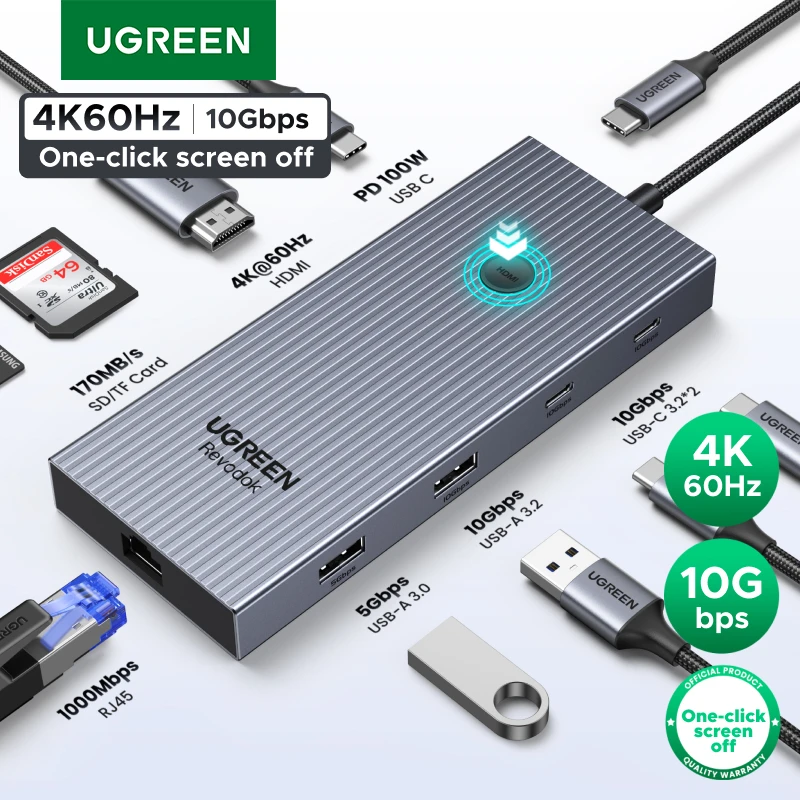 UGREEN 10Gbps USB C HUB 4K60Hz Type-C to HDMI RJ45…
26.39 USD
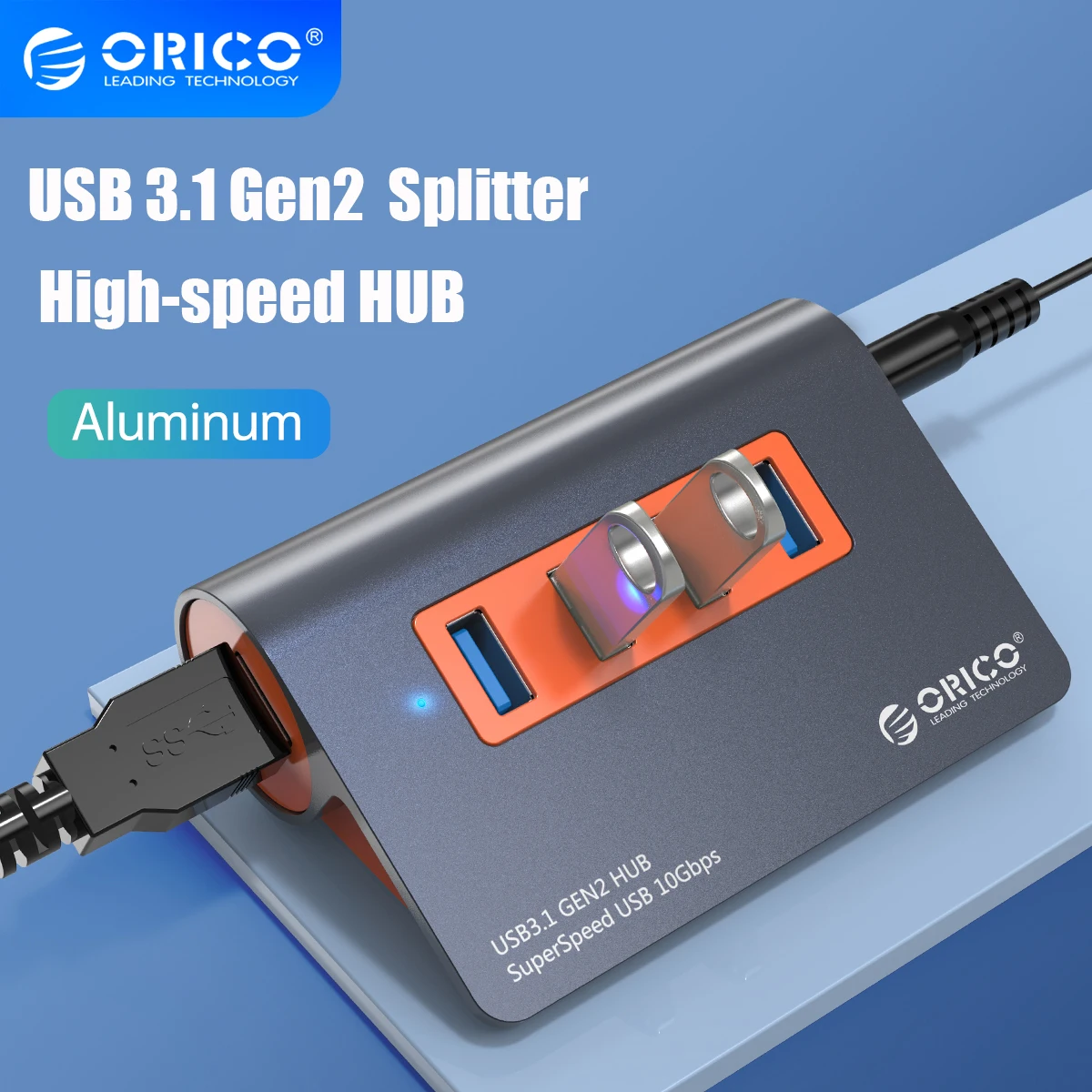 ORICO USB3.1 Gen2 HUB Aluminum USB HUB PC Splitter 10Gbps…
48.15 USD
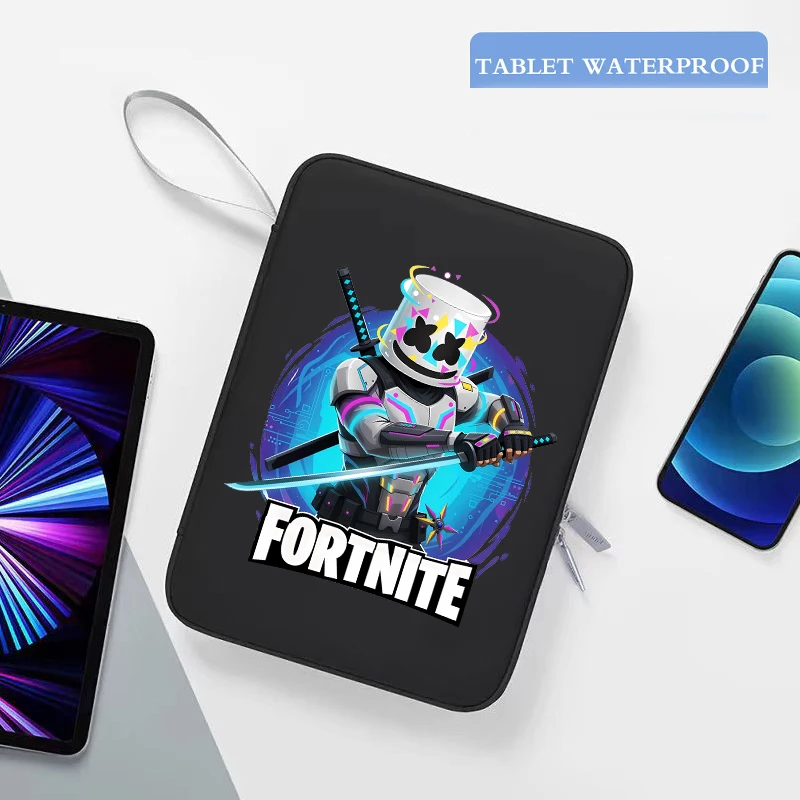 Game Fortnites Laptop Bag Anime Print Protective Tablet Sleeve Case…
4.58 USD
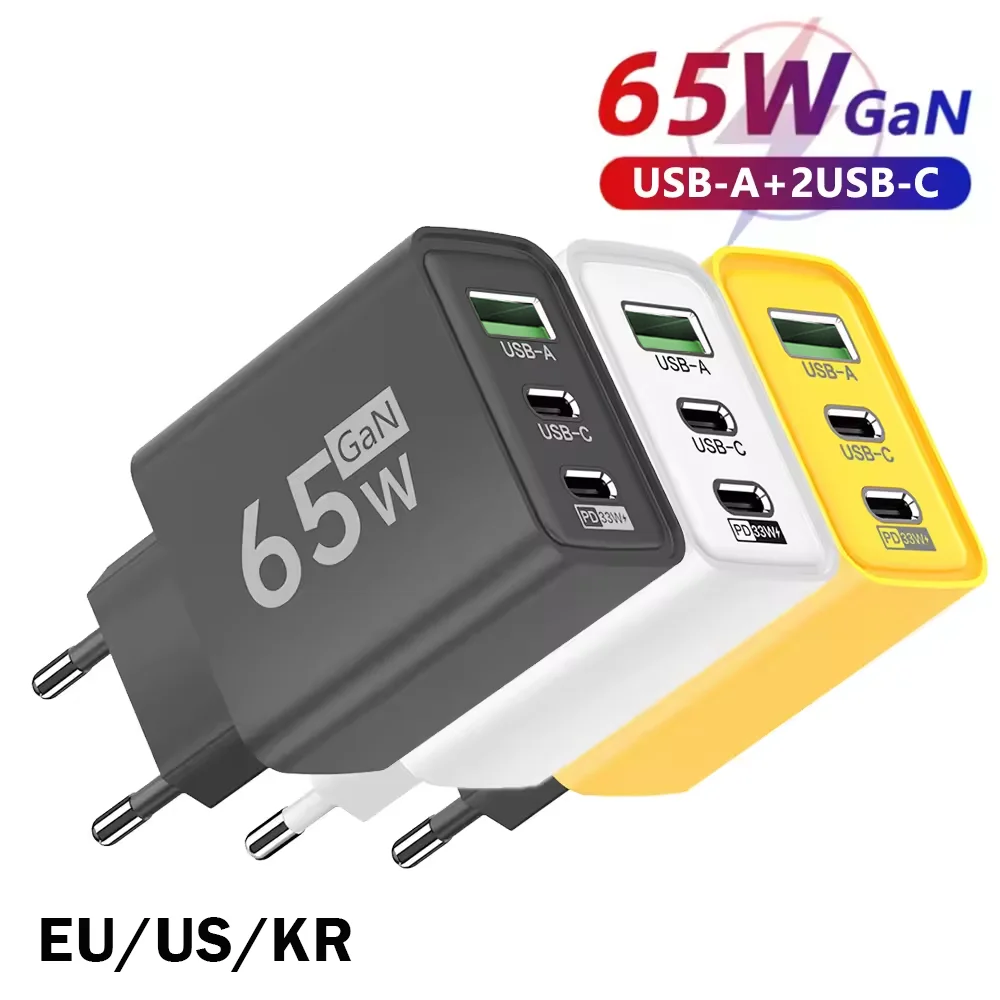 65W GaN USB C Wall Charger 3-Port PD Fast Charging…
4.44 USD
 Extra Large 60L Tactical Backpack for Men Women Outdoor Water…
134.51 USD
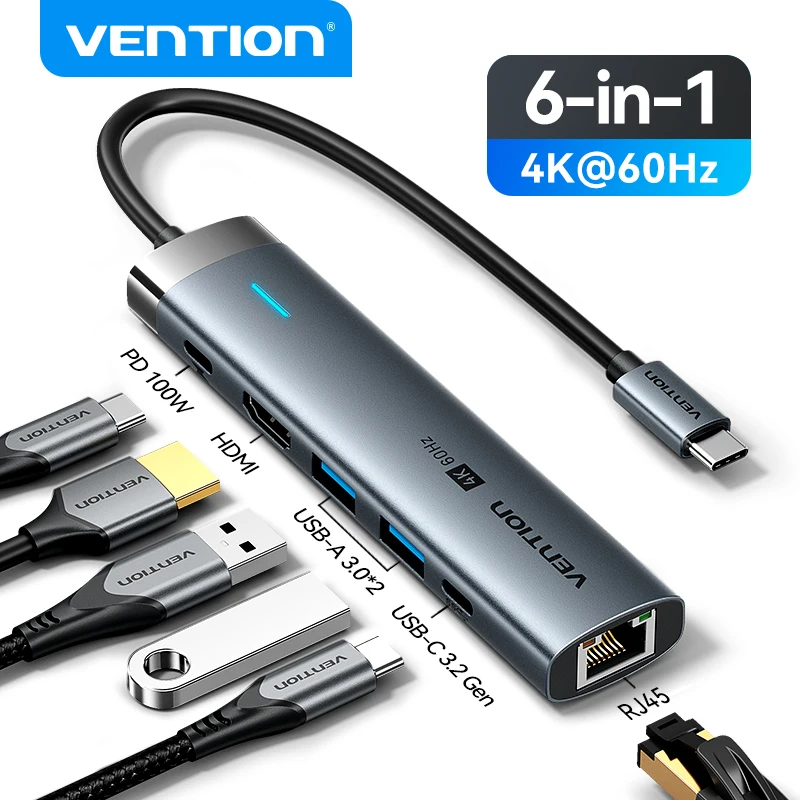 Vention USB C HUB Type C to HDMI 4K60Hz RJ45…
23.90 USD